GGPoker Verification (KYC): Documents and Tips (2026)
Sooner or later most GGPoker players are asked to verify their identity. It is a routine check rather than a sign of trouble, and if you prepare the right files in advance it rarely takes more than one round.
Why GGPoker checks your identity
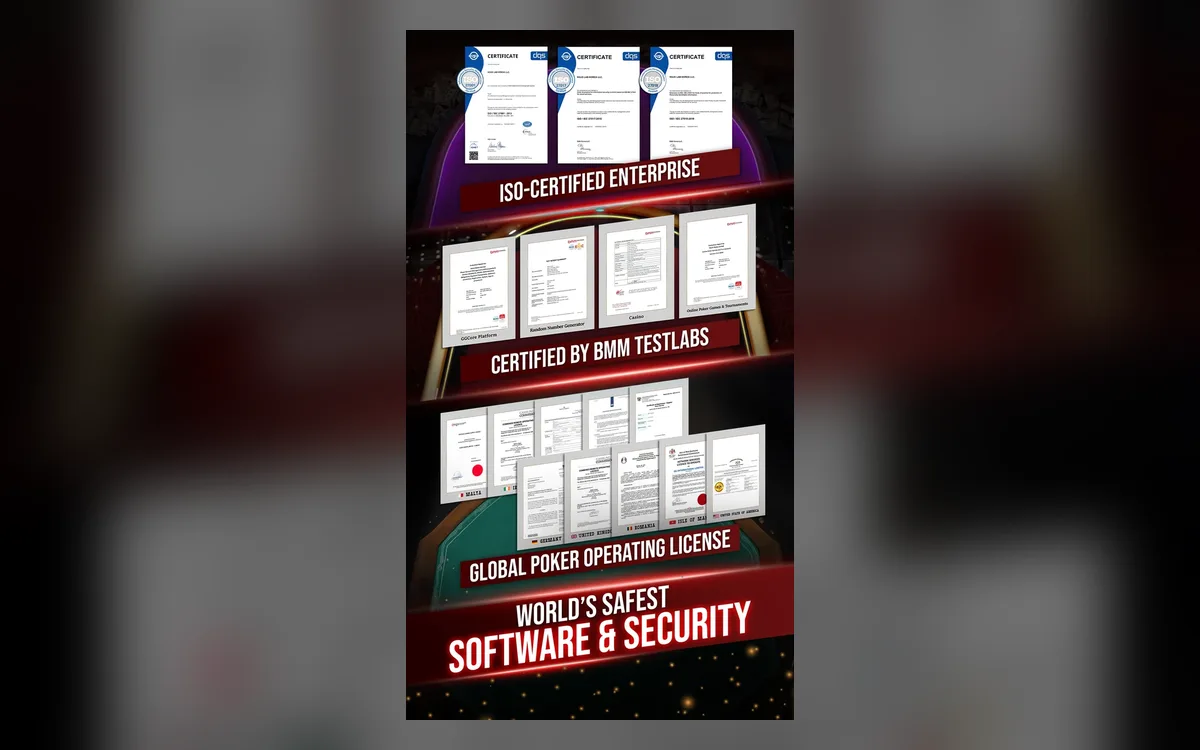
GGPoker is operated by GG International Limited under a licence from the Isle of Man Gambling Supervision Commission. Licensed operators are required to know who their customers are: to confirm that players are adults, to prevent one person from running several accounts, and to stop fraud and money laundering.
For you, the practical benefit is security. A verified account is much harder for someone else to take over or empty, and verified details make every later withdrawal smoother.
When you will be asked
There is no single moment that applies to everyone. The room’s terms state that identity may be checked once withdrawals exceed EUR 3,000 within 30 days, and that is the most common trigger. A request can also come with a first withdrawal, after a login from a new country or device, or as part of a routine security review.
Some features and promotions are only available to verified accounts, so it can make sense to complete the check early rather than wait for a payout to be put on hold.
Which documents you need
A standard request includes two things. The first is a valid photo ID: a passport or a driving licence. The second is proof of address dated within the last 90 days, such as a utility bill or a bank statement showing your name and the same address as in your profile.
Depending on the case, the security team may also ask you to confirm that a card or wallet used for deposits belongs to you, or to send a selfie holding your ID. Always follow the exact list in the request you receive, since requirements can differ by country and situation.
How to submit the documents
Use only official channels, never documents sent to someone who contacted you privately:
- 1Open the verification request in the client or the email from GGPoker and read which documents are listed.
- 2Prepare clear colour photos or scans of each document in a common image or PDF format.
- 3Upload the files through the form the room provides, one document per file.
- 4Wait for the confirmation that the documents were received.
- 5If the team asks for something else, reply in the same thread rather than starting a new ticket.
Tips for a first-time approval
Show the whole document with all four corners visible, without glare, blur or fingers over the text. Make sure the ID is not expired and that the name matches your account exactly. For proof of address, send the full page, not a cropped fragment, and check that the date really falls within the last 90 days.
Never edit, crop out or cover parts of a document. Altered files are rejected and can make the review stricter. If your address has changed recently, update your profile before uploading so that the documents and the account tell the same story.
If verification is rejected or slow
A rejection usually comes with a reason: an unreadable photo, an old utility bill or a name that does not match. Fix that exact issue and resubmit. If the review seems to be taking long, contact support from the client and quote your request, but avoid sending the same files repeatedly.
Be wary of phishing. GGPoker staff will never ask for your password or two-factor codes, and they do not request documents through social networks or messengers. When in doubt, open the client and check whether the request is visible there.
FAQ
01Is verification mandatory on GGPoker?
Not for everyone at sign-up, but the room can request it at any time, most often when withdrawals exceed EUR 3,000 within 30 days. Without it, payouts can be put on hold.
02How old can my proof of address be?
It should be dated within the last 90 days and show your name and the address from your profile.
03Can I verify before my first withdrawal?
Usually yes, and it is a good idea: completing the check early means a future payout will not wait for document review.
More GGPoker guides
 How to Register on GGPoker: Step-by-Step Sign-Up (2026)Opening a GGPoker account takes about five minutes, but a couple of choices you make on the way are permanent. This guide walks through the sign-up flow screen by screen and points out the details worth getting right the first time.Read the guide
 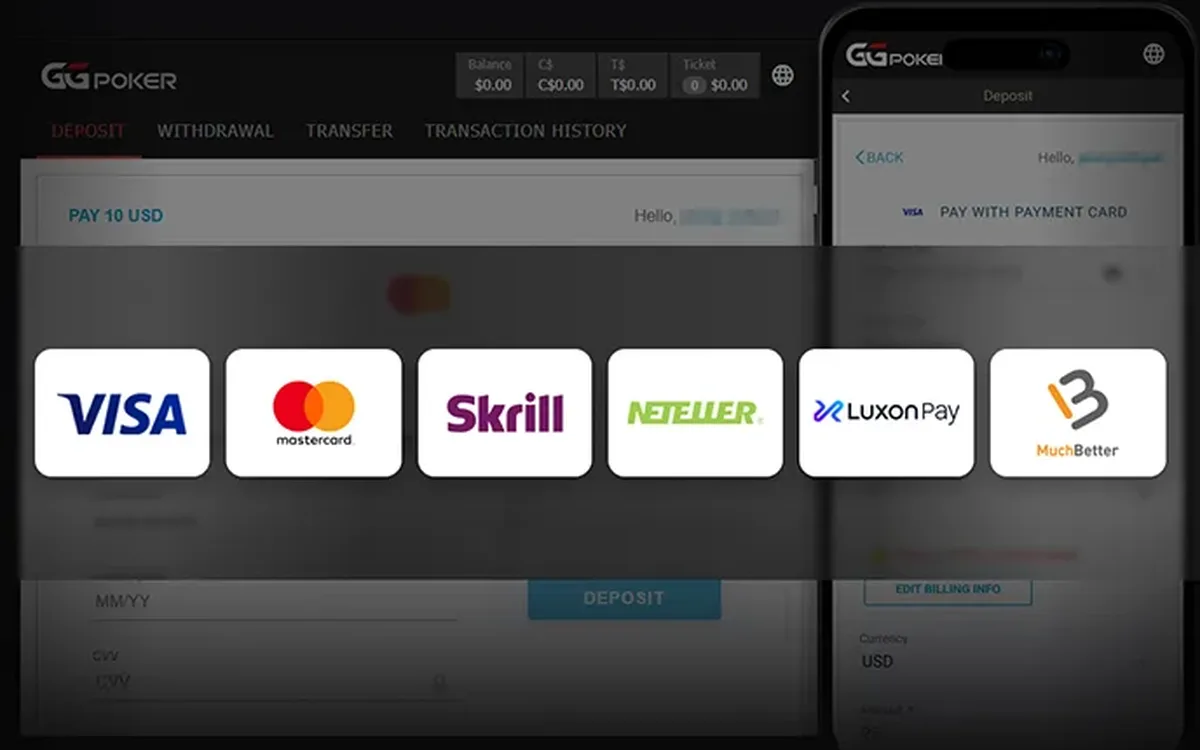 How to Deposit on GGPoker: Methods, Minimum and Bonus (2026)Funding a GGPoker account is done entirely inside the client’s cashier. The process is quick, but the method you choose affects how you will withdraw later, and the first deposit is also when you lock in your welcome offer.Read the guide
 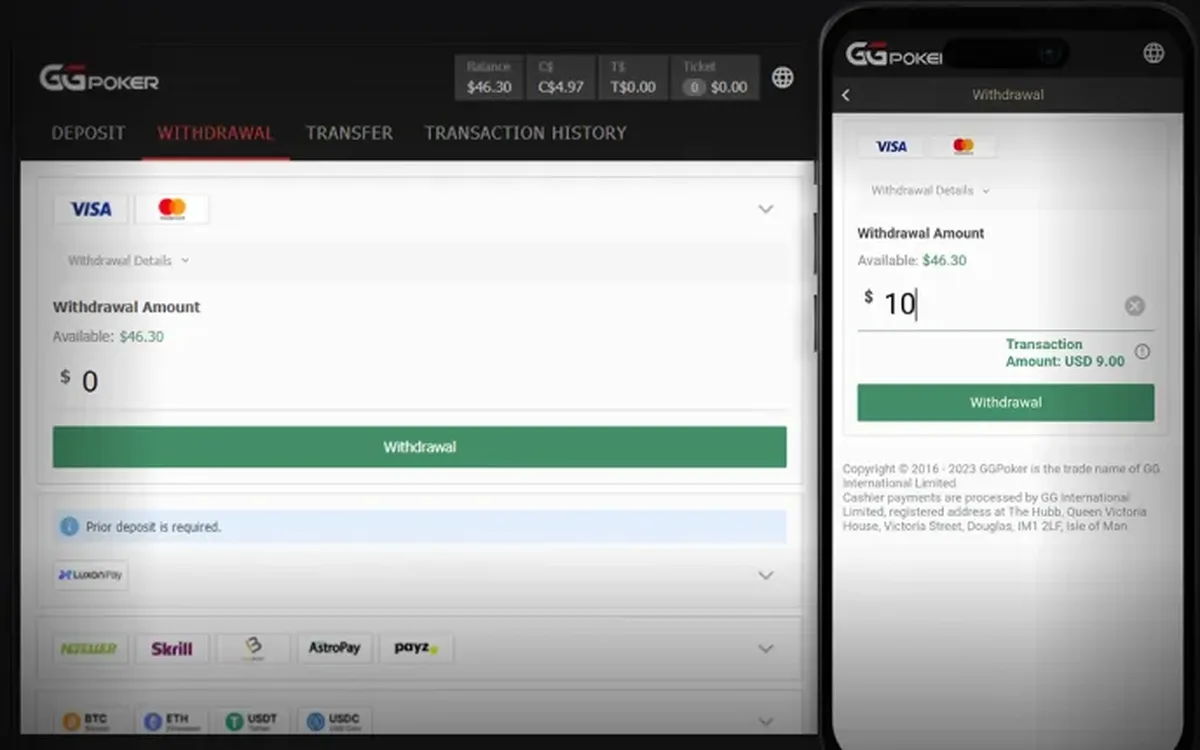 How to Withdraw from GGPoker: Step by Step (2026)Cashing out from GGPoker is done in the same cashier you used to deposit. Most delays have nothing to do with the room itself and come from unverified details or a mismatched payment method, so a few minutes of preparation usually pay off.Read the guide
  GGPoker Not Working? Fixes for Launch and Connection Issues (2026)Most GGPoker problems fall into a handful of familiar categories: the device is too old, the connection is unstable, security software blocks the client, or the installation itself is damaged. Work through the checks below in order and you will usually find the culprit within minutes.Read the guide
 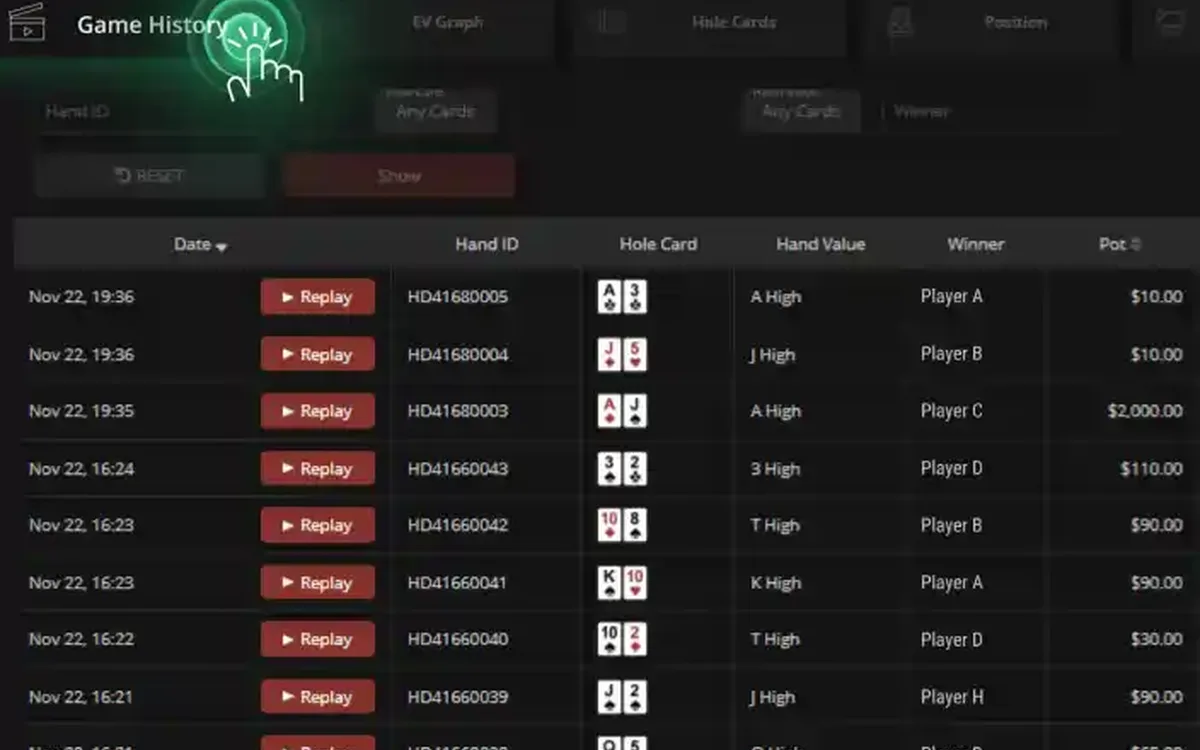 GGPoker PokerCraft and Smart HUD: Stats Without Trackers (2026)GGPoker does not let you run classic trackers like on older sites. Instead it gives every player the same built-in toolkit: PokerCraft for analysing your own game and Smart HUD for basic reads on opponents. Here is what each tool does and how to get real value from it.Read the guide
 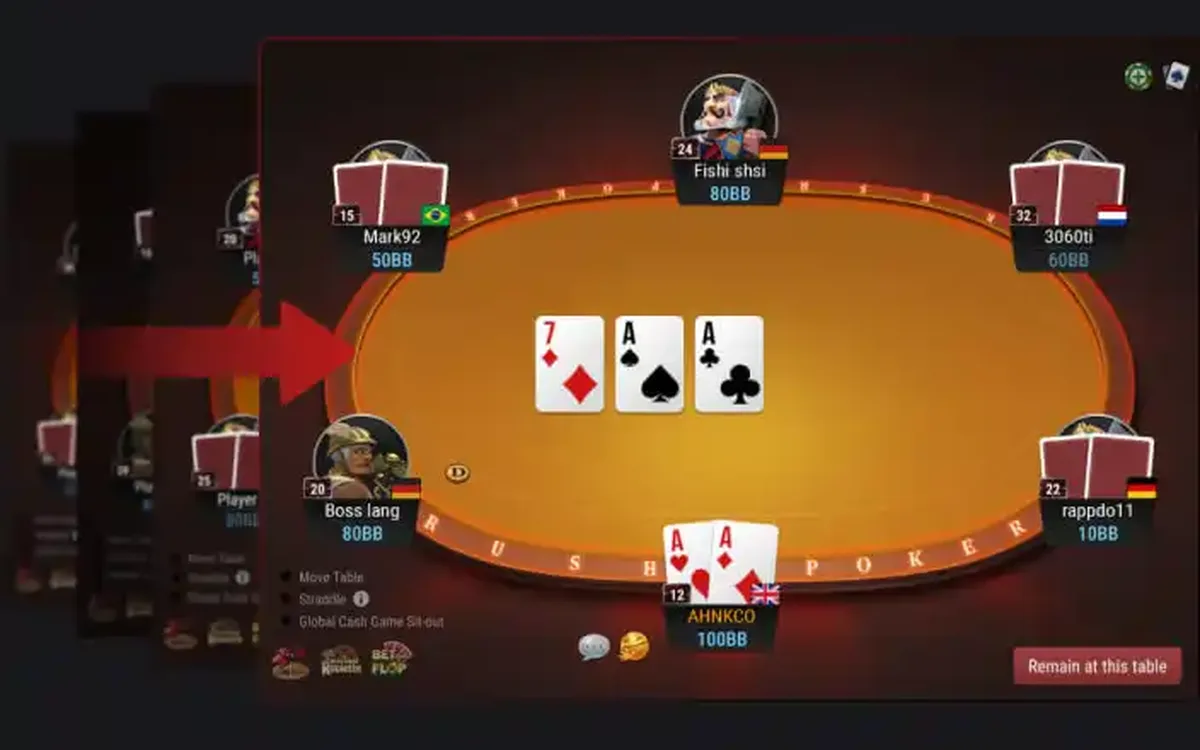 GGPoker Game Formats Explained: From Rush & Cash to Mystery Bounty (2026)GGPoker’s lobby can look overwhelming at first: alongside ordinary Hold’em there are a dozen branded formats with their own rules and pace. This overview explains what each one is in plain words and who it tends to suit, so you can pick a starting point without guesswork.Read the guide
 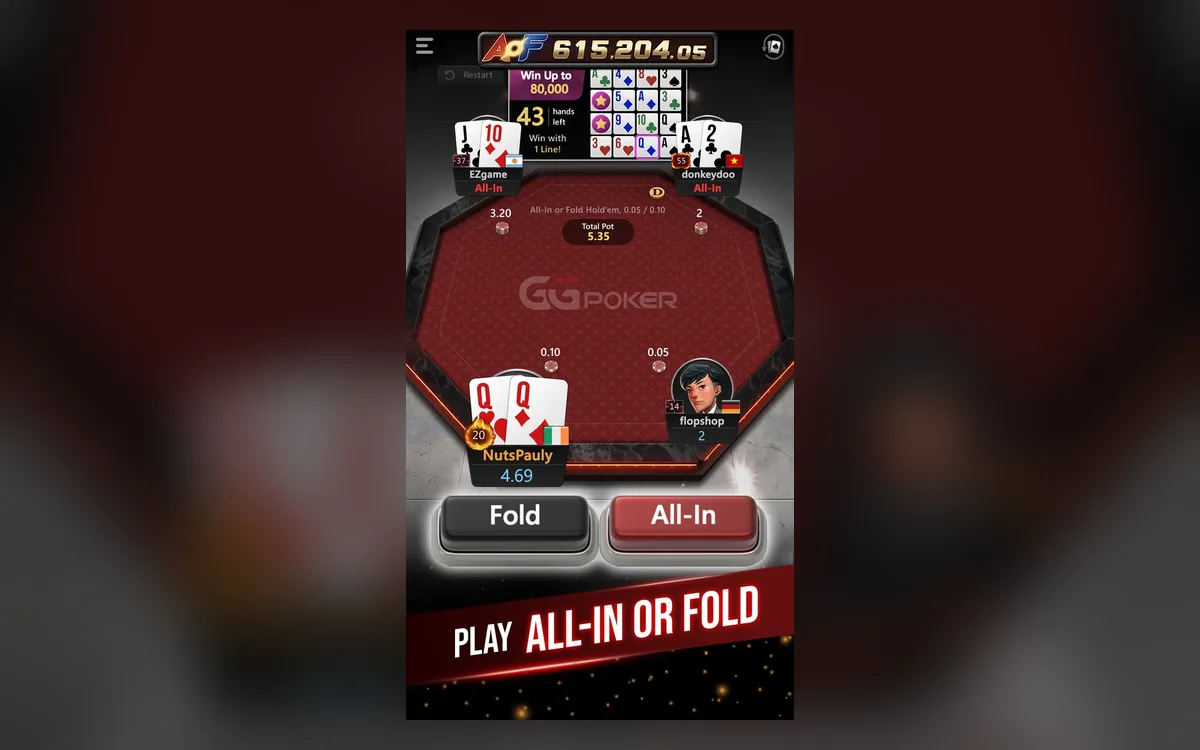 GGPoker on Your Phone: iOS and Android App Guide (2026)The GGPoker mobile app is not a cut-down companion but a full poker client: you can deposit, play cash and tournaments and withdraw from your phone. A few things work differently from desktop, though, and knowing them in advance saves frustration mid-hand.Read the guide