GGPoker Not Working? Fixes for Launch and Connection Issues (2026)
Most GGPoker problems fall into a handful of familiar categories: the device is too old, the connection is unstable, security software blocks the client, or the installation itself is damaged. Work through the checks below in order and you will usually find the culprit within minutes.
Check the system requirements
Start by ruling out the hardware. The minimum for Windows is Windows 8 with a 3 GHz processor; on a Mac you need macOS 10.13 or newer; Android phones need Android 6.0 or later; and on Apple mobile devices the floor is iPhone 7 Plus, iPad Air 2 or iPad Mini 4. Devices below these specs may install the app but crash or freeze during play.
Also make sure you run the latest client version. GGPoker normally offers an update when you launch it, and an outdated build may fail to connect to the current servers at all.
The client won’t start or crashes
If the app closes on launch or never opens, go through these steps one by one:
- 1Restart the computer or phone to clear stuck background processes.
- 2On Windows, right-click the GGPoker shortcut and choose Run as administrator.
- 3Update your graphics drivers; outdated GPU drivers are a frequent cause of rendering crashes.
- 4Turn off overlays and screen-recording tools such as the Discord overlay, which can conflict with the client.
- 5If nothing helps, do a clean reinstall as described below.
Disconnects and lag
Poker needs a stable connection more than a fast one. A wired Ethernet connection is more reliable than Wi-Fi; if you must use wireless, sit closer to the router. Restarting the router fixes more problems than you might expect, and closing streaming, large downloads and video calls frees up bandwidth. If your ping regularly stays above 200 ms or packets keep dropping, the issue is with your internet provider.
For lag inside the client, close heavy applications, lower the table graphics and animations in the settings, and reduce the number of open tables. Multi-tabling takes a noticeable share of CPU and memory on older machines.
Firewall, antivirus and VPN
Security software sometimes treats the poker client as suspicious and blocks its network traffic. Add GGPoker to the exceptions in your antivirus and firewall; on Windows, check that it is allowed in Windows Defender Firewall. You can briefly disable the firewall to test whether it is the cause, but turn it back on right after.
A VPN can also interfere with the connection, so disconnect it while you play. More importantly, using a VPN to play from a restricted country is prohibited and leads to account closure, with all the consequences for your balance. Play only from a country where GGPoker is available to you.
Clearing the cache and a clean reinstall
To clear the cache on desktop, close GGPoker completely, open its installation folder, delete the contents of the cache or temp folder (not the folder itself) and start the client again.
If problems persist, reinstall from scratch: uninstall GGPoker through Control Panel on Windows or by moving it to the Trash on a Mac, delete the leftover GGPoker folders in AppData or Application Support, download a fresh installer from the official site and log in again. On a phone, simply remove the app and install it anew.
Login problems and missing games
Check that Caps Lock is off and that you are typing the right email; use Forgot Password if unsure. A login from a new device triggers an email verification code, so look in your inbox and spam folder. If certain games or features are missing from the lobby, the reason is usually regional restrictions, an outdated client or an account that is not yet fully verified.
When the client suddenly will not connect although everything else checks out, it may be scheduled maintenance. It is usually announced in advance in the client, by email and on GGPoker’s social media channels, so check there before reinstalling anything.
FAQ
01Why does GGPoker keep disconnecting?
Most often because of an unstable internet connection, Wi-Fi interference, a firewall or antivirus blocking the client, or a VPN. Try a wired connection and add GGPoker to your security software’s exceptions.
02Can I use a VPN with GGPoker?
Using a VPN to play from a restricted country is prohibited and results in account closure. If you use a VPN for privacy, disconnect it while playing to avoid connection problems.
03What are the minimum requirements for GGPoker?
Windows 8 with a 3 GHz processor, macOS 10.13, Android 6.0, or iPhone 7 Plus / iPad Air 2 / iPad Mini 4 and newer.
More GGPoker guides
 How to Register on GGPoker: Step-by-Step Sign-Up (2026)Opening a GGPoker account takes about five minutes, but a couple of choices you make on the way are permanent. This guide walks through the sign-up flow screen by screen and points out the details worth getting right the first time.Read the guide
 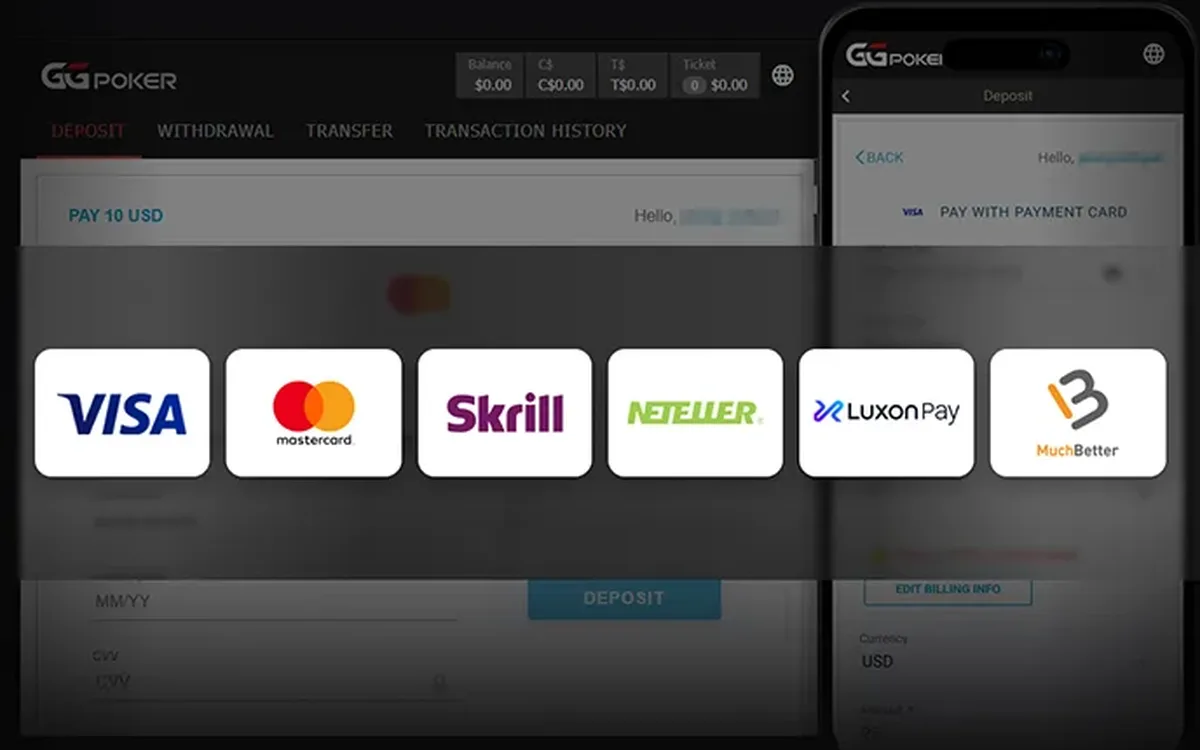 How to Deposit on GGPoker: Methods, Minimum and Bonus (2026)Funding a GGPoker account is done entirely inside the client’s cashier. The process is quick, but the method you choose affects how you will withdraw later, and the first deposit is also when you lock in your welcome offer.Read the guide
 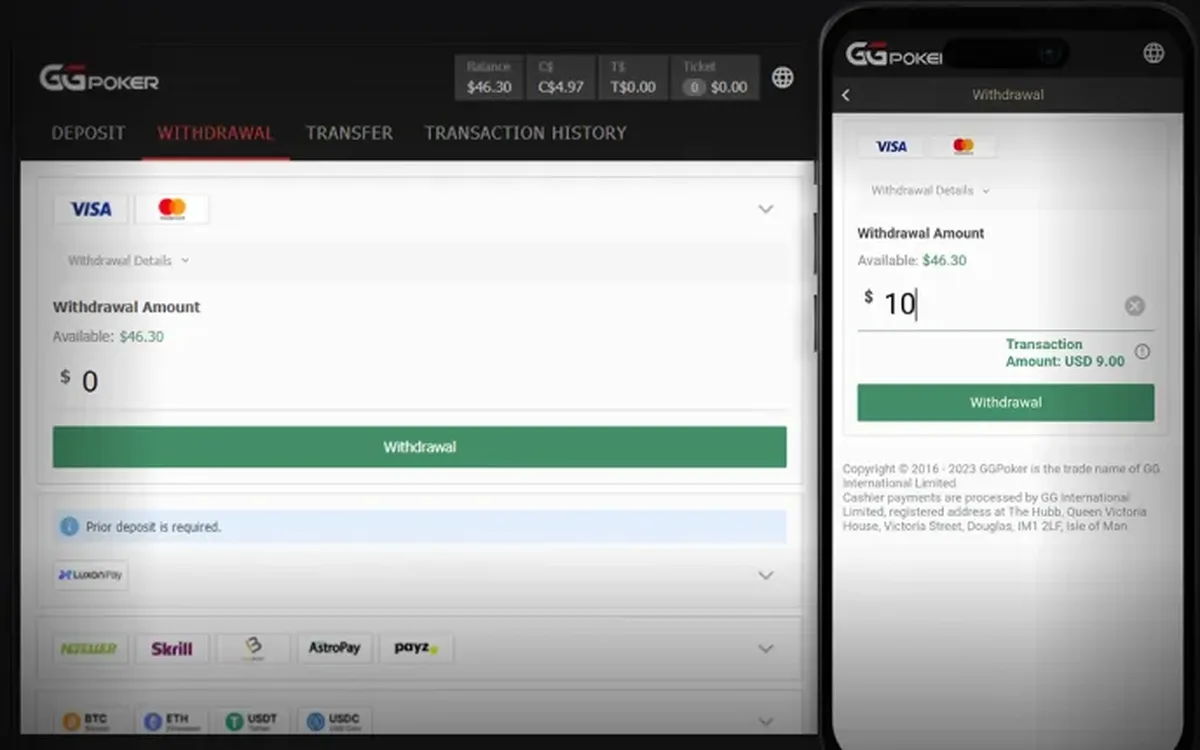 How to Withdraw from GGPoker: Step by Step (2026)Cashing out from GGPoker is done in the same cashier you used to deposit. Most delays have nothing to do with the room itself and come from unverified details or a mismatched payment method, so a few minutes of preparation usually pay off.Read the guide
  GGPoker Verification (KYC): Documents and Tips (2026)Sooner or later most GGPoker players are asked to verify their identity. It is a routine check rather than a sign of trouble, and if you prepare the right files in advance it rarely takes more than one round.Read the guide
 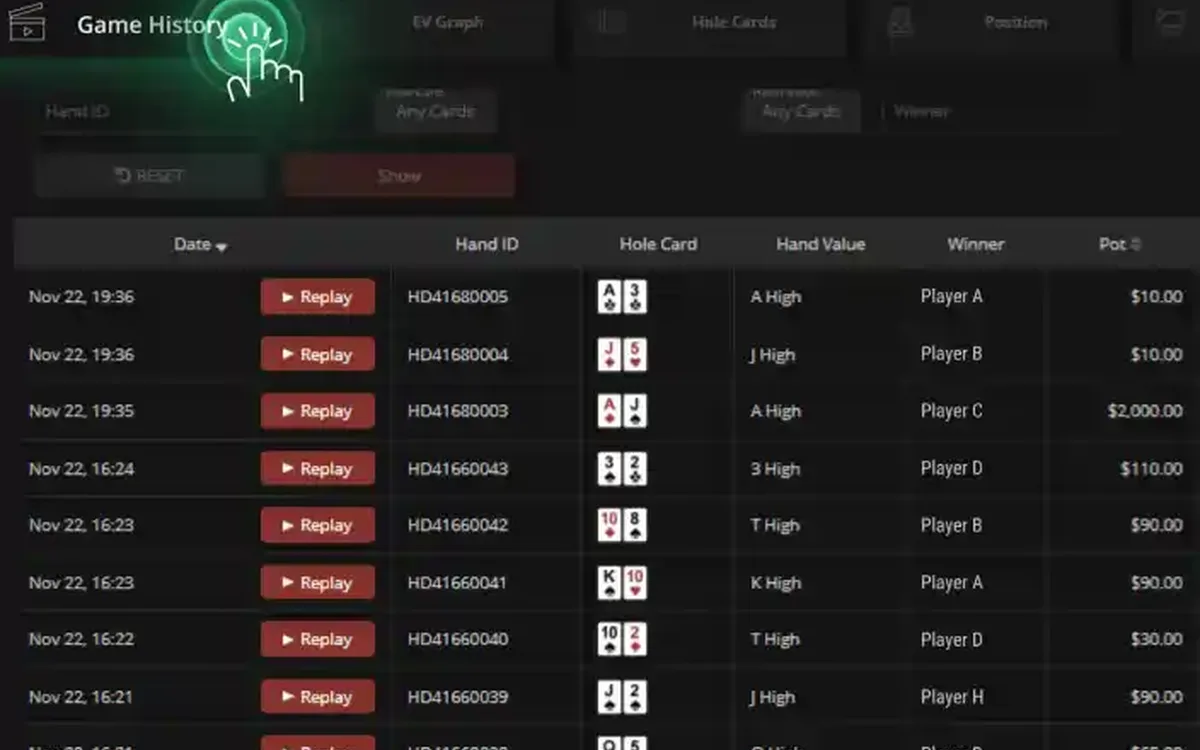 GGPoker PokerCraft and Smart HUD: Stats Without Trackers (2026)GGPoker does not let you run classic trackers like on older sites. Instead it gives every player the same built-in toolkit: PokerCraft for analysing your own game and Smart HUD for basic reads on opponents. Here is what each tool does and how to get real value from it.Read the guide
 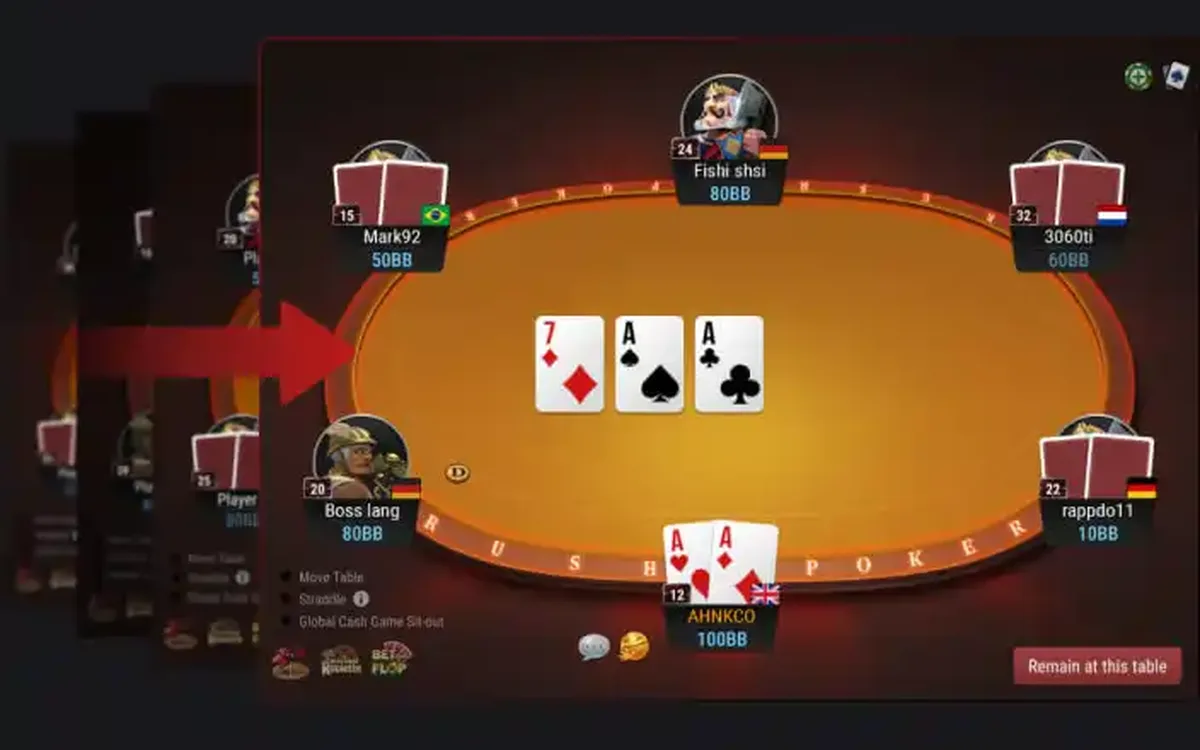 GGPoker Game Formats Explained: From Rush & Cash to Mystery Bounty (2026)GGPoker’s lobby can look overwhelming at first: alongside ordinary Hold’em there are a dozen branded formats with their own rules and pace. This overview explains what each one is in plain words and who it tends to suit, so you can pick a starting point without guesswork.Read the guide
 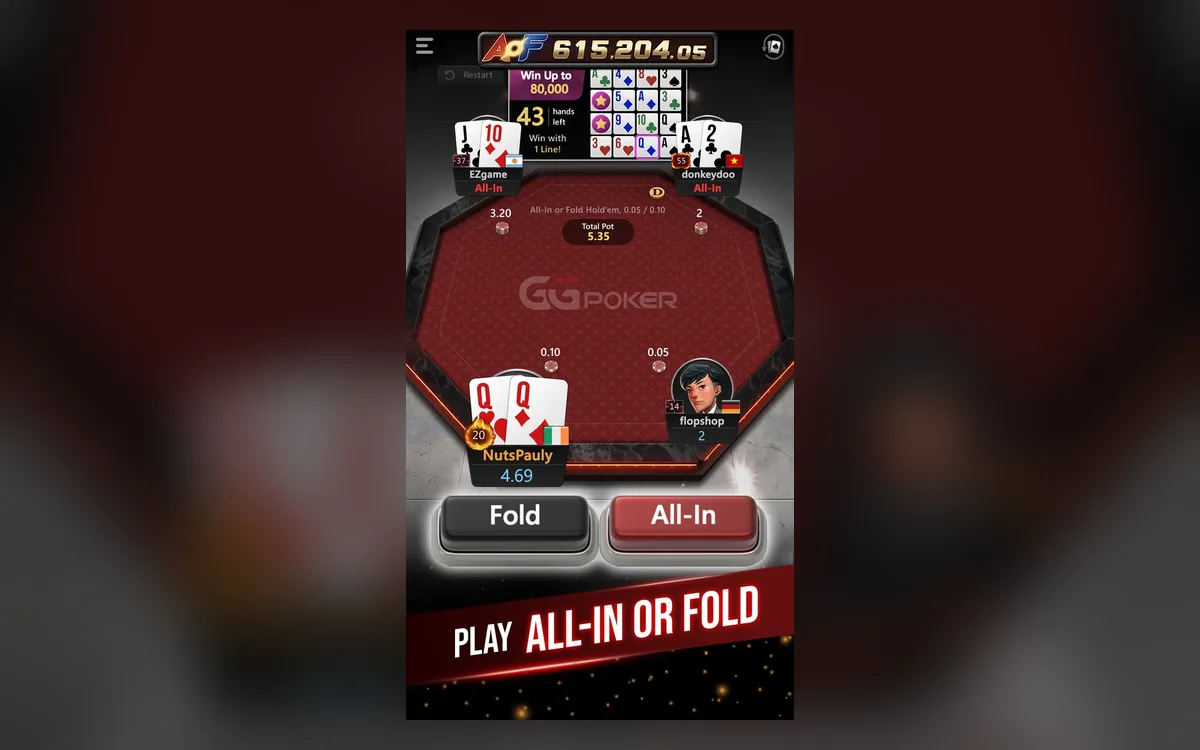 GGPoker on Your Phone: iOS and Android App Guide (2026)The GGPoker mobile app is not a cut-down companion but a full poker client: you can deposit, play cash and tournaments and withdraw from your phone. A few things work differently from desktop, though, and knowing them in advance saves frustration mid-hand.Read the guide