GGPoker on Your Phone: iOS and Android App Guide (2026)
The GGPoker mobile app is not a cut-down companion but a full poker client: you can deposit, play cash and tournaments and withdraw from your phone. A few things work differently from desktop, though, and knowing them in advance saves frustration mid-hand.
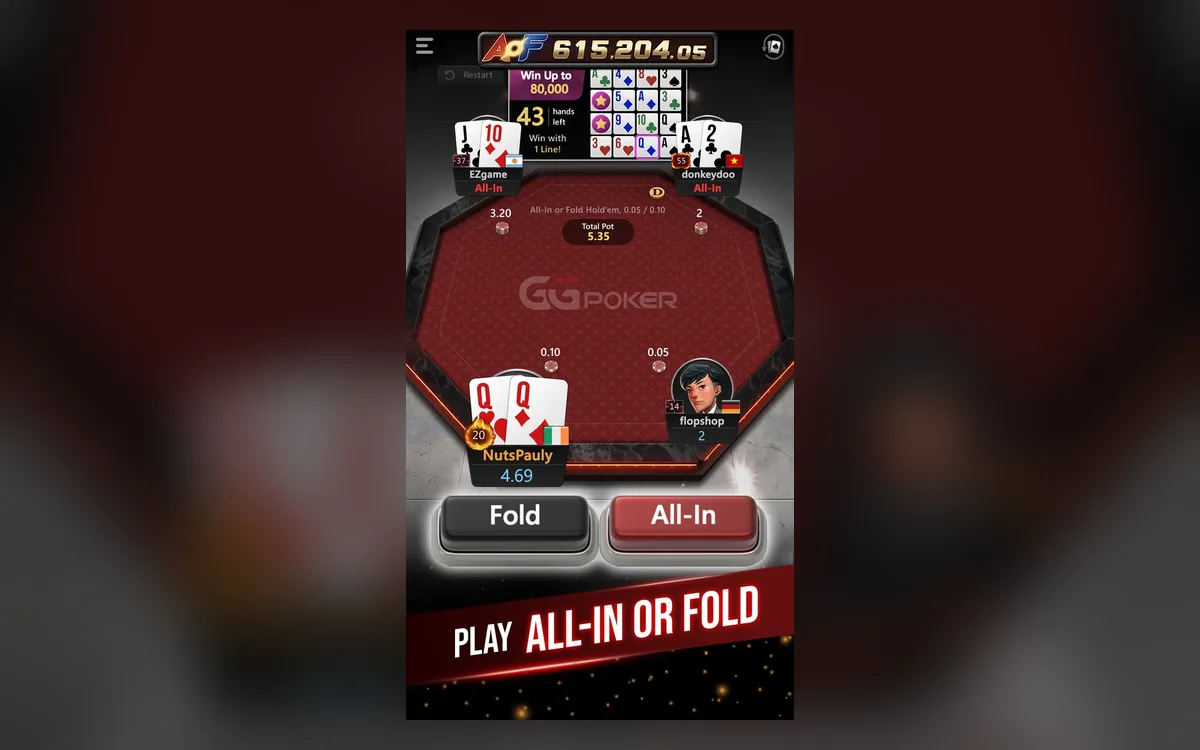
What you can do in the app
The mobile app supports most desktop features: regular cash games, Rush & Cash, Spin & Gold, tournaments and the cashier for deposits and withdrawals. Your account, balance and tickets are shared between devices, so you can register a tournament on the computer and keep playing it on the phone.
Some tools are simplified. PokerCraft has a lighter interface on mobile, and advanced multi-tabling features are more limited than on desktop. To run the app you need Android 6.0 or newer, or an iPhone 7 Plus, iPad Air 2, iPad Mini 4 or a later model.
Installing on iPhone and iPad
On Apple devices the app is distributed through the App Store:
- 1Open the App Store on your iPhone or iPad.
- 2Search for GGPoker and check that the publisher is the official one.
- 3Tap Get to download and install the app.
- 4Open it and log in, or create an account if you are new.
Installing on Android
The app may not be available in Google Play in every region, so on Android it is usually installed from an APK file downloaded from the official GGPoker site:
- 1Open the official GGPoker site in your phone’s browser and tap Download for Android.
- 2If the system blocks the file, go to Settings > Security and allow Install unknown apps for the browser you used.
- 3Open the downloaded .apk file and tap Install.
- 4Launch GGPoker and log in.
About the unknown-apps permission
The permission is needed only because the app is installed outside the store. Grant it only to the browser you used for the official download, and consider switching it off again after installation. Never install a GGPoker APK sent through messengers, forums or file-sharing sites: modified builds are a common way to steal accounts and balances.
Updates for the APK version arrive through the app itself, which normally prompts you on launch. Install them promptly, because an outdated client may refuse to connect.
Multi-tabling and table comfort
A phone screen is small, and the app is designed around one table at a time, with the option to switch between a limited number of tables. If you usually play many tables at once, keep that for the desktop client and use the phone for a single cash table, a Spin & Gold or a tournament you are following.
Turn the phone to the orientation the app suggests, enable the larger action buttons if available in the settings, and consider turning off animations to keep decisions quick.
A practical split for many players: short formats such as Spin & Gold on the phone, long tournament days and multi-table cash on the computer.
Battery and connection tips
The most common mobile disconnect happens when the phone jumps between Wi-Fi and mobile data. On a weak Wi-Fi signal, it is often better to stay on mobile data for the whole session. Avoid playing important hands in a lift, on the underground or while travelling through areas with poor coverage.
Long sessions drain the battery quickly, so start with a good charge or keep the phone plugged in. Aggressive power-saving modes can freeze the app in the background; if you switch to other apps during a tournament, add GGPoker to the battery-optimisation exceptions.
Finally, protect the device itself with a screen lock and keep two-factor authentication on. Because the app is always in your pocket, it is worth setting deposit and session limits too: quick sessions on the go add up faster than they seem.
FAQ
01Is GGPoker available on Google Play?
Not in every region. On Android the app is usually installed as an APK from the official GGPoker site, which requires allowing installation from unknown sources for your browser.
02Can I use the same account on phone and computer?
Yes. One account works on all devices, with a shared balance, tickets and tournament registrations.
03Can I multi-table on mobile?
Only to a limited extent. The app focuses on one table at a time with switching between a few tables; heavy multi-tabling is better done in the desktop client.
More GGPoker guides
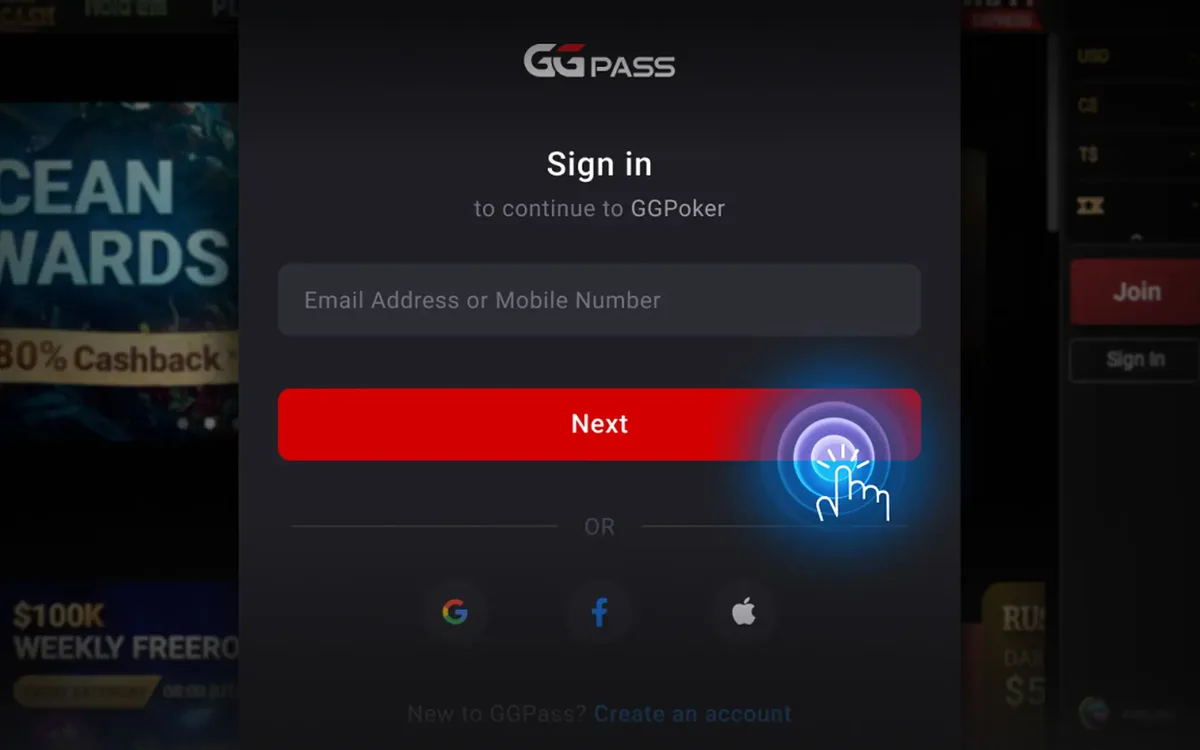 How to Register on GGPoker: Step-by-Step Sign-Up (2026)Opening a GGPoker account takes about five minutes, but a couple of choices you make on the way are permanent. This guide walks through the sign-up flow screen by screen and points out the details worth getting right the first time.Read the guide
 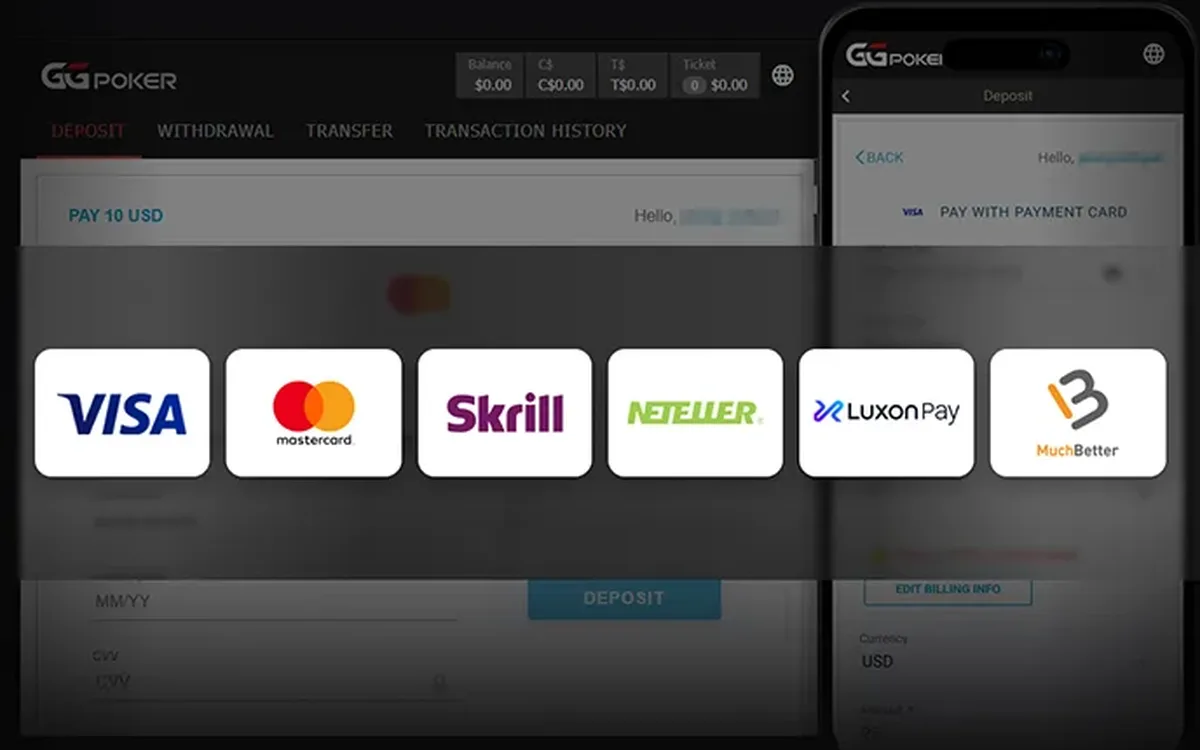 How to Deposit on GGPoker: Methods, Minimum and Bonus (2026)Funding a GGPoker account is done entirely inside the client’s cashier. The process is quick, but the method you choose affects how you will withdraw later, and the first deposit is also when you lock in your welcome offer.Read the guide
 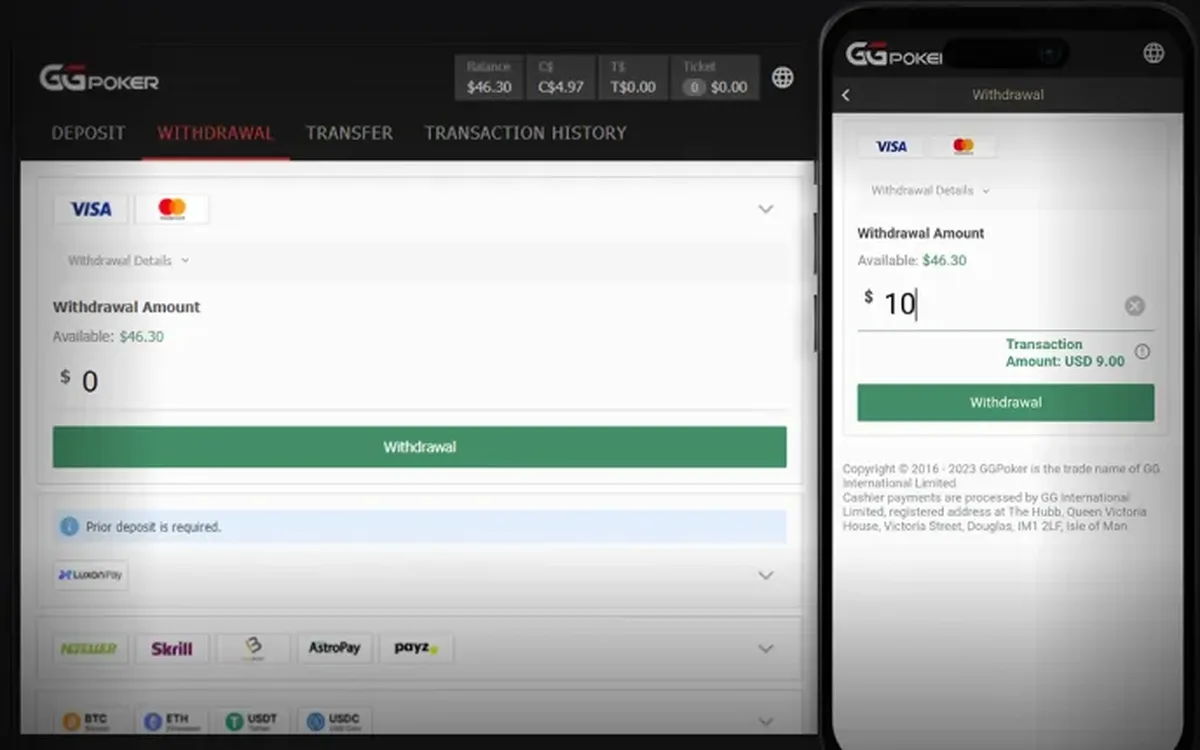 How to Withdraw from GGPoker: Step by Step (2026)Cashing out from GGPoker is done in the same cashier you used to deposit. Most delays have nothing to do with the room itself and come from unverified details or a mismatched payment method, so a few minutes of preparation usually pay off.Read the guide
 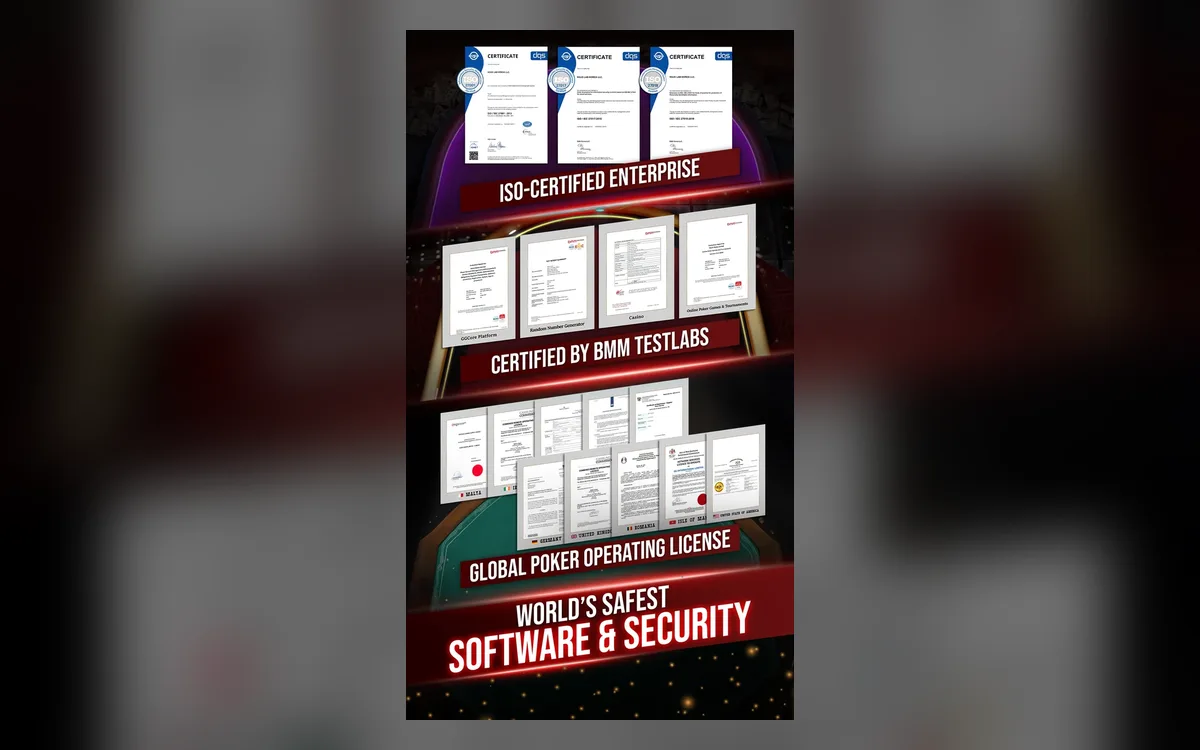 GGPoker Verification (KYC): Documents and Tips (2026)Sooner or later most GGPoker players are asked to verify their identity. It is a routine check rather than a sign of trouble, and if you prepare the right files in advance it rarely takes more than one round.Read the guide
 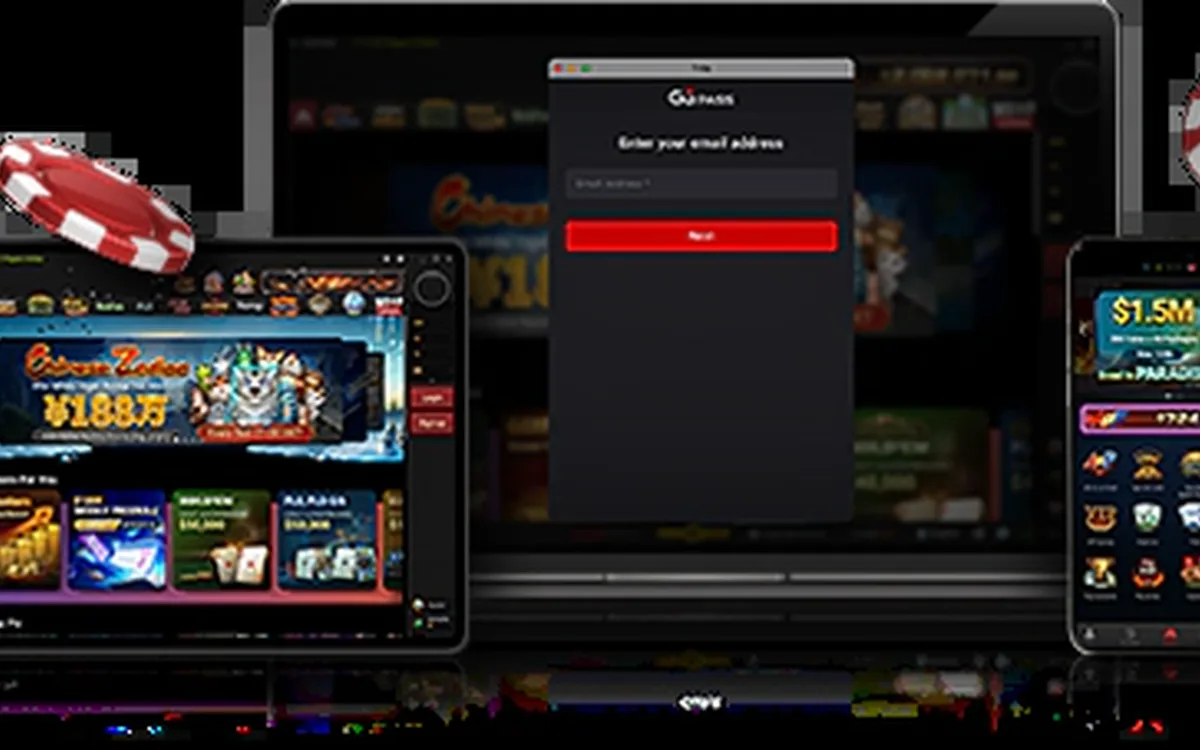 GGPoker Not Working? Fixes for Launch and Connection Issues (2026)Most GGPoker problems fall into a handful of familiar categories: the device is too old, the connection is unstable, security software blocks the client, or the installation itself is damaged. Work through the checks below in order and you will usually find the culprit within minutes.Read the guide
 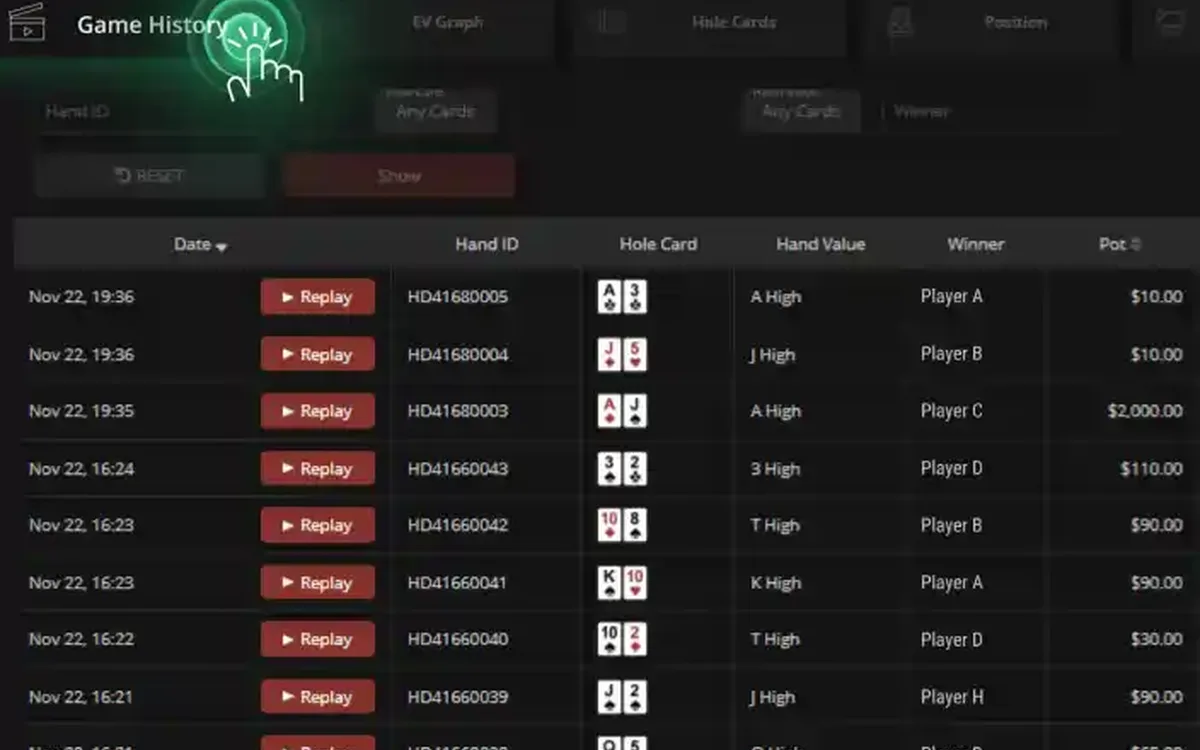 GGPoker PokerCraft and Smart HUD: Stats Without Trackers (2026)GGPoker does not let you run classic trackers like on older sites. Instead it gives every player the same built-in toolkit: PokerCraft for analysing your own game and Smart HUD for basic reads on opponents. Here is what each tool does and how to get real value from it.Read the guide
 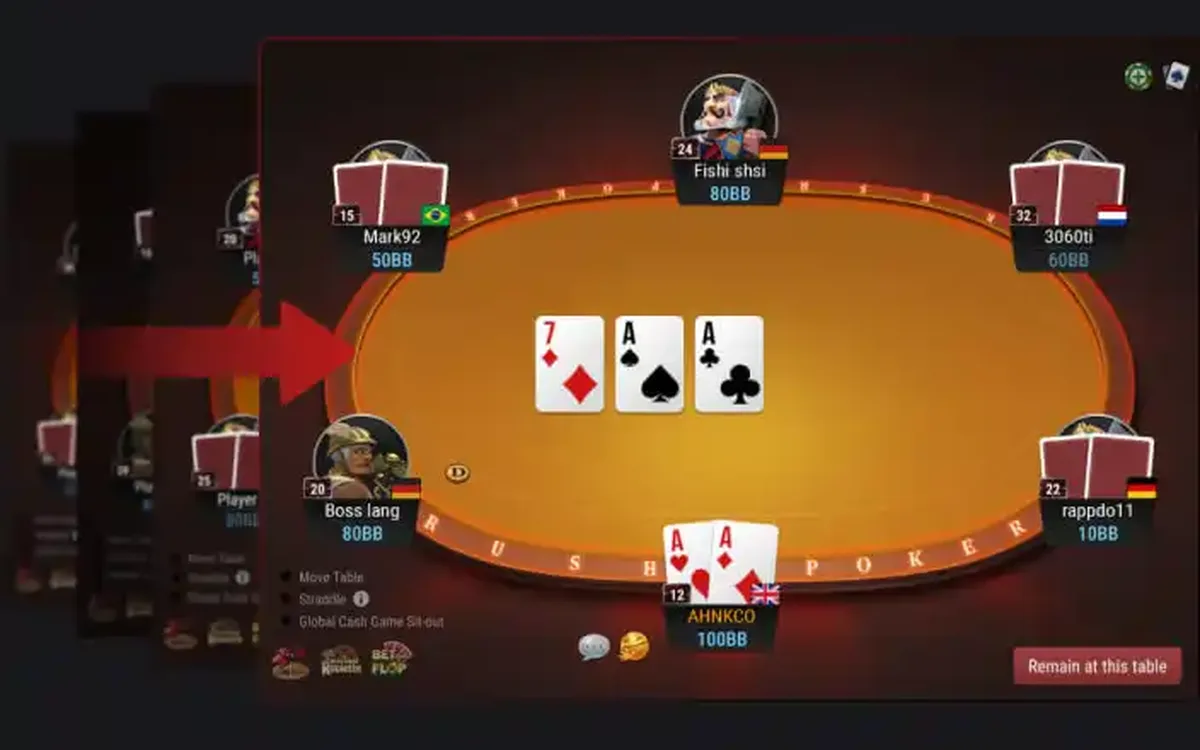 GGPoker Game Formats Explained: From Rush & Cash to Mystery Bounty (2026)GGPoker’s lobby can look overwhelming at first: alongside ordinary Hold’em there are a dozen branded formats with their own rules and pace. This overview explains what each one is in plain words and who it tends to suit, so you can pick a starting point without guesswork.Read the guide