GGPoker PokerCraft and Smart HUD: Stats Without Trackers (2026)
GGPoker does not let you run classic trackers like on older sites. Instead it gives every player the same built-in toolkit: PokerCraft for analysing your own game and Smart HUD for basic reads on opponents. Here is what each tool does and how to get real value from it.
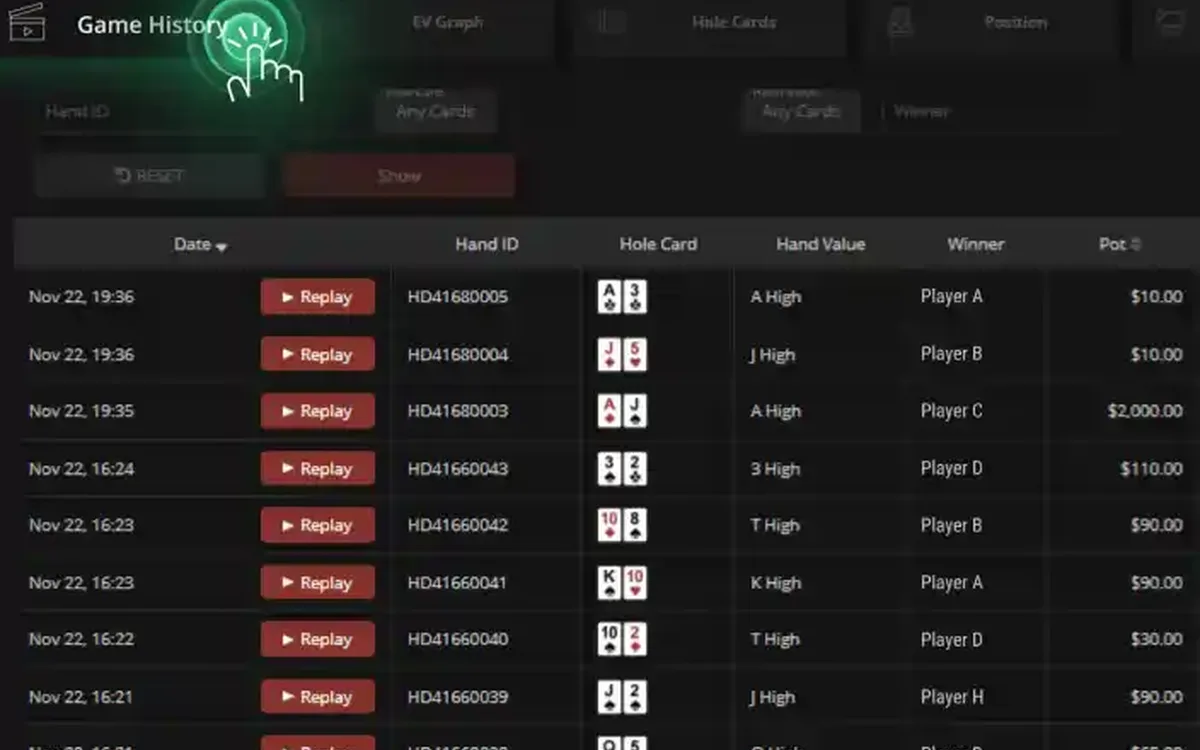
What PokerCraft is
PokerCraft is the statistics section built into the GGPoker client. It stores your hand histories and session data automatically, so there is nothing to install or configure. You open it from the lobby on desktop, and a simplified version is available in the mobile app.
Think of it as a personal logbook rather than a weapon against opponents: it is designed to show you where you win and lose, not to profile the other players at your table.
What you can track
The core of PokerCraft is the results overview: graphs of your winnings over time and breakdowns by game format, stake and position. For tournament players there are summaries of entries, finishes and results across events, and for cash players a session-by-session view of hands played and money won or lost.
These breakdowns are where the most useful insights hide. Many players discover, for example, that they are profitable in one format and steadily losing in another, or that a particular position costs them far more than it should.
Keep an eye on volume as well: how many hands or tournaments you played this week and this month. A great result on a tiny sample proves little, while a poor one over a large sample is a real reason to rethink a format or stake.
Reviewing hands step by step
Hand review is the part of PokerCraft most players underuse. A simple routine after each session:
- 1Open PokerCraft from the lobby and choose the session or date range you want to review.
- 2Filter by game type and stake so that you look at comparable hands.
- 3Sort or filter for the biggest pots won and lost — these decide most results.
- 4Open a hand and use the replayer to watch the action street by street.
- 5Write down one concrete mistake or doubt per hand and revisit it later during study.
Smart HUD: basic reads for everyone
Smart HUD is GGPoker’s own heads-up display. It shows a small set of basic statistics on opponents you have already played hands with, directly at the table. The key principle is equality: the same information is available to every player, so nobody gains a hidden edge from expensive software.
Treat these numbers as a starting point. A few dozen hands say little about an opponent’s real tendencies, and the stats become meaningful only as the sample grows.
Why third-party HUDs are banned
GGPoker prohibits third-party HUDs, trackers, real-time assistance programs and bots. The room’s security team regularly closes accounts for using such tools, and money from closed accounts can be confiscated. The aim is to keep recreational players from facing opponents armed with software they do not have.
The safe rule is simple: while the client is running, use only the tools GGPoker itself provides. If you are unsure whether a program is allowed, check the room’s list of permitted software or ask support before launching it.
Using statistics sensibly
Poker results are noisy. A winning or losing month can be pure variance, so look at trends over many thousands of hands rather than reacting to the last session. Use PokerCraft to spot leaks and to check that you are playing within your bankroll, not to chase losses.
The same data is also a useful responsible gaming check. If the graphs show that you play much longer or more often than you planned, that is a signal to take a break or set limits in the account settings.
FAQ
01Is PokerCraft free?
Yes. PokerCraft is built into the GGPoker client and available to every player at no cost; there is nothing to install.
02Can I use HoldemManager or PokerTracker on GGPoker?
No. Third-party HUDs and trackers are banned on GGPoker, and using them can lead to account closure. Use PokerCraft and the built-in Smart HUD instead.
03Do opponents see my stats in Smart HUD?
Smart HUD shows the same basic statistics to everyone, so players you have played with can see a similar set of numbers about you.
More GGPoker guides
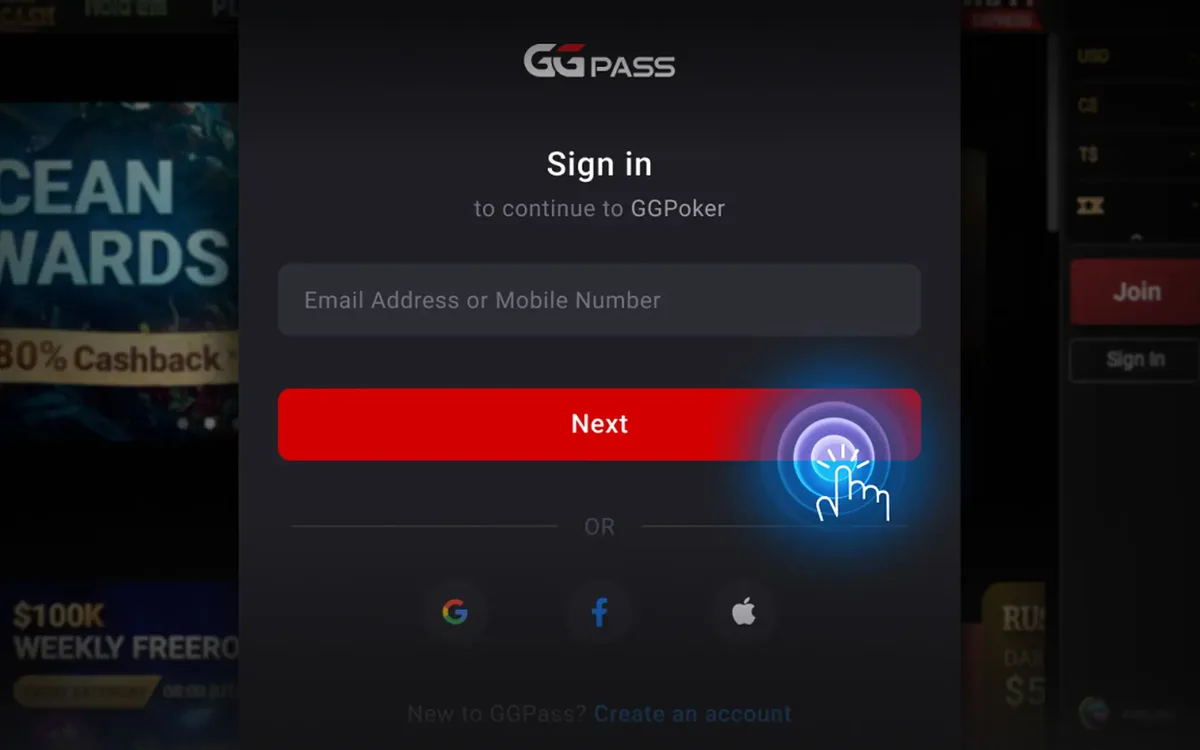 How to Register on GGPoker: Step-by-Step Sign-Up (2026)Opening a GGPoker account takes about five minutes, but a couple of choices you make on the way are permanent. This guide walks through the sign-up flow screen by screen and points out the details worth getting right the first time.Read the guide
 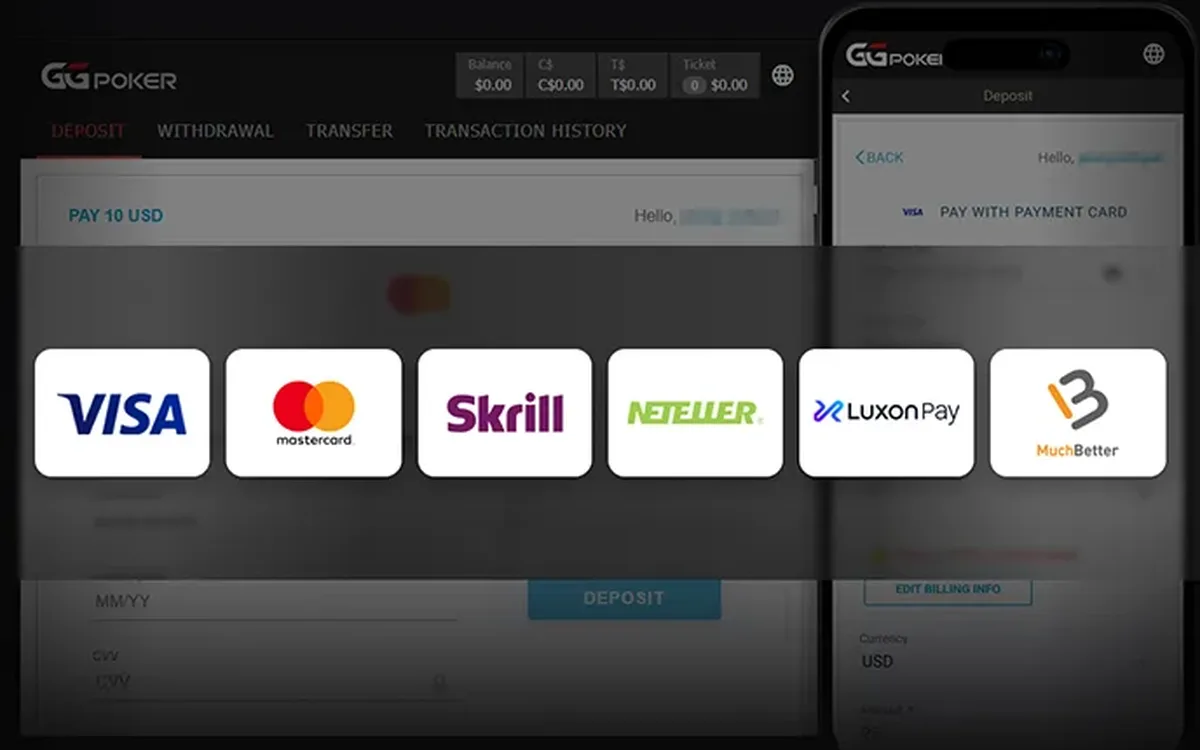 How to Deposit on GGPoker: Methods, Minimum and Bonus (2026)Funding a GGPoker account is done entirely inside the client’s cashier. The process is quick, but the method you choose affects how you will withdraw later, and the first deposit is also when you lock in your welcome offer.Read the guide
 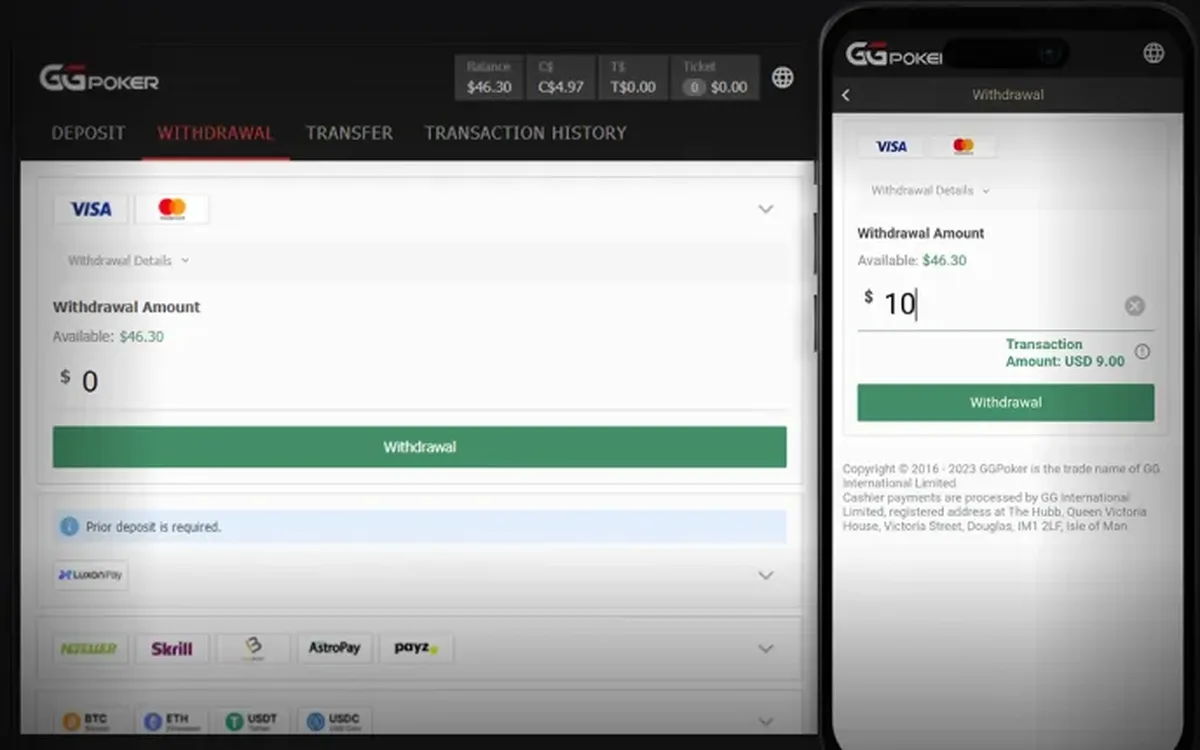 How to Withdraw from GGPoker: Step by Step (2026)Cashing out from GGPoker is done in the same cashier you used to deposit. Most delays have nothing to do with the room itself and come from unverified details or a mismatched payment method, so a few minutes of preparation usually pay off.Read the guide
  GGPoker Verification (KYC): Documents and Tips (2026)Sooner or later most GGPoker players are asked to verify their identity. It is a routine check rather than a sign of trouble, and if you prepare the right files in advance it rarely takes more than one round.Read the guide
  GGPoker Not Working? Fixes for Launch and Connection Issues (2026)Most GGPoker problems fall into a handful of familiar categories: the device is too old, the connection is unstable, security software blocks the client, or the installation itself is damaged. Work through the checks below in order and you will usually find the culprit within minutes.Read the guide
  GGPoker Game Formats Explained: From Rush & Cash to Mystery Bounty (2026)GGPoker’s lobby can look overwhelming at first: alongside ordinary Hold’em there are a dozen branded formats with their own rules and pace. This overview explains what each one is in plain words and who it tends to suit, so you can pick a starting point without guesswork.Read the guide
  GGPoker on Your Phone: iOS and Android App Guide (2026)The GGPoker mobile app is not a cut-down companion but a full poker client: you can deposit, play cash and tournaments and withdraw from your phone. A few things work differently from desktop, though, and knowing them in advance saves frustration mid-hand.Read the guide