How to Register on GGPoker: Step-by-Step Sign-Up (2026)
Opening a GGPoker account takes about five minutes, but a couple of choices you make on the way are permanent. This guide walks through the sign-up flow screen by screen and points out the details worth getting right the first time.
Before you sign up
GGPoker is a real-money poker room, so you must be at least 18 (or older where local law sets a higher age). The room is not open everywhere: the United States, Australia, France, Italy, Spain, Portugal and several other countries are on the restricted list, and players from Russia are redirected to the PokerOK skin. Some markets, such as the UK, Germany, the Netherlands and Canada, are served by a separate local version of the site with its own rules.
Use your real name, date of birth and address from the very start. The details in your profile will be compared with your ID documents when you withdraw, and a mismatch is the most common reason a payout gets delayed. One person may hold only one account, so if you already registered years ago, recover that account instead of opening a new one.
Install the client or start in the browser
You can begin registration on the official site or straight from the app. The client is available for Windows (Windows 8 or newer, 3 GHz processor), macOS 10.13 or newer, Android 6.0 and up, and iPhone 7 Plus / iPad Air 2 or newer. Whichever device you start on, the same account works everywhere afterwards.
Download the installer only from the official GGPoker site or the App Store; builds passed around in chats or file-sharing sites can carry malware. On Windows, run the file, pick a language and press Install. On a Mac, open the .dmg and drag the app into Applications, allowing it under Security & Privacy if macOS objects to an unidentified developer.
Creating the account, screen by screen
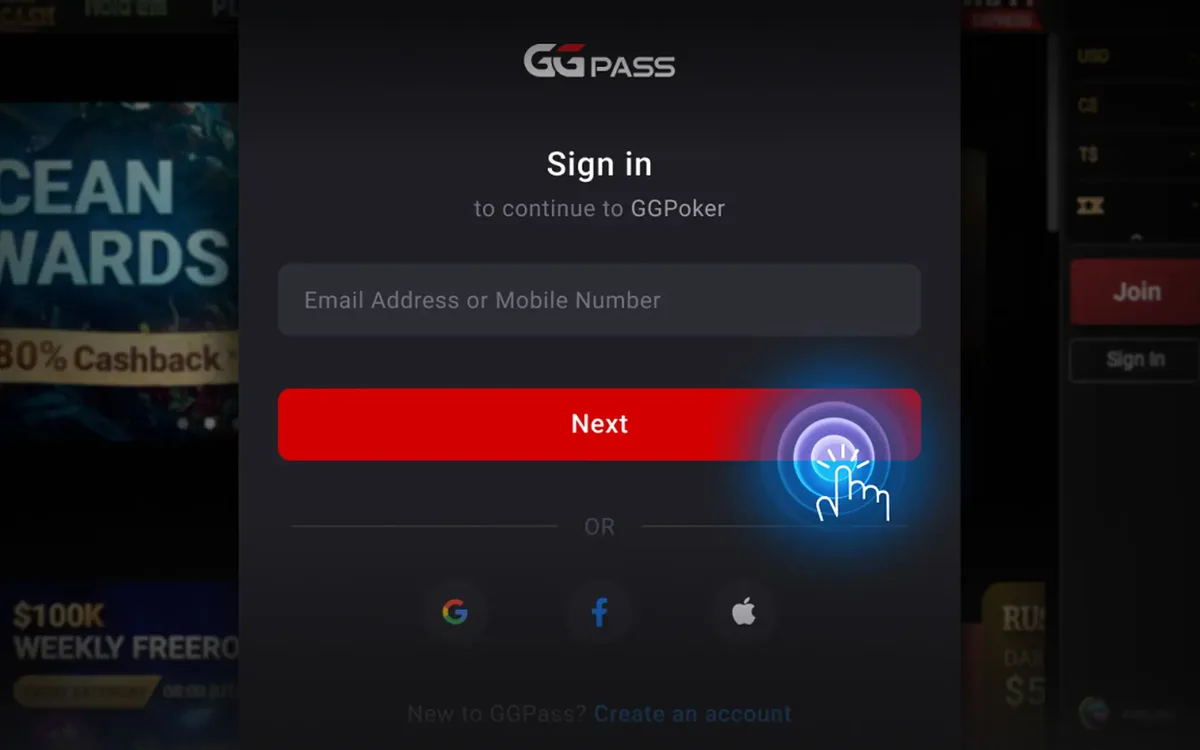
GGPoker accounts are created through GGPass, the network’s single sign-in system. The flow looks roughly like this:
- 1Press the red Sign Up button on the landing page or in the app (it may read Get Started or Take Your Seat).
- 2Enter an email address that belongs to you and that you can open right now, then press Next.
- 3Choose how you will log in: set a password, or create a passkey on your device. Only one of the two is required.
- 4Fill in your date of birth and country of residence.
- 5Pick the nickname other players will see at the tables, and optionally a profile picture.
- 6Answer the short “How did you hear about us?” question and finish the registration.
Think twice about your nickname
The screen name is the one thing you cannot edit later, so treat it as permanent. Avoid your real surname, your email login or anything that hints at your password. Offensive or misleading nicknames break the Terms & Conditions and can lead to action against the account.
A neutral, easy-to-read name also helps in practice: it is what appears in tournament results, leaderboards and hand replays you may want to share with friends.
Confirm your email and switch on 2FA
After registration GGPoker sends a confirmation link to your inbox; open it to activate the account. Check the spam folder if nothing arrives within a few minutes.
Next, open Settings > Security and enable two-factor authentication. It takes a couple of minutes and protects your balance even if your password leaks. Note that logging in from a new device will also trigger an email verification code, so keep access to that mailbox for as long as you play.
What to do once you are in
Your account currency is US dollars, and the first deposit starts at $20 for most payment methods. When you deposit, the welcome offer is chosen from a dropdown in the cashier, so there is nothing extra to type. The free Daily Freebie ticket is available from My Promo even before you deposit.
It is also a good moment to visit the responsible gaming section and set a deposit or session limit. Deciding on a budget before your first hand is far easier than doing it in the middle of a losing streak.
FAQ
01Can I change my GGPoker nickname after registration?
No. The nickname is fixed once the account is created, so choose it carefully. If a name breaks the rules, the room may take action on the account rather than simply rename it.
02Do I need a bonus code to register?
No. You can sign up and deposit without any code; the standard welcome offer is selected in the cashier during your first deposit.
03Can I open a second account?
No. GGPoker allows one account per person. Multiple accounts are a rules violation and can lead to all of them being closed.
More GGPoker guides
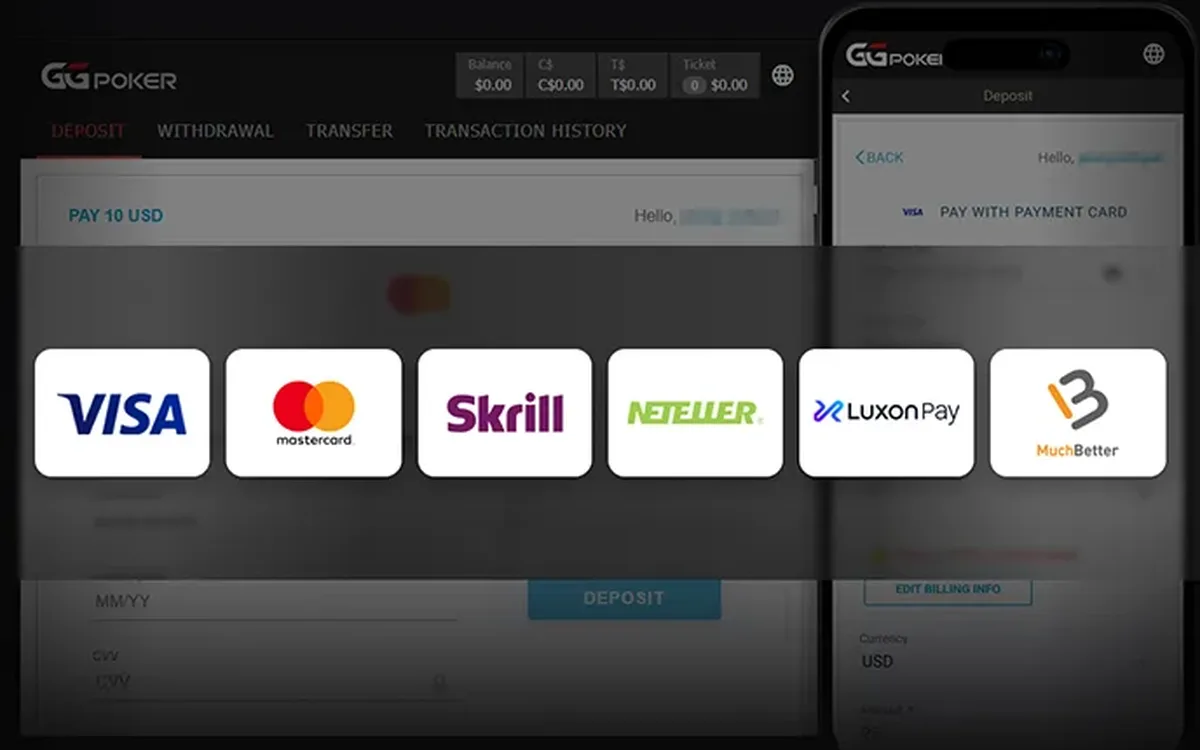 How to Deposit on GGPoker: Methods, Minimum and Bonus (2026)Funding a GGPoker account is done entirely inside the client’s cashier. The process is quick, but the method you choose affects how you will withdraw later, and the first deposit is also when you lock in your welcome offer.Read the guide
 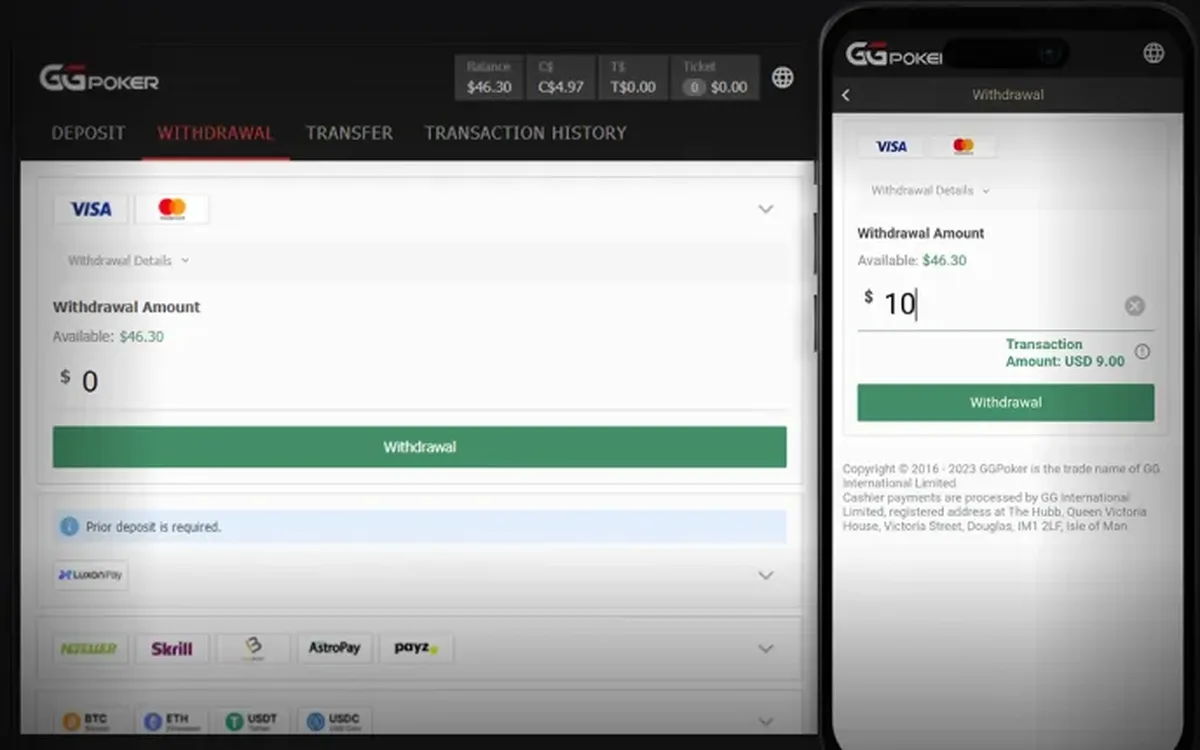 How to Withdraw from GGPoker: Step by Step (2026)Cashing out from GGPoker is done in the same cashier you used to deposit. Most delays have nothing to do with the room itself and come from unverified details or a mismatched payment method, so a few minutes of preparation usually pay off.Read the guide
  GGPoker Verification (KYC): Documents and Tips (2026)Sooner or later most GGPoker players are asked to verify their identity. It is a routine check rather than a sign of trouble, and if you prepare the right files in advance it rarely takes more than one round.Read the guide
  GGPoker Not Working? Fixes for Launch and Connection Issues (2026)Most GGPoker problems fall into a handful of familiar categories: the device is too old, the connection is unstable, security software blocks the client, or the installation itself is damaged. Work through the checks below in order and you will usually find the culprit within minutes.Read the guide
 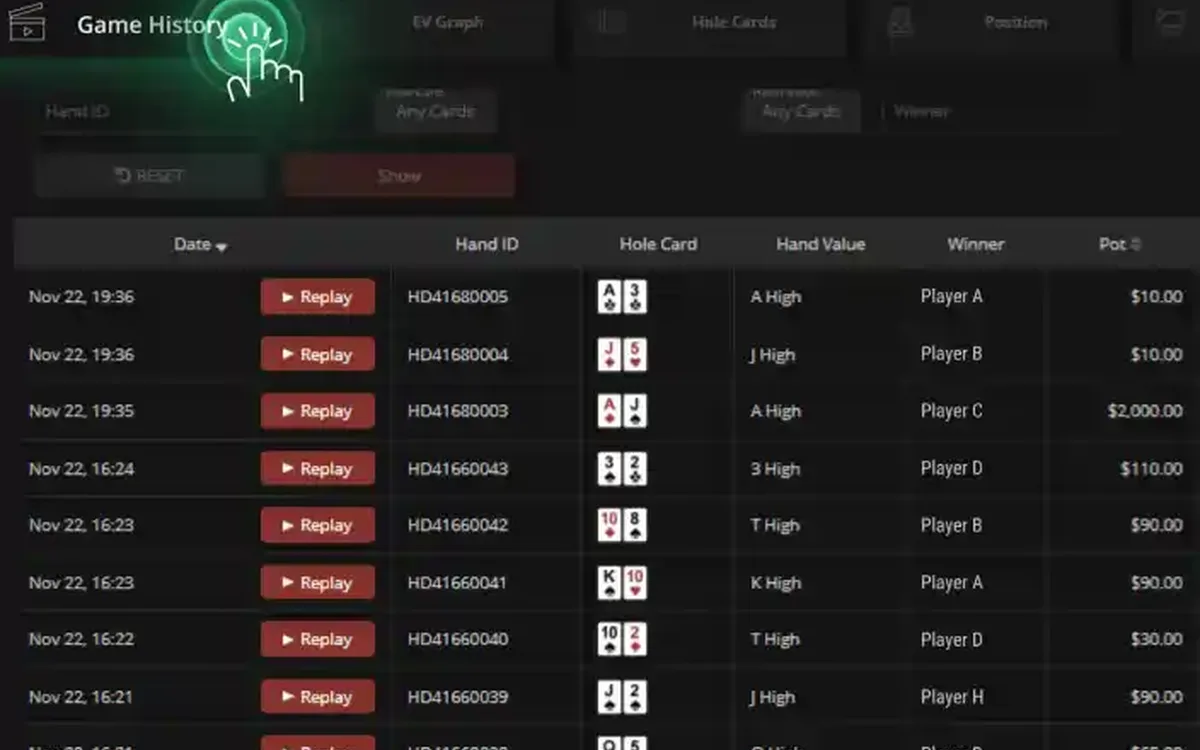 GGPoker PokerCraft and Smart HUD: Stats Without Trackers (2026)GGPoker does not let you run classic trackers like on older sites. Instead it gives every player the same built-in toolkit: PokerCraft for analysing your own game and Smart HUD for basic reads on opponents. Here is what each tool does and how to get real value from it.Read the guide
 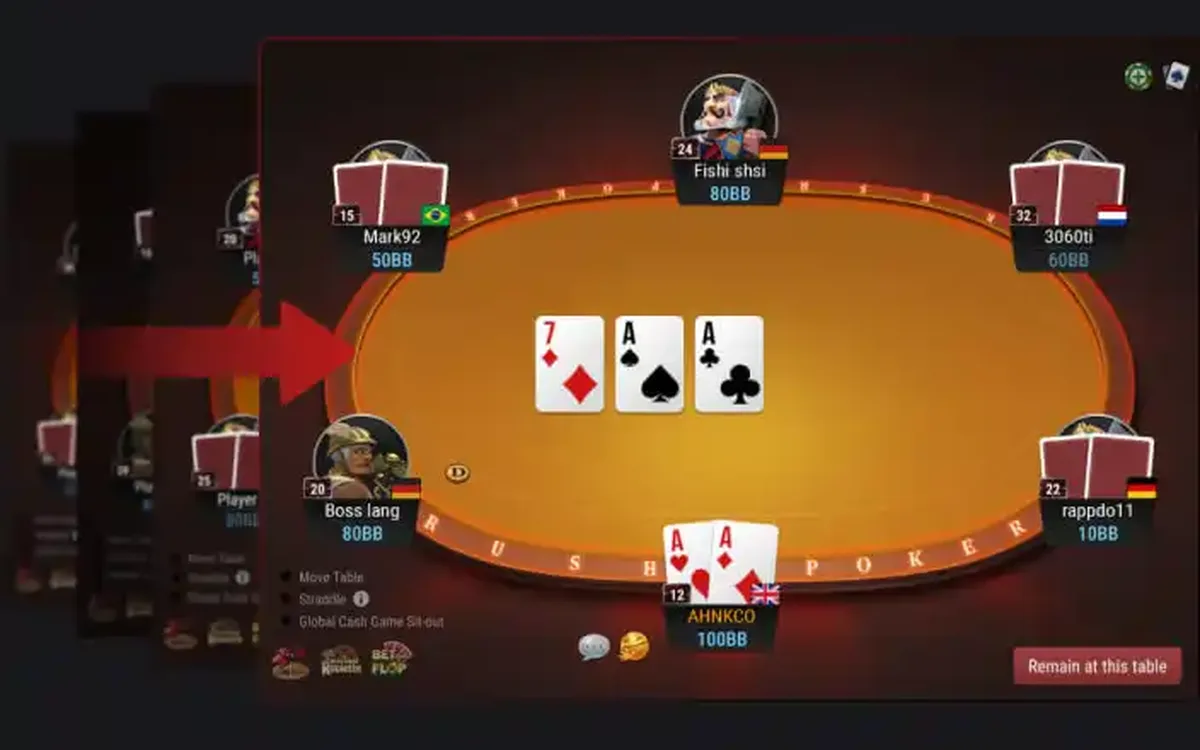 GGPoker Game Formats Explained: From Rush & Cash to Mystery Bounty (2026)GGPoker’s lobby can look overwhelming at first: alongside ordinary Hold’em there are a dozen branded formats with their own rules and pace. This overview explains what each one is in plain words and who it tends to suit, so you can pick a starting point without guesswork.Read the guide
 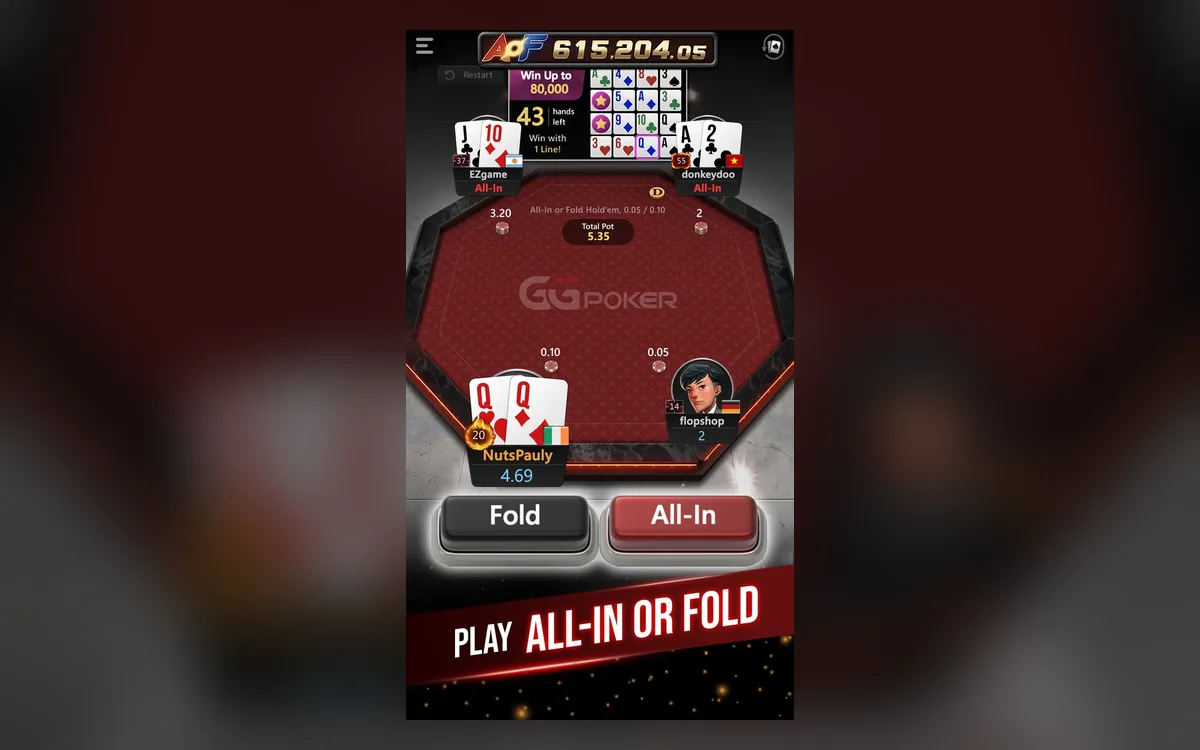 GGPoker on Your Phone: iOS and Android App Guide (2026)The GGPoker mobile app is not a cut-down companion but a full poker client: you can deposit, play cash and tournaments and withdraw from your phone. A few things work differently from desktop, though, and knowing them in advance saves frustration mid-hand.Read the guide