PokerOK Won’t Start or Connect: Troubleshooting Guide (2026)
When PokerOK refuses to start or keeps losing the connection, the cause is almost always on the player’s side: an outdated client, an overprotective antivirus, an unstable network or a damaged installation. This guide is organised by symptom, so jump to the one that matches yours.

Two-minute diagnosis
Before digging deeper, run through the quick checks that solve a surprising share of problems:
- 1Restart the device, not just the client.
- 2Make sure other websites and apps load normally on the same connection.
- 3Install any pending update of the PokerOK client.
- 4Check the client news, your email and the room’s social channels for announced maintenance.
- 5Try logging in from another device: if it works there, the problem is local.
Is your device supported?
PokerOK runs on the same GGNetwork software, so the floor is the same: a Windows 8 computer with a 3 GHz processor, a Mac with macOS 10.13, an Android phone with version 6.0, or an iPhone 7 Plus, iPad Air 2 or iPad Mini 4. On older hardware the app may install and even open, but it tends to freeze at the table or during heavy animations.
If the computer technically meets the requirements but struggles, close browser tabs and other background programs, reduce the number of tables and switch off unnecessary animations in the client settings.
The program won’t open or closes itself
On Windows, launch the client with administrator rights from the shortcut’s context menu. Update the video card driver, since rendering errors are a classic reason for crashes at startup, and switch off screen overlays such as Discord or recording software.
Check your antivirus quarantine as well. Security programs sometimes move client files there by mistake, after which the app cannot start. Restore the files, add PokerOK to the exceptions and restart.
No connection to the server
Poker is sensitive to connection drops rather than to low speed. A cable is more reliable than Wi-Fi; restart the router, pause downloads and streaming, and if ping keeps staying above 200 ms, raise it with your internet provider. Allow the client through the firewall, including Windows Defender Firewall.
A word on VPNs: they can break the connection, and using one to play from a country where the room is not available is prohibited and ends with the account being closed. If the client is not reachable where you live, a VPN is not a solution; play only where the room is officially available to you.
Can’t log in
Check the keyboard layout and Caps Lock first: a Cyrillic layout is a common reason for a correct password to be rejected. Use password recovery if needed, and look for the confirmation code that is sent when you log in from a new device, including in the spam folder.
If you use an authenticator app for 2FA and the code is not accepted, make sure the time on your phone is set automatically: codes depend on accurate time.
Clean reinstall
When nothing else helps, start from a clean slate. Close the client, clear the contents of its cache or temp folder, then uninstall it, delete leftover PokerOK folders in AppData on Windows or Application Support on a Mac, and install a fresh copy downloaded from the official source only. On a phone, remove the app and install it again.
When to contact support
If the problem remains, write to the Russian-speaking support from the client or by email. Include your operating system and its version, the client version, the time the problem occurred and a screenshot of any error message. A precise description gets a precise answer much faster than a general “it doesn’t work”.
FAQ
01Why does PokerOK close right after launch?
Typical causes are an outdated graphics driver, an overlay program, files quarantined by antivirus or a damaged installation. Run as administrator, restore files from quarantine and, if needed, reinstall cleanly.
02Is it allowed to play PokerOK through a VPN?
No. Using a VPN to play from a country where the room is not available is prohibited and leads to account closure.
03PokerOK says my password is wrong, but I’m sure it’s right. What now?
Check the keyboard layout and Caps Lock, then use password recovery. If 2FA codes fail, enable automatic time on your phone.
More PokerOK guides
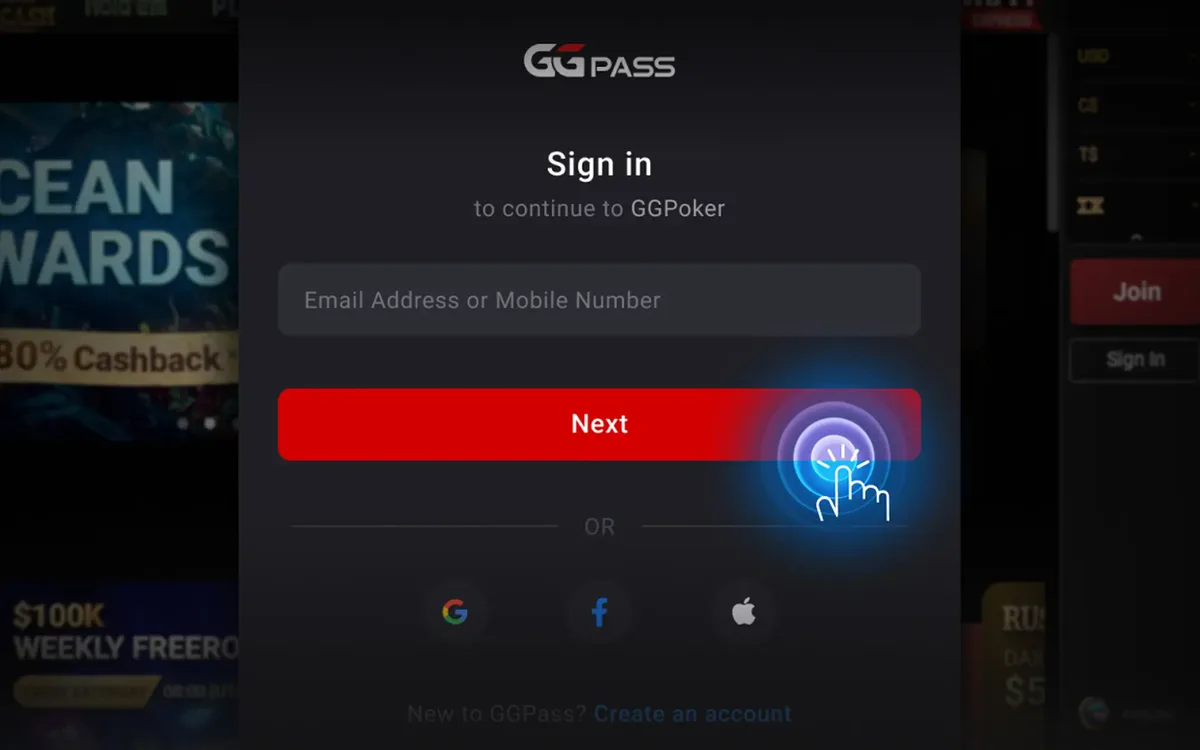 PokerOK Registration: How to Create an Account (2026)PokerOK is the Russian-language door into the GGNetwork player pool. Signing up is done inside the client and takes only a few minutes, but the details you enter now will be checked against your documents later, so it is worth doing it carefully.Read the guide
 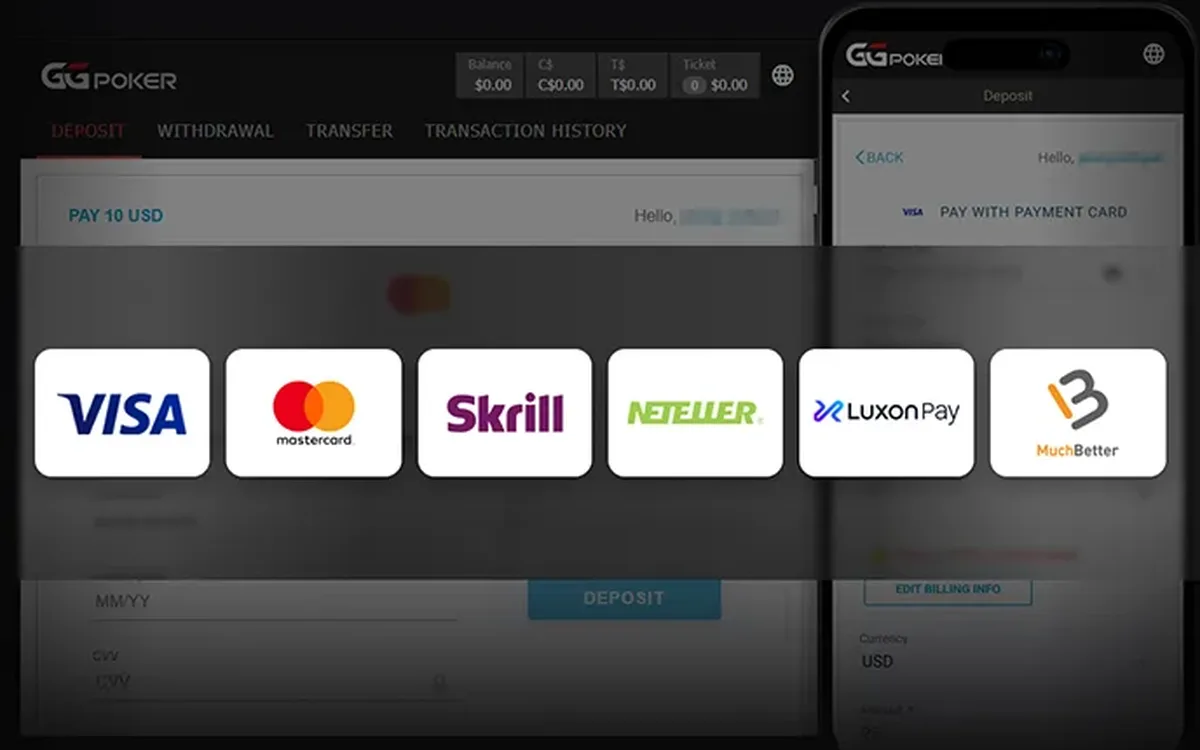 How to Deposit at PokerOK: Crypto and Local Methods (2026)The cashier is the main practical reason many CIS players choose PokerOK over the main GGPoker brand. It is built around cryptocurrencies and payment methods common in the region, but exactly what you will see depends on where you live.Read the guide
 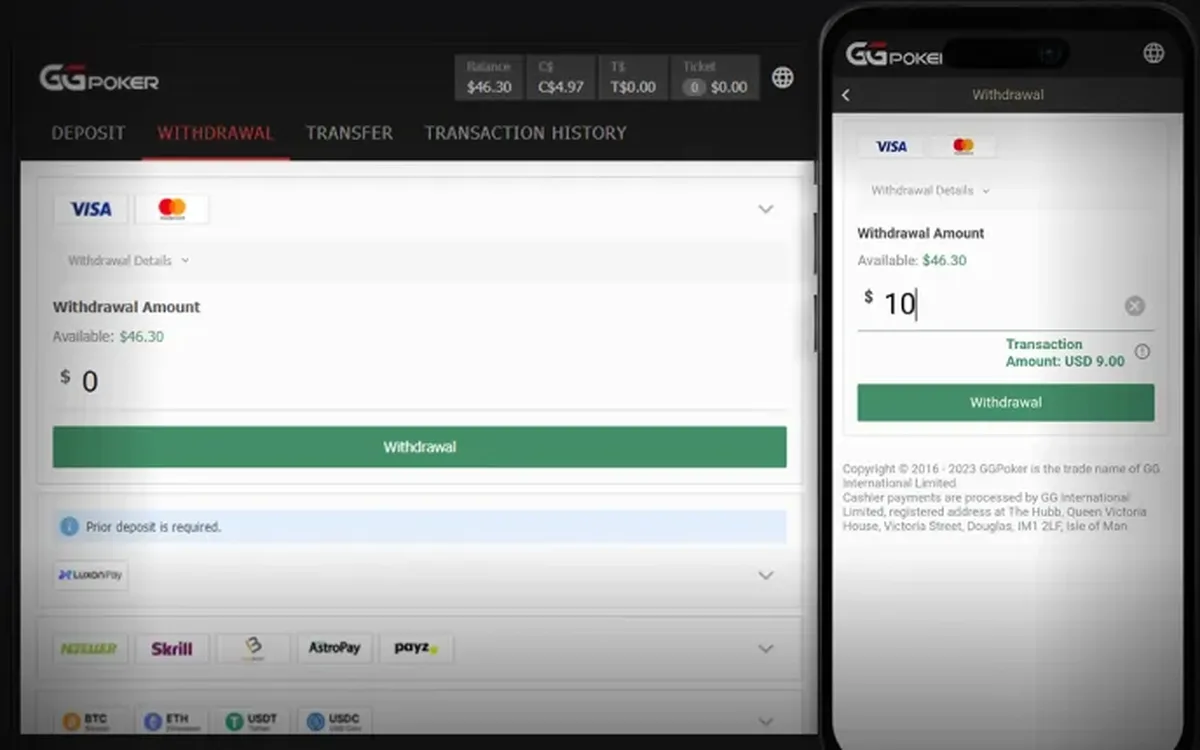 How to Withdraw Money from PokerOK: Step by Step (2026)Withdrawing from PokerOK is mostly about preparation. The request itself takes a minute in the cashier; what decides how smoothly it goes is whether your profile, payment details and documents are in order beforehand.Read the guide
  PokerOK Verification: Which Documents and How to Pass (2026)Sooner or later PokerOK may ask you to confirm who you are. For CIS players this often comes with the first sizeable withdrawal. Knowing the usual requirements in advance turns a stressful wait into a short formality.Read the guide
 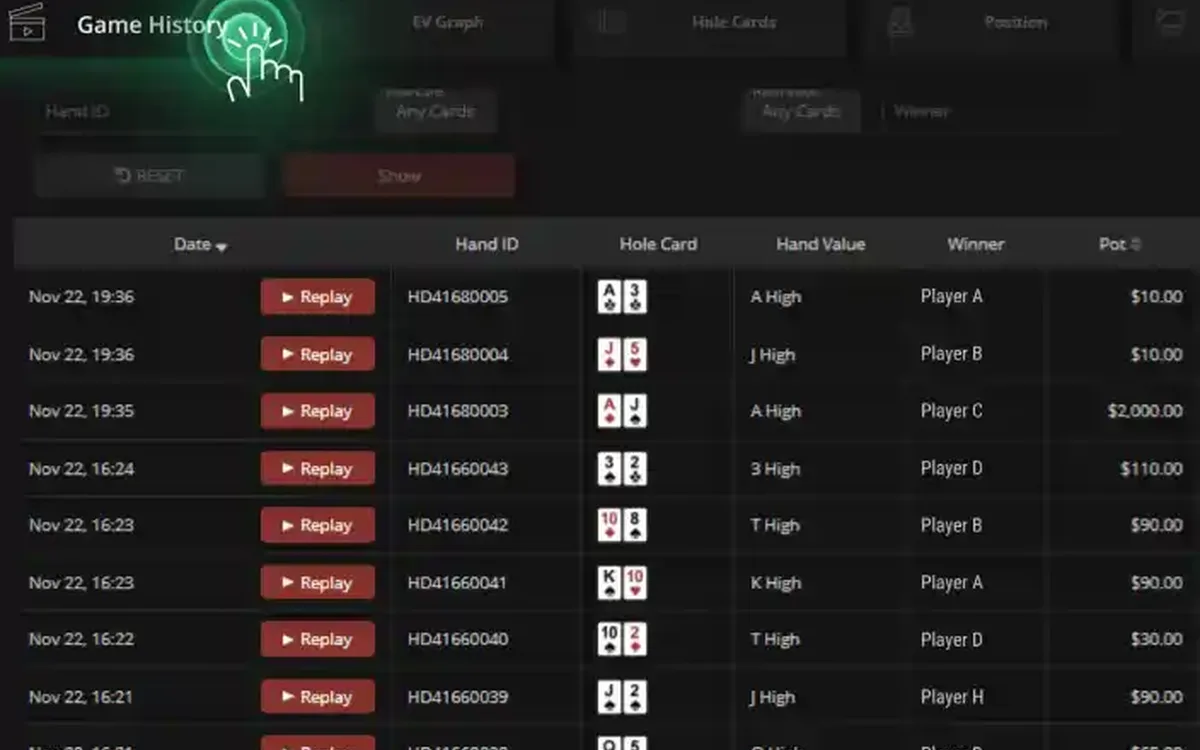 PokerCraft on PokerOK: Analysing Your Game Without a HUD (2026)Players who move to PokerOK from rooms that allow trackers are often surprised: no HoldemManager, no PokerTracker, no third-party HUD. The network replaces them with its own tools, and with the right routine they are enough for serious work on your game.Read the guide
 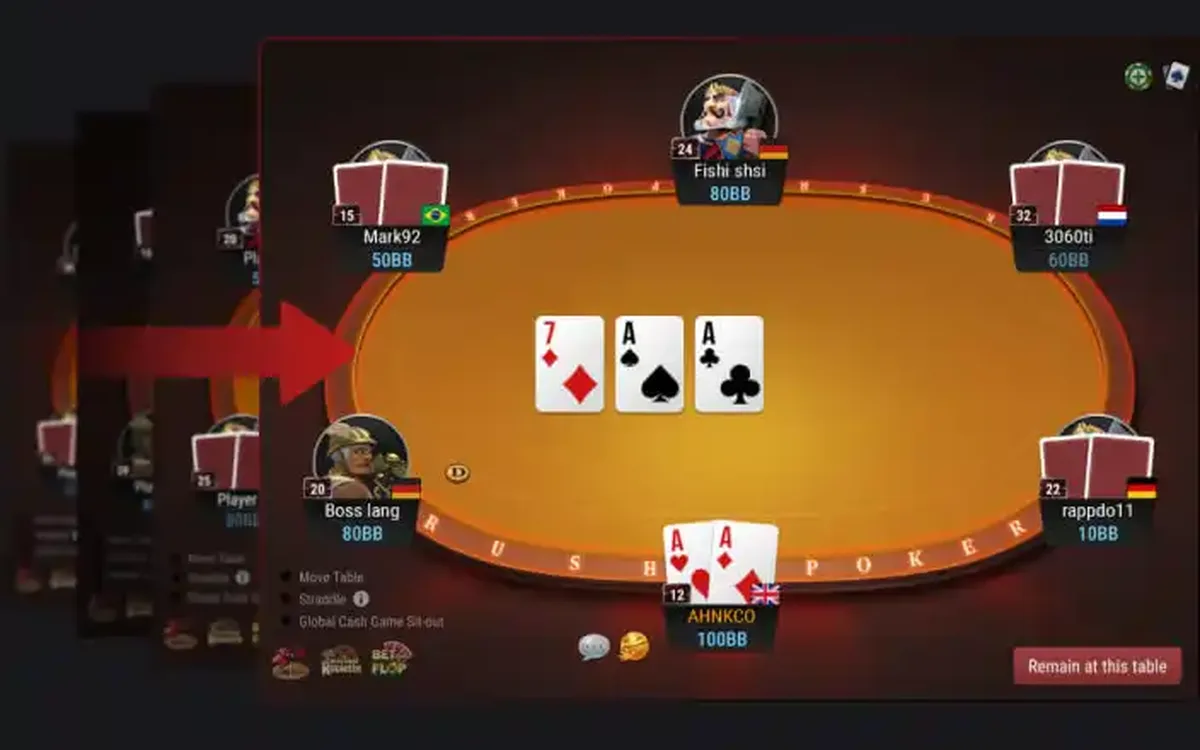 PokerOK Games: Which Format to Choose (2026)PokerOK has the full GGNetwork game library, and since the player pool is shared with GGPoker, every format has traffic around the clock. Instead of listing games alphabetically, this guide groups them by what you want from a session.Read the guide
 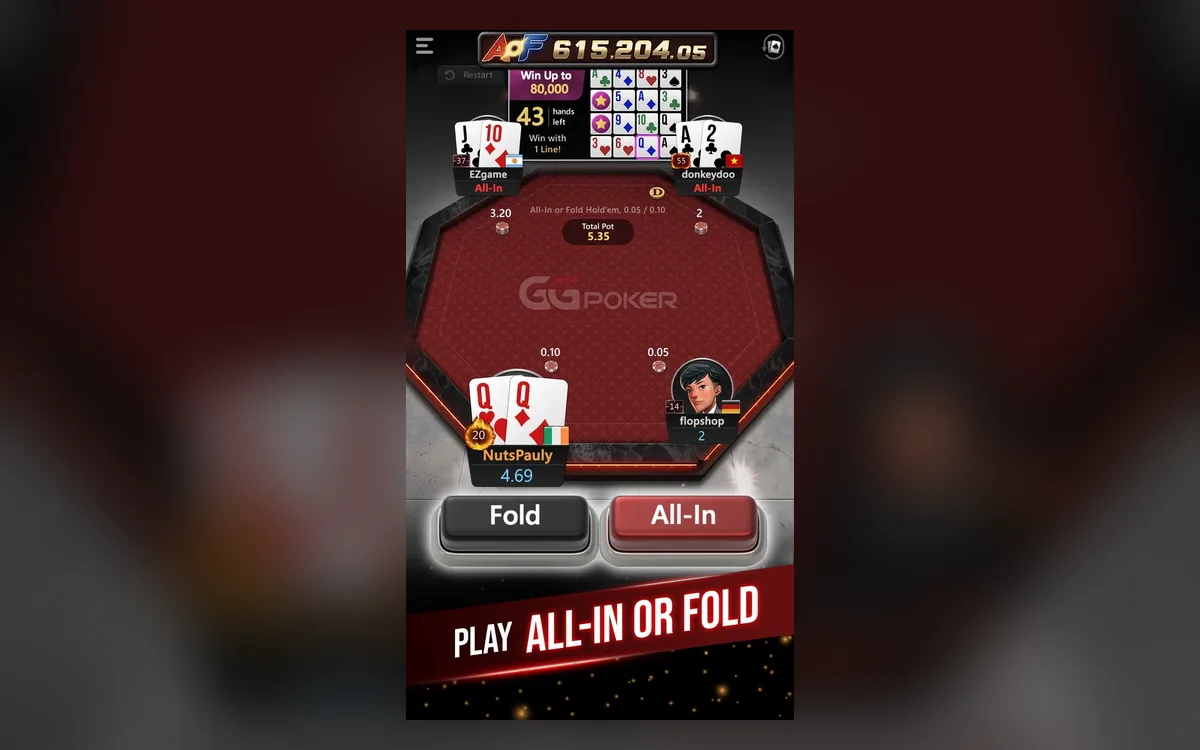 PokerOK Mobile: Playing on Android and iPhone (2026)Many PokerOK players in the CIS play mostly from a phone: on the way to work, in the evening on the sofa, or while a tournament runs in the background. The app handles this well, as long as you install it safely and understand its limits.Read the guide