How to Deposit at PokerOK: Crypto and Local Methods (2026)
The cashier is the main practical reason many CIS players choose PokerOK over the main GGPoker brand. It is built around cryptocurrencies and payment methods common in the region, but exactly what you will see depends on where you live.
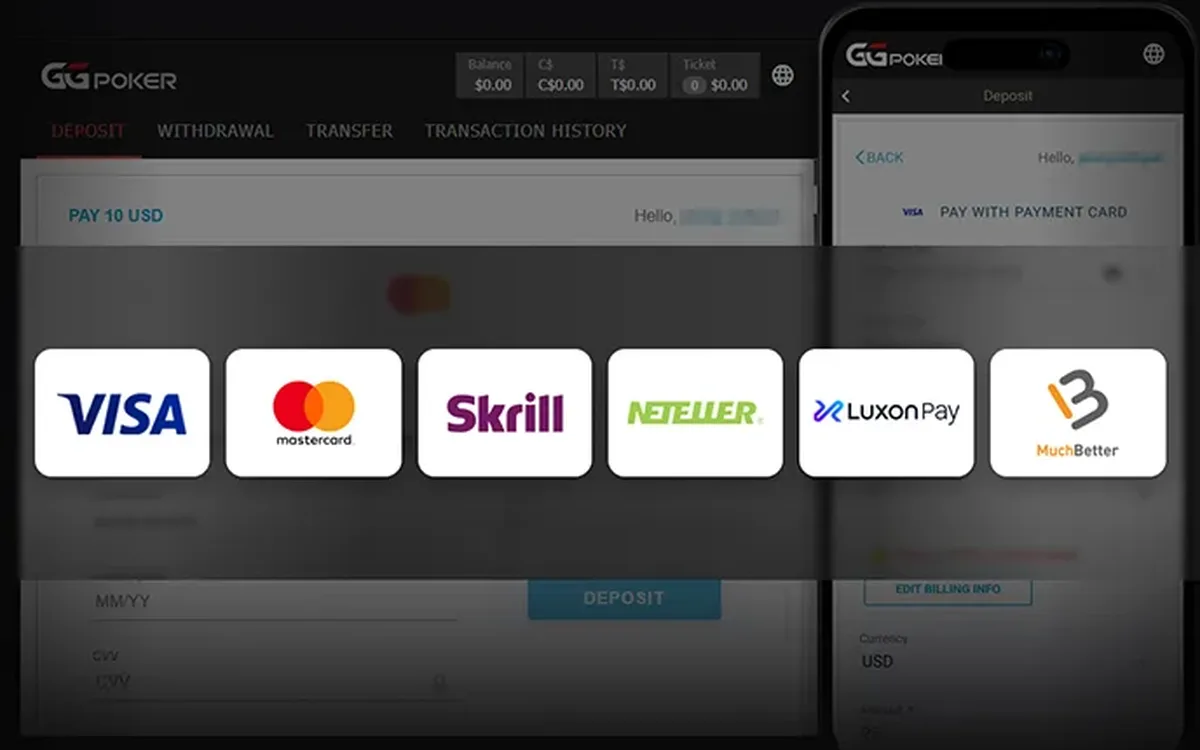
How the PokerOK cashier works
Every deposit is made inside the client, in the Cashier section. The balance is kept in US dollars, and the minimum deposit is $20. Whatever you pay with, the amount is converted into dollars, and if your payment is in another currency the rate is set by your bank, wallet or exchange.
The list of methods is not fixed: it depends on your country of residence and can change over time. Rather than relying on old screenshots or forum posts, log in and open the cashier to see what is available to your account right now.
Depositing with cryptocurrency
Crypto is the most universal option for players in the region. The usual sequence:
- 1Open the Cashier, choose Deposit and select the cryptocurrency you want to use.
- 2Pick the blockchain network if the coin is offered on several networks.
- 3Copy the deposit address shown by the cashier, ideally with the copy button rather than by hand.
- 4Send the transfer from your wallet or exchange, using exactly the same coin and network.
- 5Wait for the blockchain confirmations; the balance is credited after that.
Crypto pitfalls to avoid
The network matters as much as the address: a coin sent on a different network than the one chosen in the cashier may be lost. Check the first and last characters of the pasted address before confirming, and remember that the sending exchange may take its own withdrawal fee, so the amount that arrives can be slightly smaller.
Use a wallet or exchange account in your own name. Transfers from third parties make it harder to prove the money is yours if the security team asks questions later.
Cards and local methods
Depending on the region, the cashier may also offer bank cards and local payment systems. Availability changes, so treat any specific list you read online as outdated until you see it in your own cashier. A bank can decline a card payment if it blocks gambling transactions; in that case, choose another method rather than repeating the attempt.
Never use intermediaries from chats who offer to top up your account for you. Such schemes are a frequent source of fraud, and money that reaches your balance from someone else’s account can lead to a blocked withdrawal.
If the method you want is missing, ask support whether it is planned for your region rather than looking for workarounds.
The first-deposit bonus
On the first deposit the cashier offers a welcome bonus to choose from. On GGNetwork the standard options are a 100% match up to $600, released at $1 for every $5 of rake or tournament fees within 90 days, or a ticket package worth $100. The exact offer shown to you is the one that counts, so read its terms in the cashier before confirming.
If you are not sure you will play regularly, the ticket package is usually easier to use in full; the matched bonus pays off only with steady volume.
Budget before you pay
Decide on a monthly poker budget in advance and set a deposit limit in the responsible gaming settings. Deposit only money you are ready to lose; poker is entertainment with variance, not a source of income you can count on. If a deposit is delayed, contact the Russian-speaking support from the client with the amount, time and transaction ID instead of sending a second payment.
FAQ
01What is the minimum deposit at PokerOK?
$20. The account is in US dollars, so payments in other currencies are converted by your bank, wallet or exchange.
02Which payment methods does PokerOK accept?
It depends on your region. Crypto is the most common option, and local methods may be available too; check the cashier in the client for your current list.
03My crypto deposit hasn’t arrived. What should I do?
Check the transaction in the blockchain and make sure the coin and network matched the cashier. If everything is correct, contact support with the transaction ID rather than sending the payment again.
More PokerOK guides
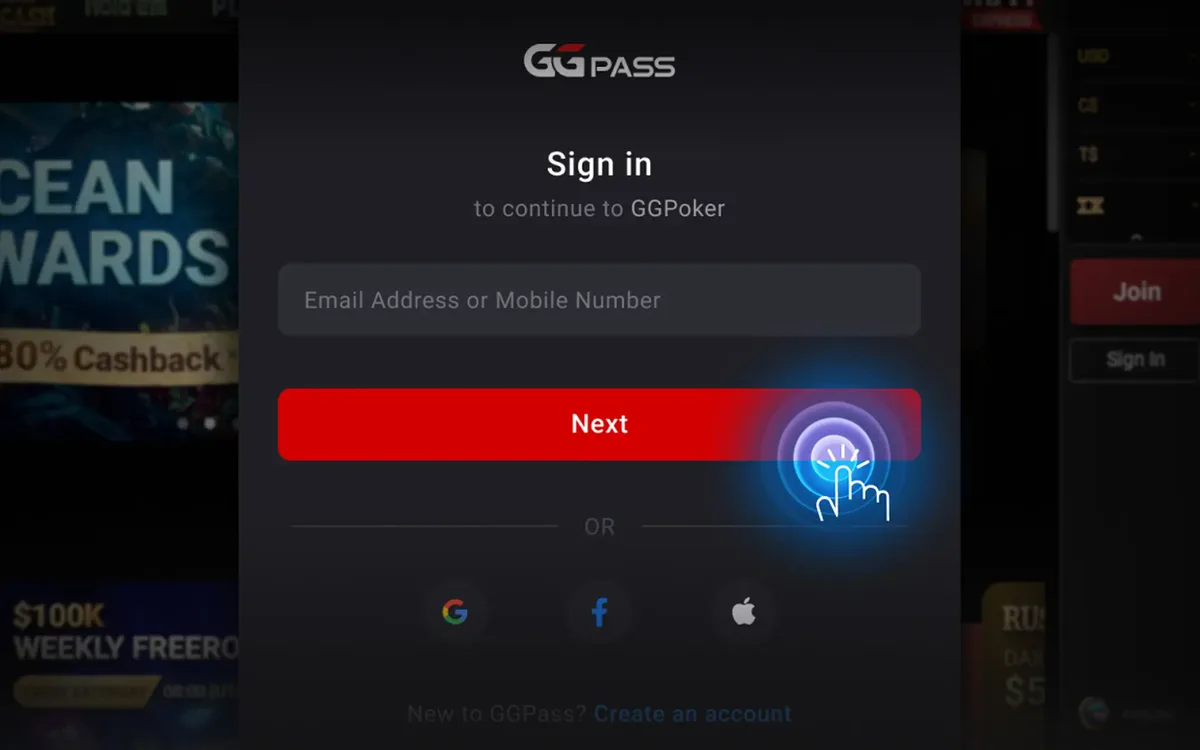 PokerOK Registration: How to Create an Account (2026)PokerOK is the Russian-language door into the GGNetwork player pool. Signing up is done inside the client and takes only a few minutes, but the details you enter now will be checked against your documents later, so it is worth doing it carefully.Read the guide
 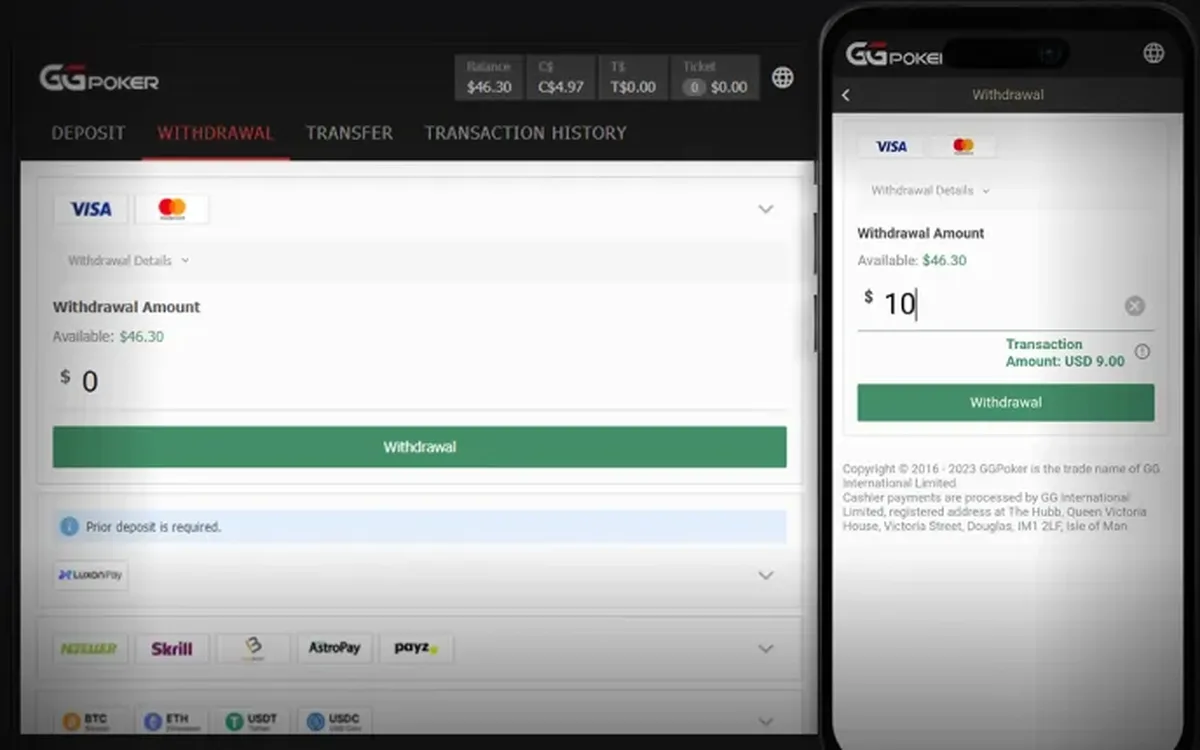 How to Withdraw Money from PokerOK: Step by Step (2026)Withdrawing from PokerOK is mostly about preparation. The request itself takes a minute in the cashier; what decides how smoothly it goes is whether your profile, payment details and documents are in order beforehand.Read the guide
 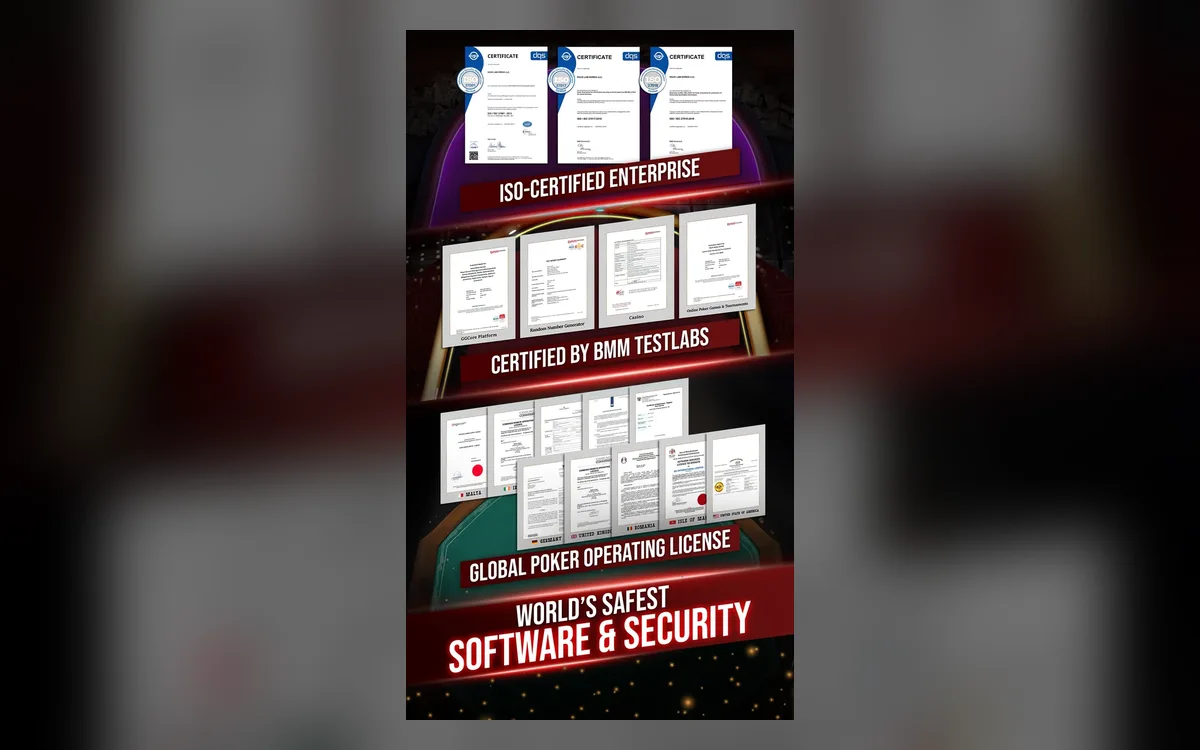 PokerOK Verification: Which Documents and How to Pass (2026)Sooner or later PokerOK may ask you to confirm who you are. For CIS players this often comes with the first sizeable withdrawal. Knowing the usual requirements in advance turns a stressful wait into a short formality.Read the guide
  PokerOK Won’t Start or Connect: Troubleshooting Guide (2026)When PokerOK refuses to start or keeps losing the connection, the cause is almost always on the player’s side: an outdated client, an overprotective antivirus, an unstable network or a damaged installation. This guide is organised by symptom, so jump to the one that matches yours.Read the guide
 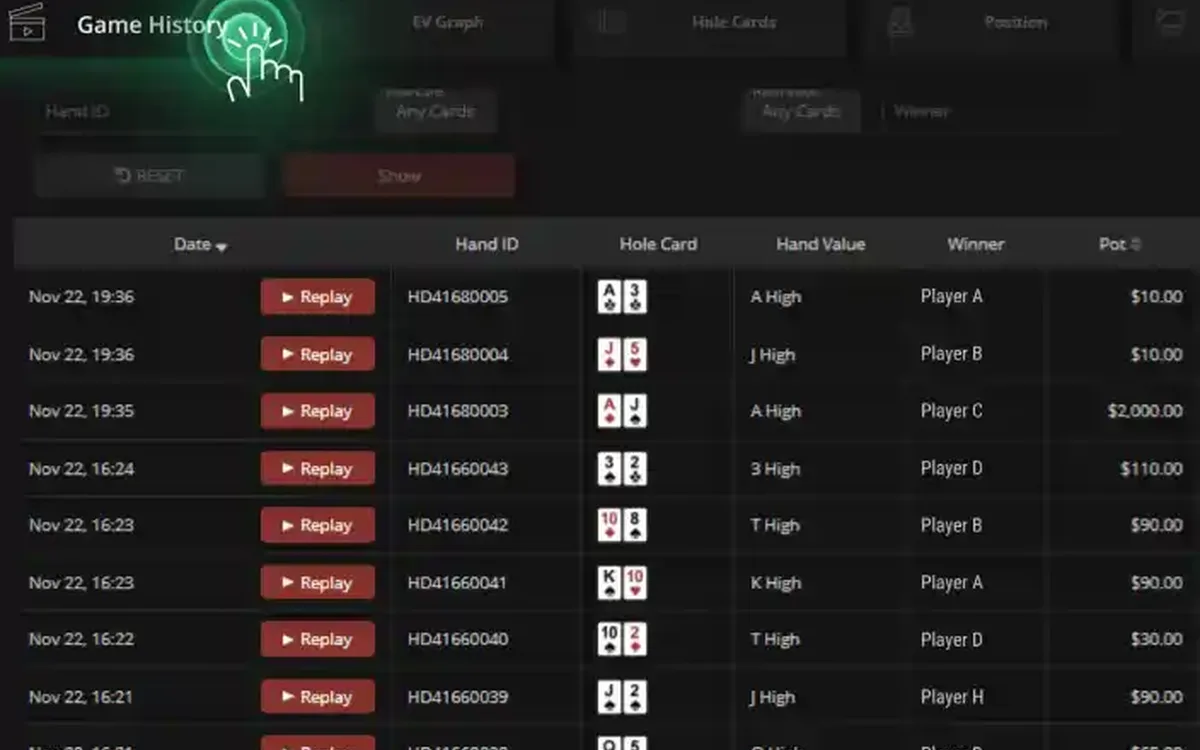 PokerCraft on PokerOK: Analysing Your Game Without a HUD (2026)Players who move to PokerOK from rooms that allow trackers are often surprised: no HoldemManager, no PokerTracker, no third-party HUD. The network replaces them with its own tools, and with the right routine they are enough for serious work on your game.Read the guide
 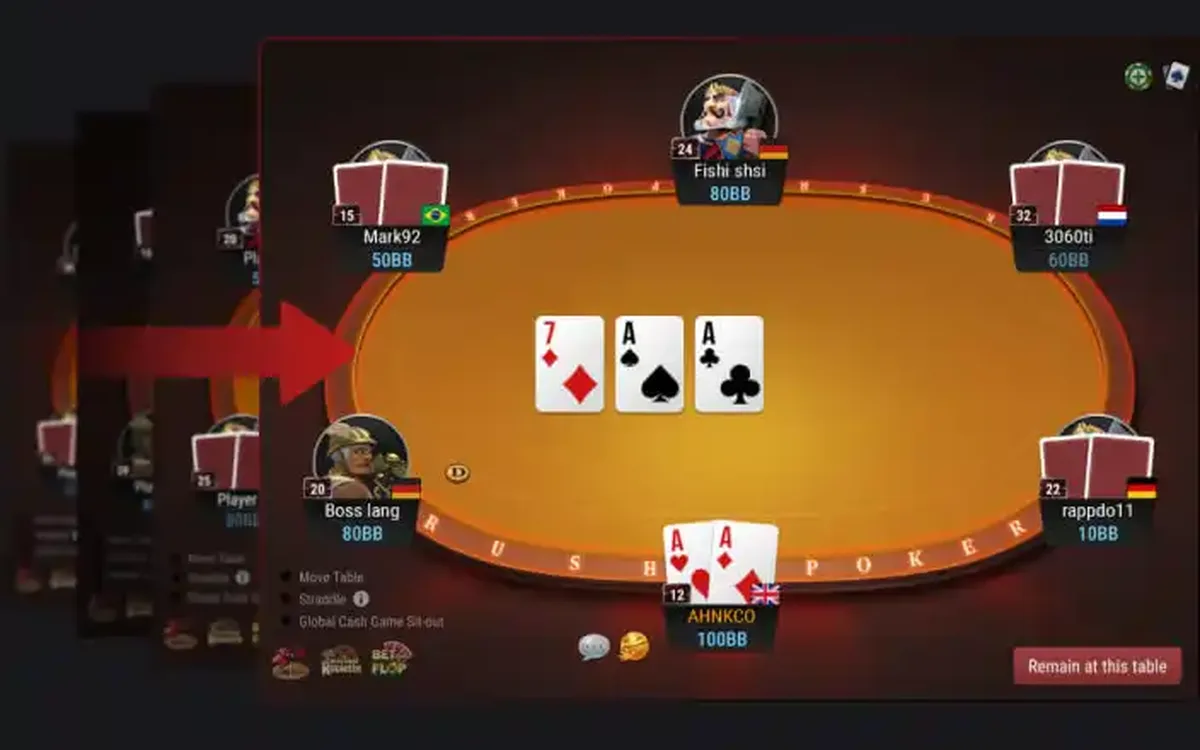 PokerOK Games: Which Format to Choose (2026)PokerOK has the full GGNetwork game library, and since the player pool is shared with GGPoker, every format has traffic around the clock. Instead of listing games alphabetically, this guide groups them by what you want from a session.Read the guide
 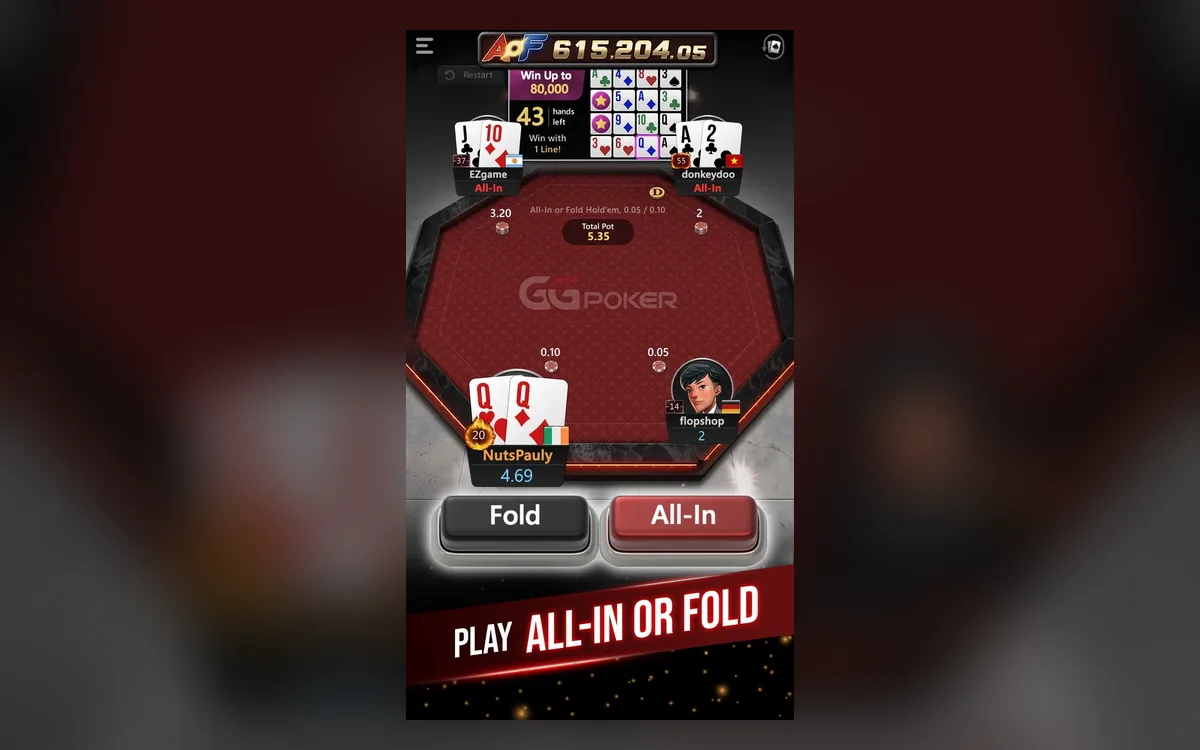 PokerOK Mobile: Playing on Android and iPhone (2026)Many PokerOK players in the CIS play mostly from a phone: on the way to work, in the evening on the sofa, or while a tournament runs in the background. The app handles this well, as long as you install it safely and understand its limits.Read the guide