PokerOK Mobile: Playing on Android and iPhone (2026)
Many PokerOK players in the CIS play mostly from a phone: on the way to work, in the evening on the sofa, or while a tournament runs in the background. The app handles this well, as long as you install it safely and understand its limits.
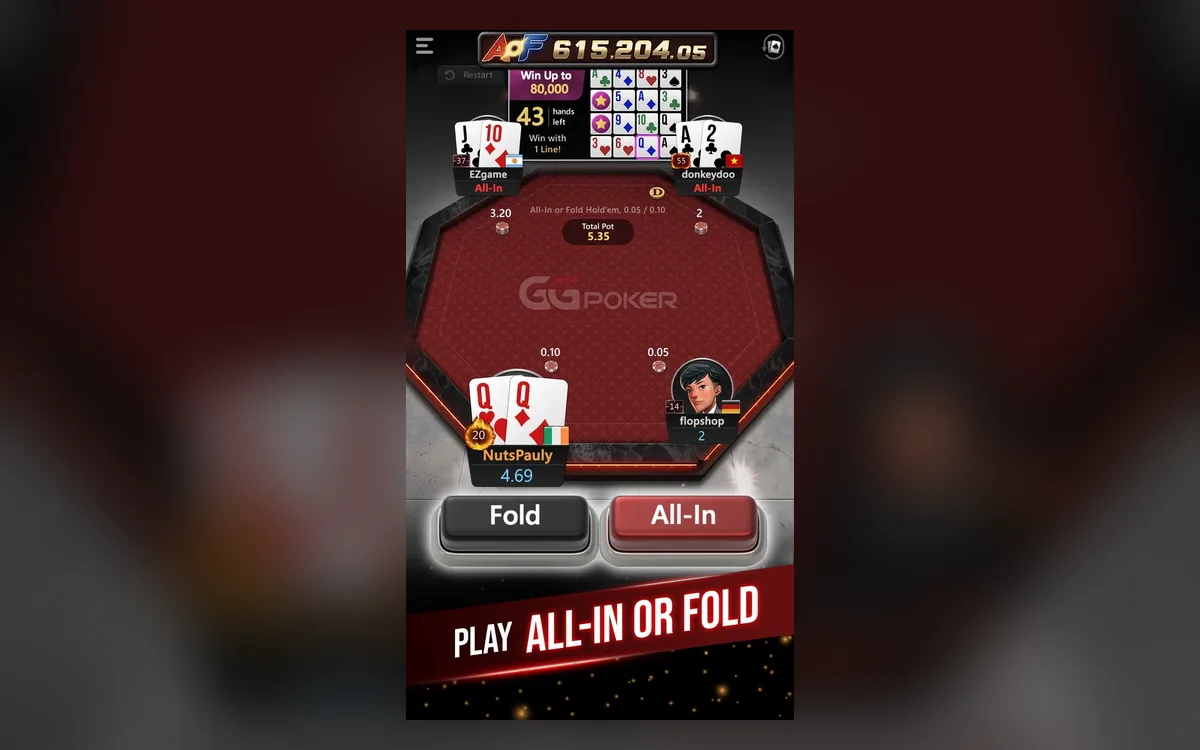
Can a phone be your main client?
For most recreational players, yes. The PokerOK app gives access to cash games including Rush & Cash, Spin & Gold, tournaments and the cashier, and your balance, tickets and registrations are the same as on a computer. You need Android 6.0 or newer, or an iPhone 7 Plus, iPad Air 2, iPad Mini 4 or a newer model.
What is simpler on mobile: PokerCraft has a reduced interface, and multi-tabling options are narrower than on desktop. Detailed hand review and long multi-table sessions remain more comfortable on a computer.
A sensible routine for many: play on the phone, and once a week sit down at a computer to go through your statistics.
Installing on Android
On Android the app is usually installed as an APK file from the official PokerOK site:
- 1Open the official PokerOK site in your phone’s browser and download the Android version.
- 2When the system warns about installing from an unknown source, open the settings it suggests and allow installation for that browser only.
- 3Run the downloaded .apk file and confirm the installation.
- 4Open the app, log in, and consider switching the unknown-sources permission off again.
On iPhone and iPad
How the app is distributed on Apple devices can depend on your region, so follow the instructions on the official PokerOK site or ask support. Be especially careful with offers from strangers to install a special version via a configuration profile or a downloaded certificate: such methods can give a third party control over your phone and access to your account.
If the app stops launching after an iOS update, check for a new client version first and only then contact support.
How many tables can you play?
The app is designed for one active table on screen, with quick switching between a small number of games. That is fine for a cash table plus a tournament, but not for the multi-table grind regulars run on desktop. If you play several tables on the phone, decisions become rushed and mistakes more frequent, so be honest about where your comfort ends.
Mobile data and battery
On mobile internet the main risk is a short loss of signal at the wrong moment. Before an important tournament stage, stay in one place with stable coverage, and avoid switching between Wi-Fi and mobile data mid-hand. If the connection drops, the app reconnects automatically, but a time bank can run out while it does.
Turn down screen brightness, close apps you do not need and keep a power bank nearby for long sessions. If your phone’s power saving restricts background activity, exclude PokerOK so that it does not freeze when you switch to a messenger.
Keep the phone and your play under control
Protect the phone with a PIN or biometrics and keep two-factor authentication on: a lost or borrowed phone should not mean access to your balance. Install app updates promptly, since an old version may stop connecting.
A poker app in your pocket makes it very easy to play “just one more” session. Use the responsible gaming settings to cap deposits and playing time, and switch off push notifications about promotions if they tempt you to open the app more often than you planned.
FAQ
01Where can I download PokerOK for Android?
Only from the official PokerOK site, as an APK file. Never install versions sent in chats or posted on forums: modified apps can steal your login and money.
02Is there PokerOK for iPhone?
The way to install it on Apple devices may depend on your region. Follow the instructions on the official site or ask support, and never install unknown configuration profiles.
03Can I play several tables on my phone?
Only a few, with switching between them. The app is built around one table on screen, so heavy multi-tabling is better on a computer.
More PokerOK guides
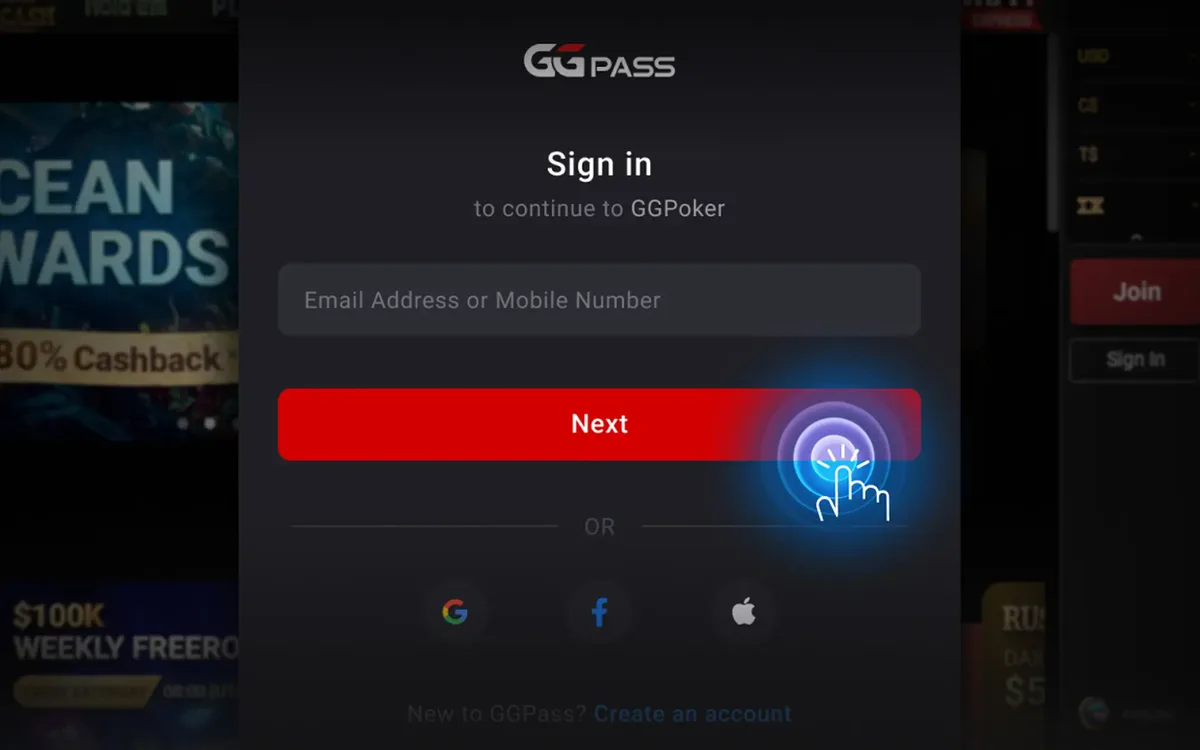 PokerOK Registration: How to Create an Account (2026)PokerOK is the Russian-language door into the GGNetwork player pool. Signing up is done inside the client and takes only a few minutes, but the details you enter now will be checked against your documents later, so it is worth doing it carefully.Read the guide
 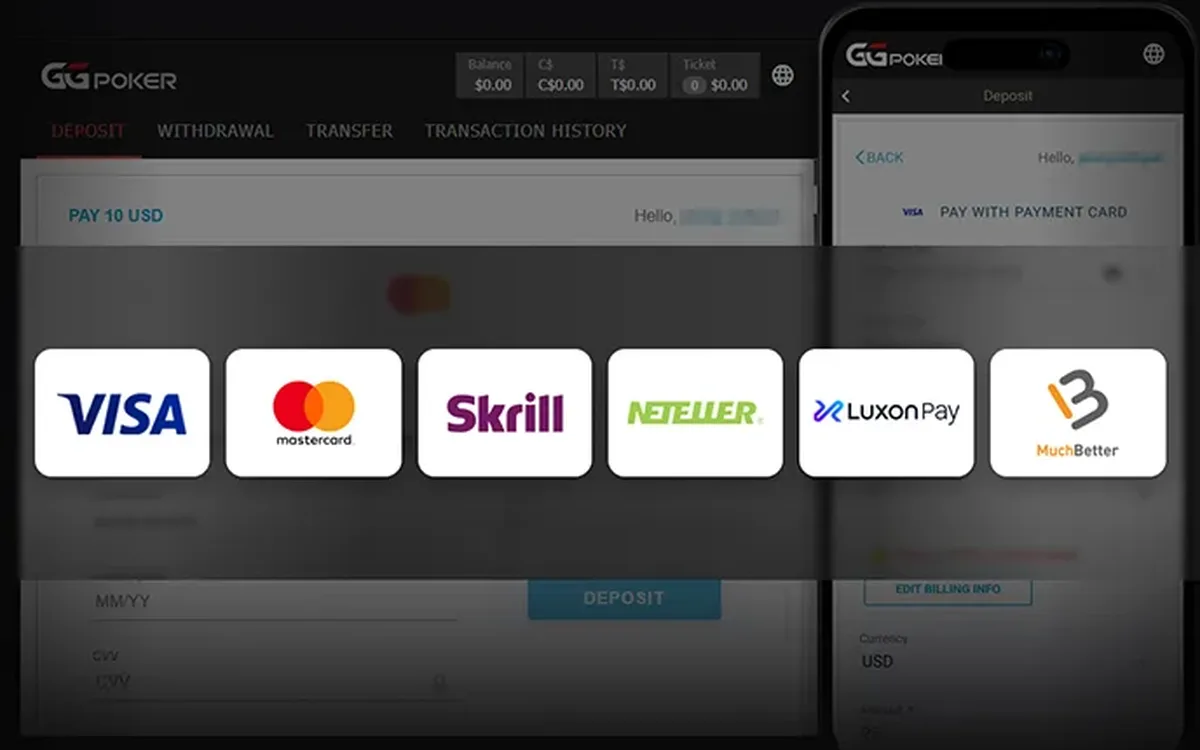 How to Deposit at PokerOK: Crypto and Local Methods (2026)The cashier is the main practical reason many CIS players choose PokerOK over the main GGPoker brand. It is built around cryptocurrencies and payment methods common in the region, but exactly what you will see depends on where you live.Read the guide
 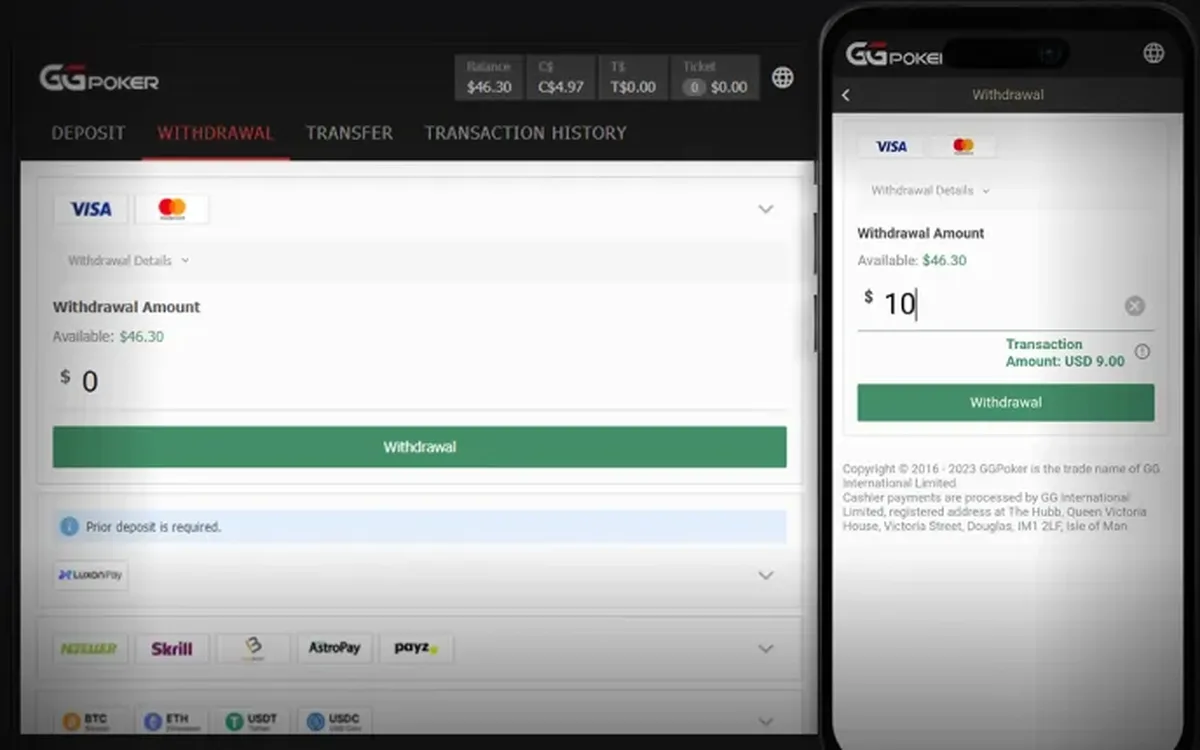 How to Withdraw Money from PokerOK: Step by Step (2026)Withdrawing from PokerOK is mostly about preparation. The request itself takes a minute in the cashier; what decides how smoothly it goes is whether your profile, payment details and documents are in order beforehand.Read the guide
 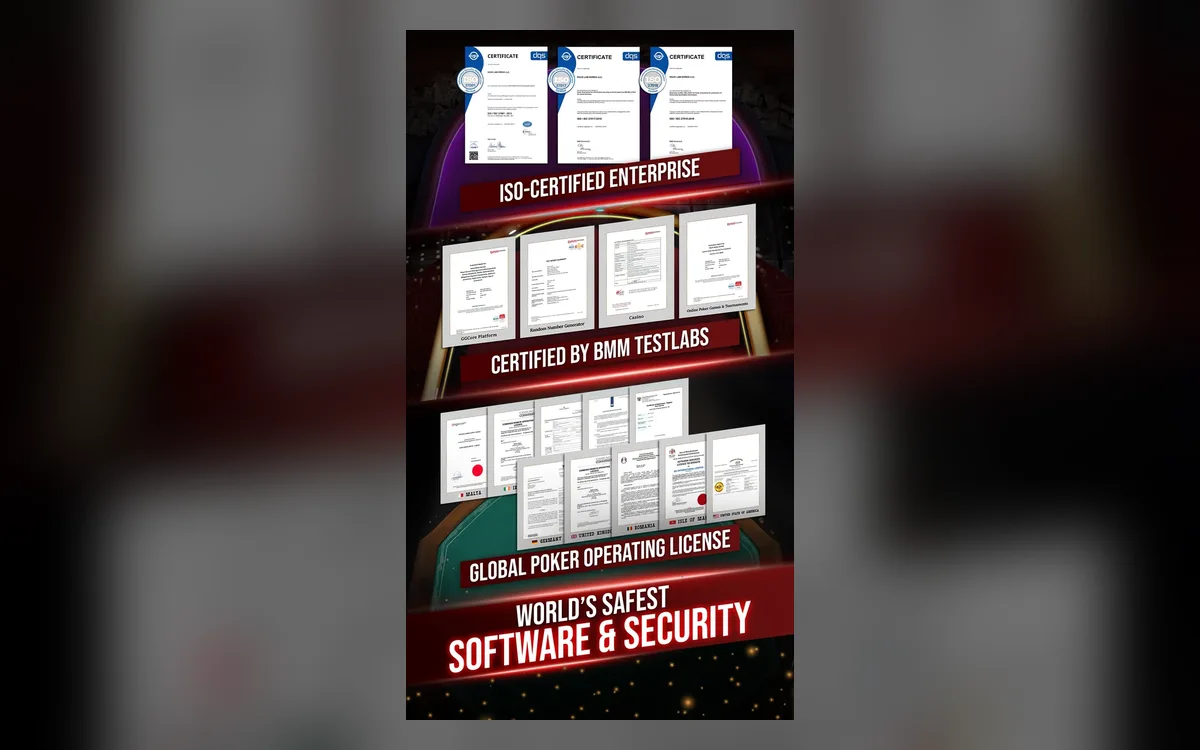 PokerOK Verification: Which Documents and How to Pass (2026)Sooner or later PokerOK may ask you to confirm who you are. For CIS players this often comes with the first sizeable withdrawal. Knowing the usual requirements in advance turns a stressful wait into a short formality.Read the guide
 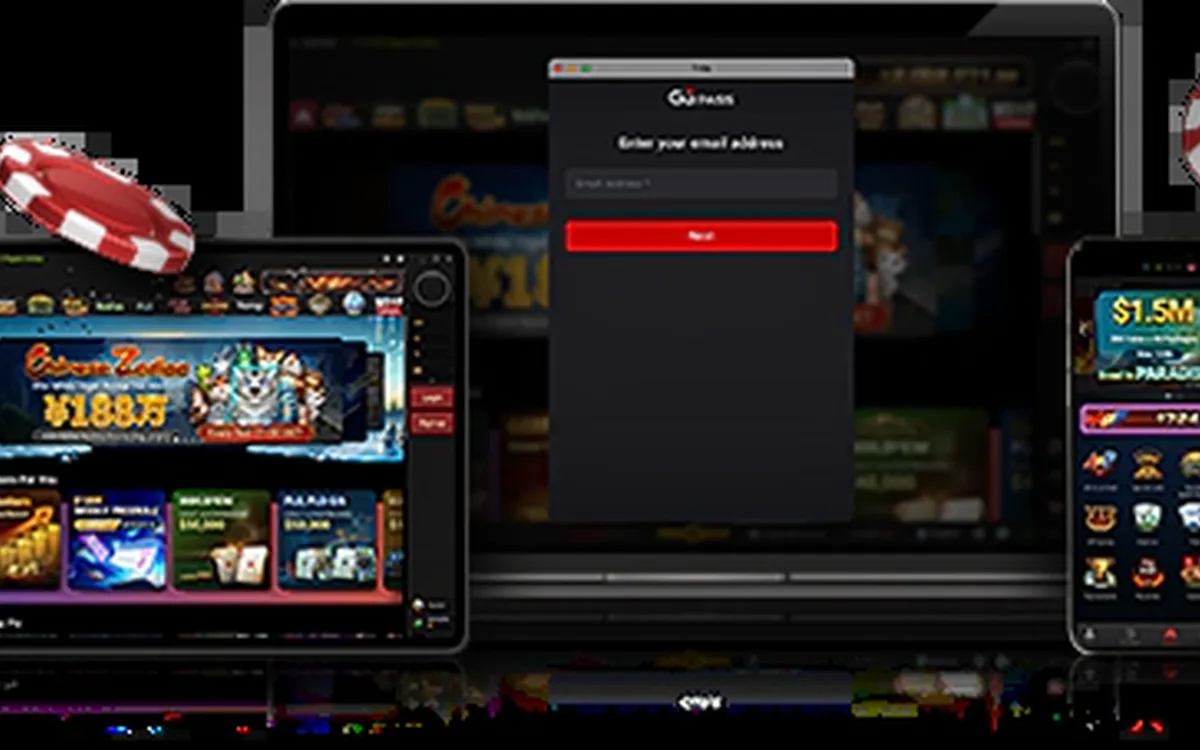 PokerOK Won’t Start or Connect: Troubleshooting Guide (2026)When PokerOK refuses to start or keeps losing the connection, the cause is almost always on the player’s side: an outdated client, an overprotective antivirus, an unstable network or a damaged installation. This guide is organised by symptom, so jump to the one that matches yours.Read the guide
 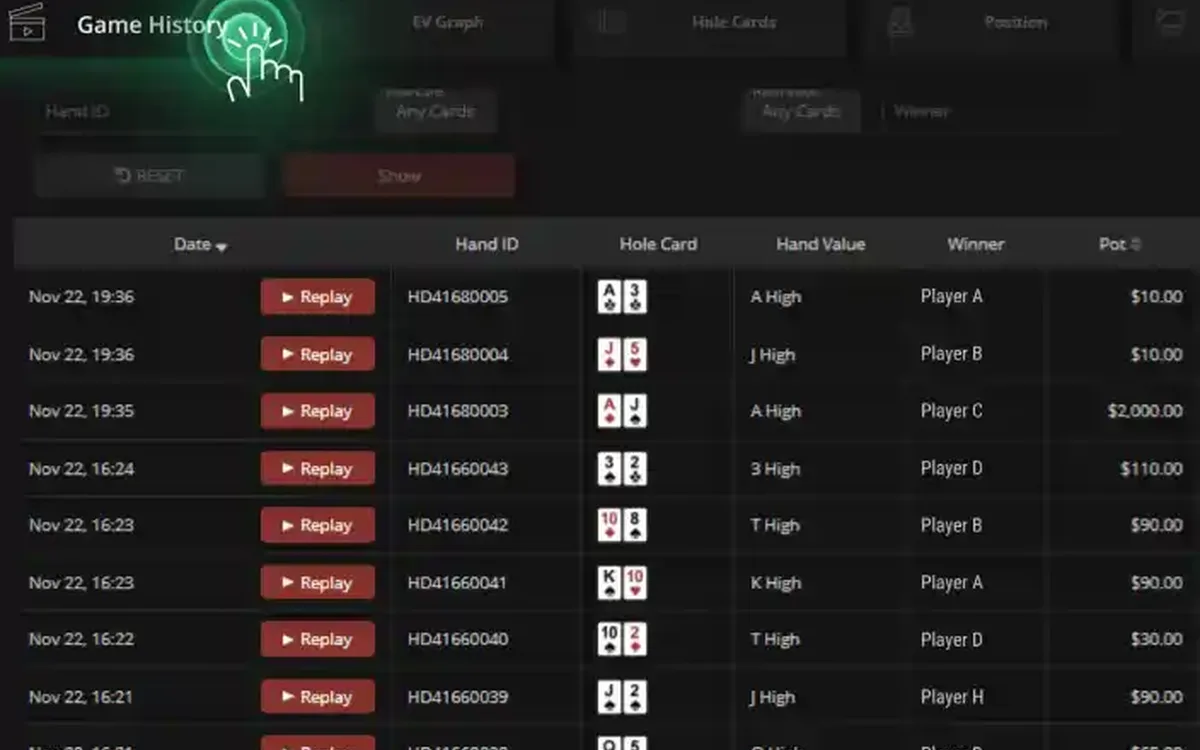 PokerCraft on PokerOK: Analysing Your Game Without a HUD (2026)Players who move to PokerOK from rooms that allow trackers are often surprised: no HoldemManager, no PokerTracker, no third-party HUD. The network replaces them with its own tools, and with the right routine they are enough for serious work on your game.Read the guide
 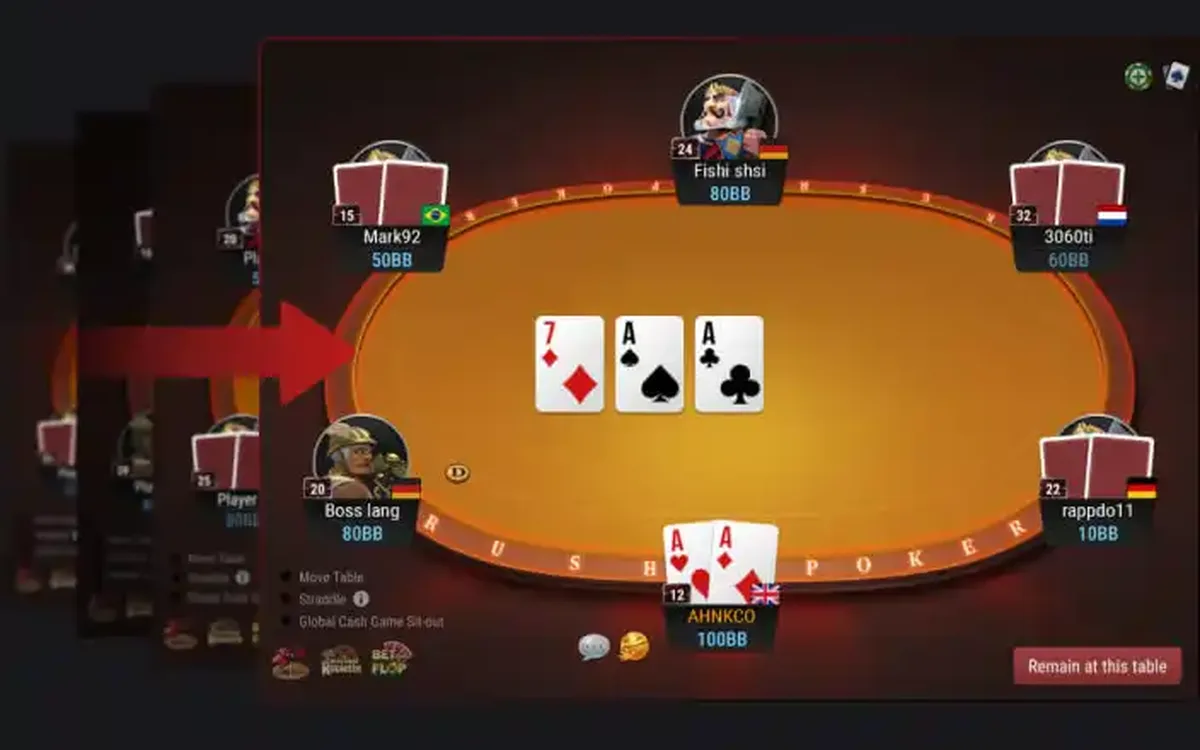 PokerOK Games: Which Format to Choose (2026)PokerOK has the full GGNetwork game library, and since the player pool is shared with GGPoker, every format has traffic around the clock. Instead of listing games alphabetically, this guide groups them by what you want from a session.Read the guide