PokerStars Verification (KYC): Accepted Documents and Upload Tips (2026)
PokerStars is licensed in many jurisdictions, and every one of them requires the room to know who its customers are. Most players pass an electronic check without sending anything, but anyone can be asked for documents, and knowing what Stars accepts saves days of back-and-forth.
Why and when PokerStars checks your identity
The Know Your Customer process confirms your age, identity and address. It protects minors and vulnerable people, enforces the one-account-per-person rule and makes fraud with stolen payment details harder. PokerStars first tries electronic checks against databases, but it cannot validate every player that way.
A request can come at any stage, not only at sign-up or the first deposit. Common triggers include a first or large withdrawal, a new payment method, a change of address or activity that the security team wants to review.
Proof of identity that Stars accepts
The standard options are a passport, a driving licence or a national ID card, and an armed forces ID can be accepted if you have none of these. Your face must be clearly visible and the document must be valid on the day you send it.
The list is adjusted by country: a driving licence, for example, is not accepted as ID from players in Belgium or Germany, while French players may use a residence permit. If your situation is unusual, ask support which document fits before you upload anything.
Proof of address that works
Good choices are a utility bill for gas, water, electricity, internet, landline or TV no older than six months, or a bank or credit card statement no older than three months. A signed tenancy agreement, an employer letter, a tax or government letter and a household or motor insurance certificate under 12 months old are also on the list.
Payslips, mobile phone bills, ordinary invoices, magazine subscriptions and medical letters are refused. Statements from online-only banks such as Revolut, Monzo or N26 do not count as proof of address either, so use a traditional bank or a utility bill instead.
Card and bank documents without oversharing
PokerStars follows the PCI DSS card security standard, so a card image must show only the first six and last four digits, with everything in between covered. Never send a photo of the back of the card, which carries the security code.
If you rely on an online banking statement, send a full-screen screenshot that shows your name, the account details, an issue date within three months and the page address, again with the card number masked.
Photographing and sending documents
A few minutes of care usually means approval on the first attempt:
- 1Lay the document on a dark, flat surface near a window so that daylight falls evenly and the flash causes no glare.
- 2Frame the whole page with all four corners visible and keep the shot in colour, without filters or cropping.
- 3Check that the name and address match your PokerStars profile letter for letter, including the flat number.
- 4Upload the files only through the verification request in your account or the channel support gives you in live chat.
- 5Wait for the confirmation message and keep an eye on your email in case Stars asks for a clearer copy.
Privacy and the usual reasons for rejection
Documents are handled under the PokerStars privacy policy and data-protection law. Nobody from Stars will ask for ID through social media or a private messenger, so treat such requests as phishing and report them.
Most rejections come from an expired ID, a cropped or blurred image, a proof of address older than allowed, an online-bank statement or an address that differs from the profile. Fix the specific issue named in the reply rather than resending the same file.
FAQ
01How long does PokerStars verification take?
Electronic checks are often instant, and manually reviewed documents are usually processed within a few days. Busy periods and unclear images make it longer, so verify before you need a payout.
02Does PokerStars ask for a selfie?
A selfie is not part of the standard document list in the Help Centre, but your face must be clearly visible on the ID. Additional checks can be requested in individual cases.
03Can I play before my documents are approved?
Usually yes, as long as no restriction has been placed on the account. A pending check can, however, hold up withdrawals until it is completed.
More PokerStars guides
 How to Register on PokerStars: Account Setup Step by Step (2026)Creating a PokerStars account is free and takes a few minutes, whether you start in the desktop client, the mobile app or the browser lobby. The decisions that matter most come early: which regional site you belong to, the Stars ID you will carry for years, and how well you protect the login.Read the guide
  How to Deposit on PokerStars: Cashier, Methods and First-Deposit Bonus (2026)Every PokerStars deposit goes through the cashier inside the client, the app or the website. Paying in is quick; the details worth slowing down for are the currency of your bankroll, the method you will later withdraw to and the rules of the first-deposit bonus.Read the guide
  How to Withdraw from PokerStars: Methods, Review Time and Payout Order (2026)PokerStars has paid players for more than two decades, and its withdrawal process is predictable once you know the rules. Most waiting comes from the order in which methods are paid, an unfinished identity check or bank details that do not match the account.Read the guide
 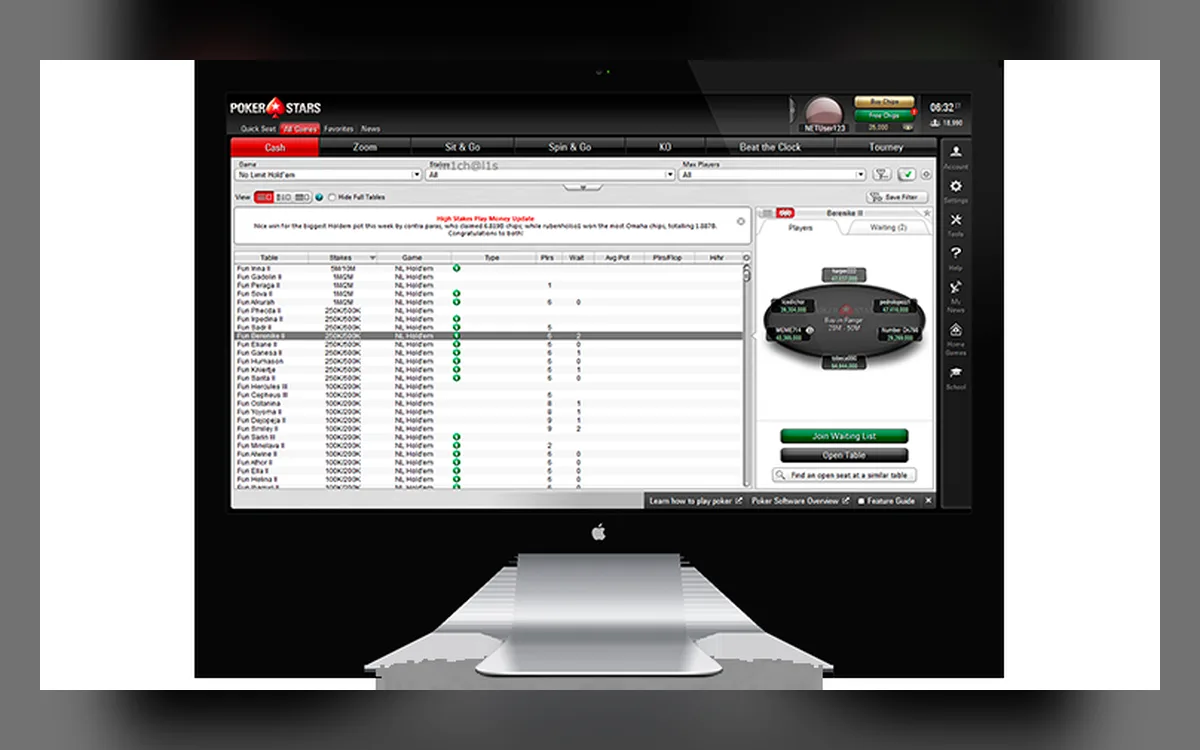 PokerStars Not Working? Fixing Launch, Connection and Login Problems (2026)When PokerStars refuses to start, keeps disconnecting or will not let you in, the cause is usually local: a firewall rule, a stale installation or a session that never closed. This guide follows the order the Stars Help Centre itself recommends, with the details that make each step work.Read the guide
  PokerStars Game Formats: Zoom, Spin & Go, SCOOP, WCOOP and Home Games (2026)No other online room offers as many poker variants as PokerStars, and several of its formats have become industry standards. Here is what each one involves, who it suits and what the rules on third-party tools mean for it.Read the guide
  PokerStars Mobile App: iPhone, Android APK and What You Can Play (2026)The PokerStars app puts the same account, balance and most of the game lobby on your phone. How you install it depends on the device: iPhone users go through the App Store, while most Android owners download an APK from the official PokerStars site.Read the guide