PokerStars Mobile App: iPhone, Android APK and What You Can Play (2026)
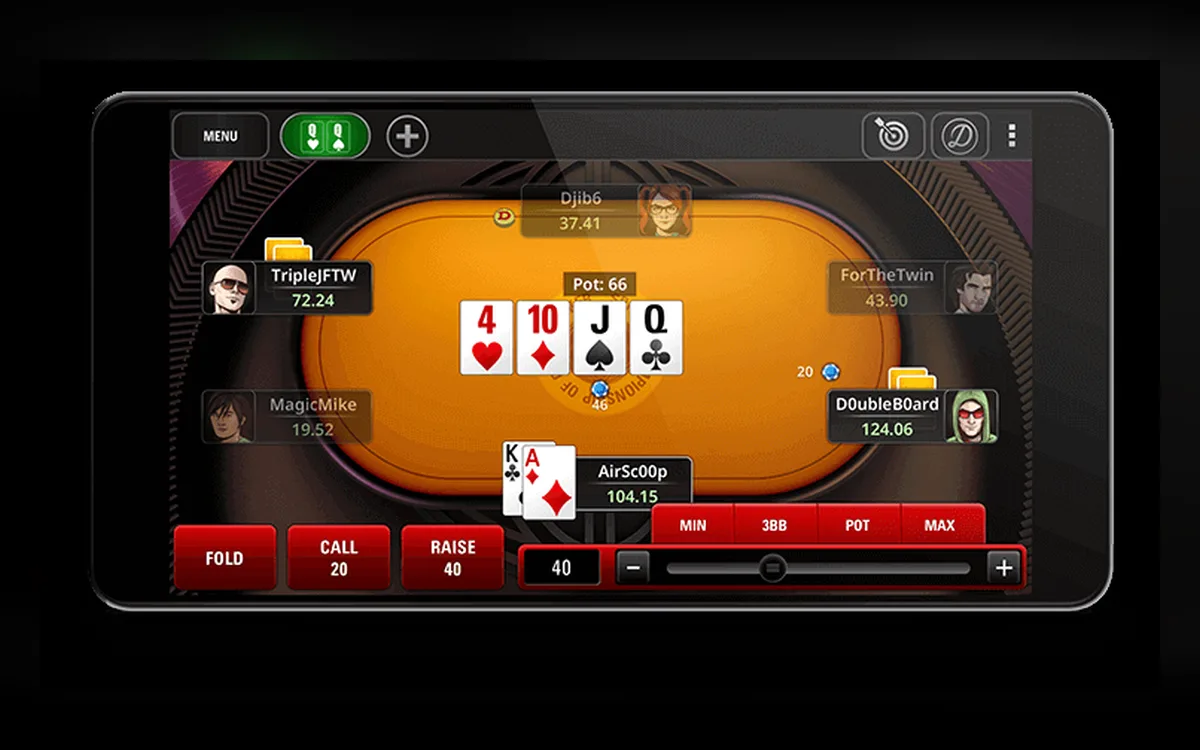
The PokerStars app puts the same account, balance and most of the game lobby on your phone. How you install it depends on the device: iPhone users go through the App Store, while most Android owners download an APK from the official PokerStars site.
Which version fits your phone
On iPhone and iPad the real-money app is distributed through the App Store. On Android, the official site offers an APK file, because in most regions the real-money PokerStars app is not available in Google Play; in a few markets a store version exists, and the site will point you to it.
Regional sites such as those for France, Spain, Italy or Ontario have their own apps, so install the one that matches the site where your account lives. If you only want a quick game, the browser lobby is an alternative that needs no installation at all.
Installing the Android APK safely
Use only the file served by the official PokerStars site — never a mirror or a link from a chat:
- 1Open the official PokerStars site in your phone’s browser and tap the Android download button.
- 2When Android warns about an unknown source, open the suggested settings and allow installs for that browser only.
- 3Open the downloaded PokerStars APK from the notification or the Downloads folder and confirm the installation.
- 4Launch the app, sign in with your Stars ID and allow notifications only if you want table alerts.
- 5Go back to the security settings and withdraw the browser’s permission to install unknown apps.
iPhone and iPad
Search the App Store for PokerStars and check that the developer is the official PokerStars operator before installing. Updates arrive through the App Store as usual, and an outdated app may refuse to connect, so do not postpone them for long.
If the app misbehaves after an update, delete it completely and install a fresh copy; your account, balance and settings stored on the server are not affected.
Games and features on mobile
The app covers cash games, Zoom, Spin & Go and the tournament schedule, including SCOOP and WCOOP events, alongside the full cashier, PokerStars Rewards chests and Power Path. You can play several tables at once and switch between them, though a phone screen is better suited to a small number of games than to a full desktop grind.
Some features differ from the desktop client — Home Games, for example, may be limited on mobile depending on the version — so check the help pages if something you use on a computer seems to be missing.
Keeping the connection stable
Stars recommends sticking to one type of connection: if your phone hops between Wi-Fi and mobile data, the server may read the switch as a disconnect. Turn off one of them for the session, preferably keeping Wi-Fi, and close heavy background apps to free memory.
If disconnects continue, send logs from the app via Account → Help → Send Log Files, then contact support with your device model and system version.
Security and responsible play on the go
Protect the phone with a PIN or biometrics and keep SMS validation active on the account. Since only one session is allowed, always log out through Account → Logout when you finish, especially before switching to the computer.
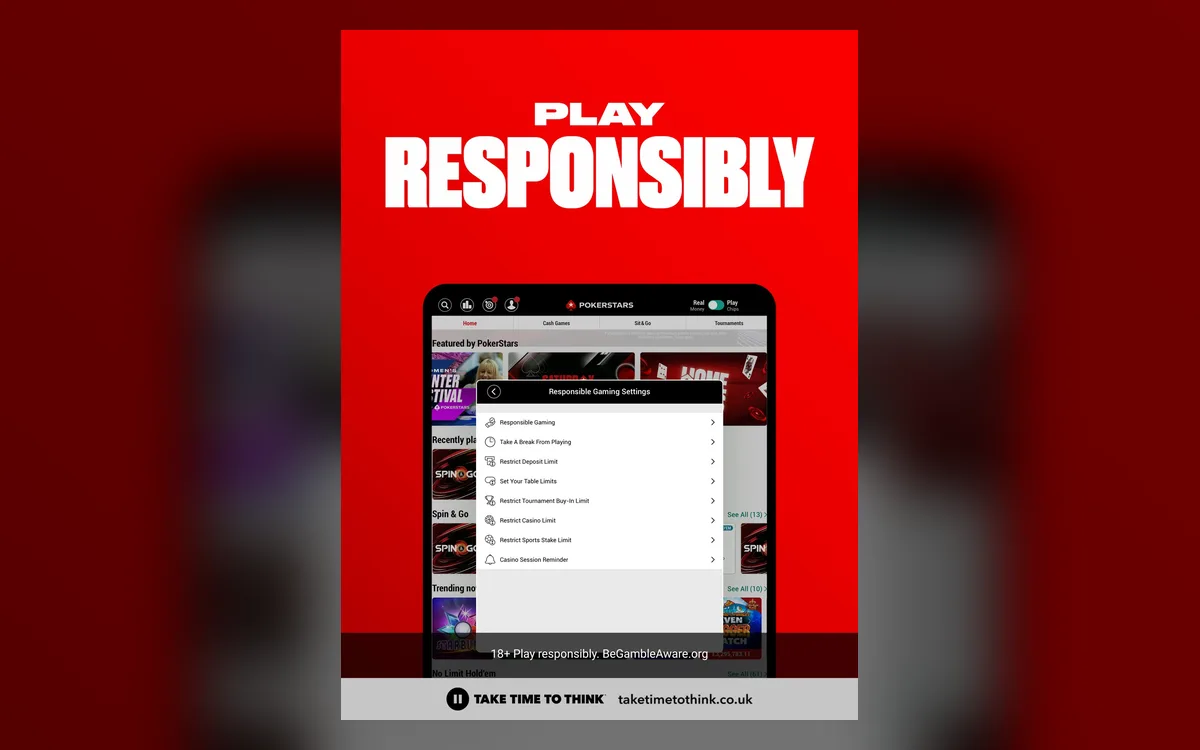
A poker app in your pocket makes it easy to play longer than planned. Set deposit and buy-in limits under Account → Responsible Gaming, and never play while driving.
FAQ
01Can I download PokerStars from Google Play?
In most regions the real-money app is not in Google Play, so it is installed as an APK from the official site. Where a store version exists for your market, the official site links to it.
02Do I need a separate account for the mobile app?
No. You sign in with the same Stars ID, and your balance, rewards and history are shared between the phone and the computer.
03Why does the app log me out when I open PokerStars on my PC?
Stars allows one active session at a time across all platforms. Opening the client on the computer closes the session on the phone, and vice versa.
More PokerStars guides
 How to Register on PokerStars: Account Setup Step by Step (2026)Creating a PokerStars account is free and takes a few minutes, whether you start in the desktop client, the mobile app or the browser lobby. The decisions that matter most come early: which regional site you belong to, the Stars ID you will carry for years, and how well you protect the login.Read the guide
  How to Deposit on PokerStars: Cashier, Methods and First-Deposit Bonus (2026)Every PokerStars deposit goes through the cashier inside the client, the app or the website. Paying in is quick; the details worth slowing down for are the currency of your bankroll, the method you will later withdraw to and the rules of the first-deposit bonus.Read the guide
  How to Withdraw from PokerStars: Methods, Review Time and Payout Order (2026)PokerStars has paid players for more than two decades, and its withdrawal process is predictable once you know the rules. Most waiting comes from the order in which methods are paid, an unfinished identity check or bank details that do not match the account.Read the guide
  PokerStars Verification (KYC): Accepted Documents and Upload Tips (2026)PokerStars is licensed in many jurisdictions, and every one of them requires the room to know who its customers are. Most players pass an electronic check without sending anything, but anyone can be asked for documents, and knowing what Stars accepts saves days of back-and-forth.Read the guide
  PokerStars Not Working? Fixing Launch, Connection and Login Problems (2026)When PokerStars refuses to start, keeps disconnecting or will not let you in, the cause is usually local: a firewall rule, a stale installation or a session that never closed. This guide follows the order the Stars Help Centre itself recommends, with the details that make each step work.Read the guide
  PokerStars Game Formats: Zoom, Spin & Go, SCOOP, WCOOP and Home Games (2026)No other online room offers as many poker variants as PokerStars, and several of its formats have become industry standards. Here is what each one involves, who it suits and what the rules on third-party tools mean for it.Read the guide