PokerStars Not Working? Fixing Launch, Connection and Login Problems (2026)
When PokerStars refuses to start, keeps disconnecting or will not let you in, the cause is usually local: a firewall rule, a stale installation or a session that never closed. This guide follows the order the Stars Help Centre itself recommends, with the details that make each step work.
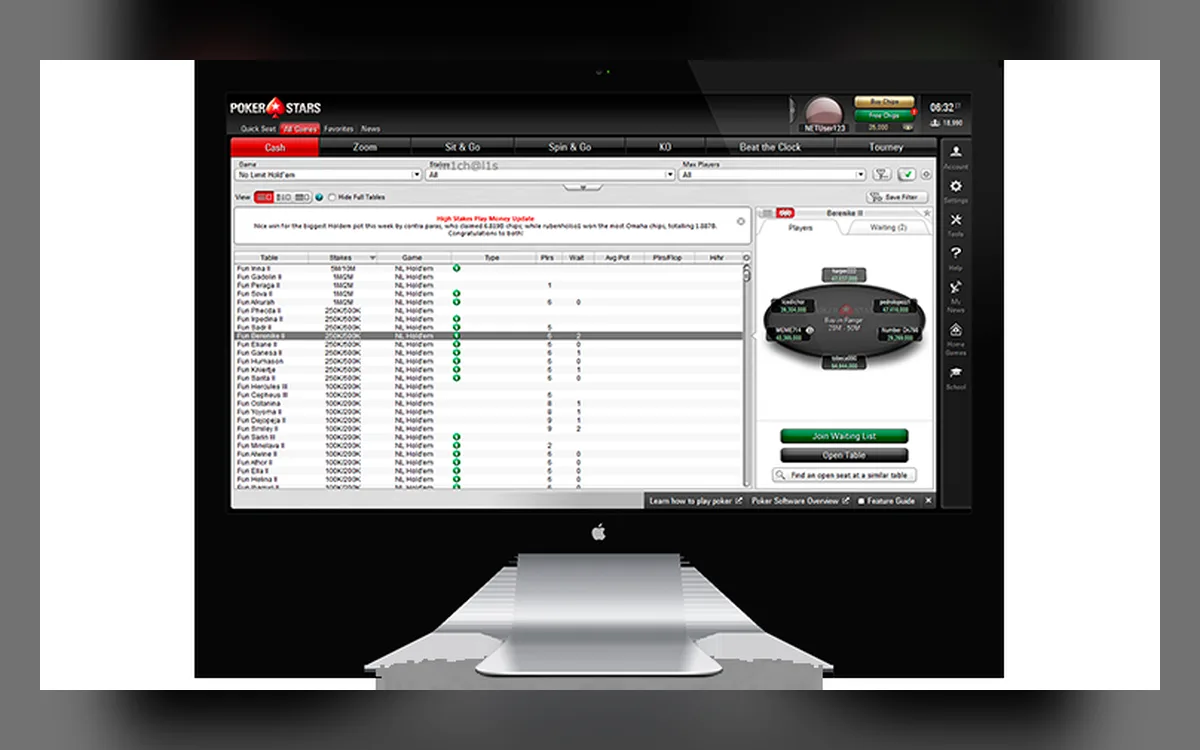
Rule out the simple causes first
Power down the computer, switch the modem and router off and on, and check that other sites load normally before blaming the client. Close anything that eats bandwidth, such as streaming, cloud backups or large downloads, because a saturated connection looks to the poker server like a dropped one.
Keep your operating system on a version that still receives updates. PokerStars supports current Windows and macOS releases, and an outdated system is a common reason for the client failing after an automatic update; the Help Centre lists what is currently supported.
Let the PokerStars programs through your firewall
Security software sometimes blocks the client or quarantines one of its helper files after an update. On Windows, allow PokerStars.exe, PokerStarsUpdate.exe and PokerStarsBr.exe, plus the other PokerStars executables in the installation folder; on a Mac, allow PokerStars.app and Update.app.
Third-party antivirus suites explain in their own help pages how to add such exceptions.
Change DNS or try another connection
If the lobby loads but never connects, your provider’s DNS servers may be the bottleneck. PokerStars suggests switching to Google DNS, which you set in the network adapter or router settings.
As a test, connect through your phone’s hotspot: if Stars works there, the fault lies with your router or provider.
A clean reinstall that keeps your notes
Reinstalling fixes corrupted files, but back up your settings and player notes first:
- 1Open the client if you can and choose Help → Open My Settings Folder; otherwise press Windows + R and go to %USERPROFILE%\AppData\Local.
- 2Copy user.ini and notes.user.xml (where “user” is your Stars ID) to the desktop or a USB stick.
- 3Remove PokerStars under Settings → Apps → Installed apps, then restart the computer.
- 4Download a fresh installer from the official PokerStars site and install it in the same folder as before.
- 5Close the client, paste the two saved files back into the settings folder and accept the overwrite prompt.
When you cannot log in
The message “You are already logged in from another computer” appears because Stars permits one session across the app, the website and the desktop client. A session left open after a crash or a server restart can also trigger it: log out of the app via Account → Logout, sign out on the website, and simply close the desktop client, which logs you out automatically.
After several wrong passwords the account may be blocked for a short time, so wait about ten minutes before retrying or use the password reset. If you are asked for an SMS code, it comes from SMS validation: enter it to restore deposits, withdrawals and cash games.
VPNs and restricted countries
Playing through a VPN or proxy to hide your location is a breach of the PokerStars terms. If you are in a country where the room is not available, an account used that way will be closed and its balance can be withheld; there is no safe workaround.
Even in permitted countries, a VPN can make the client look as if it is connecting from somewhere else and trigger security checks or disconnects. Turn it off while playing.
What to send to support
If nothing helps, send your log files from the client lobby via Help → Log Files, adding a short description. The logs are overwritten after about 48 hours, so do it soon after the failure, then contact live chat with a screenshot, your operating system version and the name of your security software.
FAQ
01Will reinstalling PokerStars delete my player notes?
Not if you copy notes.user.xml and user.ini before uninstalling and put them back afterwards. Reinstalling into the same folder normally keeps the settings anyway, but the backup costs only a minute.
02Why does PokerStars say I am logged in elsewhere?
Only one session is allowed at a time across the app, website and desktop client. Log out properly on other devices, or wait for a stuck session to expire, then try again.
03Can I use a VPN with PokerStars while travelling?
Do not use one to change your apparent location. Whether you may play depends on where you physically are, and masking it breaks the rules and can cost you the account.
More PokerStars guides
 How to Register on PokerStars: Account Setup Step by Step (2026)Creating a PokerStars account is free and takes a few minutes, whether you start in the desktop client, the mobile app or the browser lobby. The decisions that matter most come early: which regional site you belong to, the Stars ID you will carry for years, and how well you protect the login.Read the guide
  How to Deposit on PokerStars: Cashier, Methods and First-Deposit Bonus (2026)Every PokerStars deposit goes through the cashier inside the client, the app or the website. Paying in is quick; the details worth slowing down for are the currency of your bankroll, the method you will later withdraw to and the rules of the first-deposit bonus.Read the guide
  How to Withdraw from PokerStars: Methods, Review Time and Payout Order (2026)PokerStars has paid players for more than two decades, and its withdrawal process is predictable once you know the rules. Most waiting comes from the order in which methods are paid, an unfinished identity check or bank details that do not match the account.Read the guide
 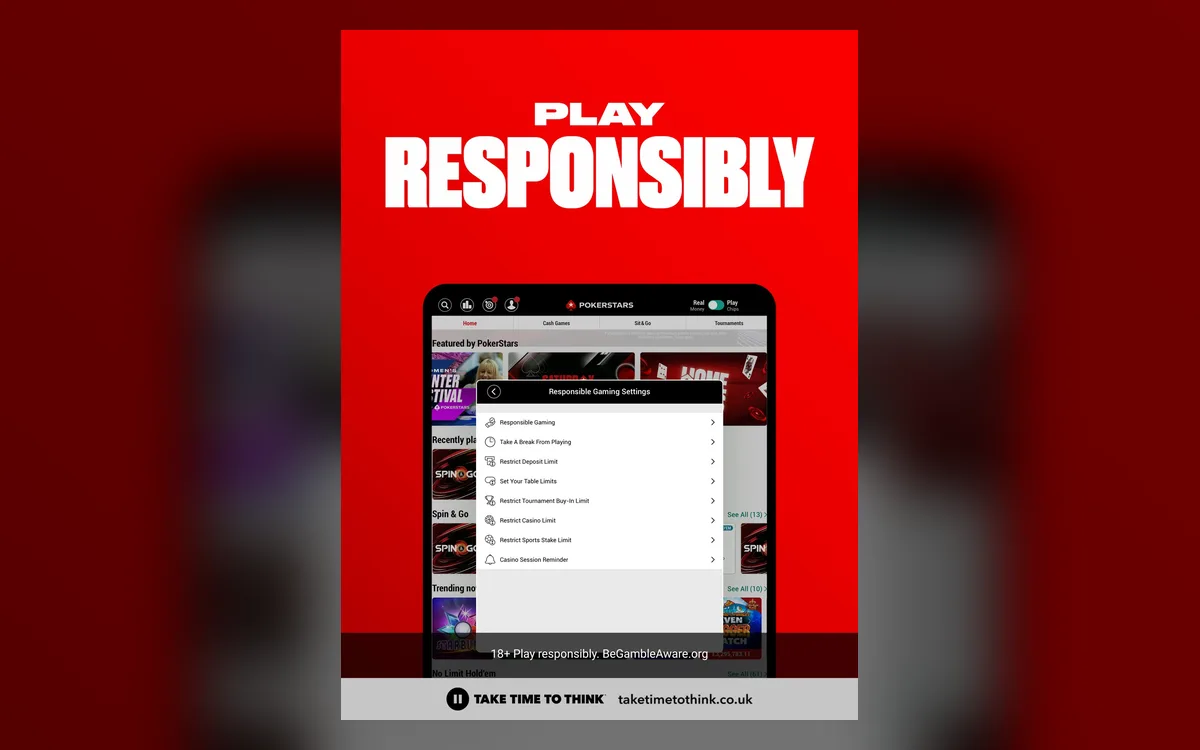 PokerStars Verification (KYC): Accepted Documents and Upload Tips (2026)PokerStars is licensed in many jurisdictions, and every one of them requires the room to know who its customers are. Most players pass an electronic check without sending anything, but anyone can be asked for documents, and knowing what Stars accepts saves days of back-and-forth.Read the guide
  PokerStars Game Formats: Zoom, Spin & Go, SCOOP, WCOOP and Home Games (2026)No other online room offers as many poker variants as PokerStars, and several of its formats have become industry standards. Here is what each one involves, who it suits and what the rules on third-party tools mean for it.Read the guide
 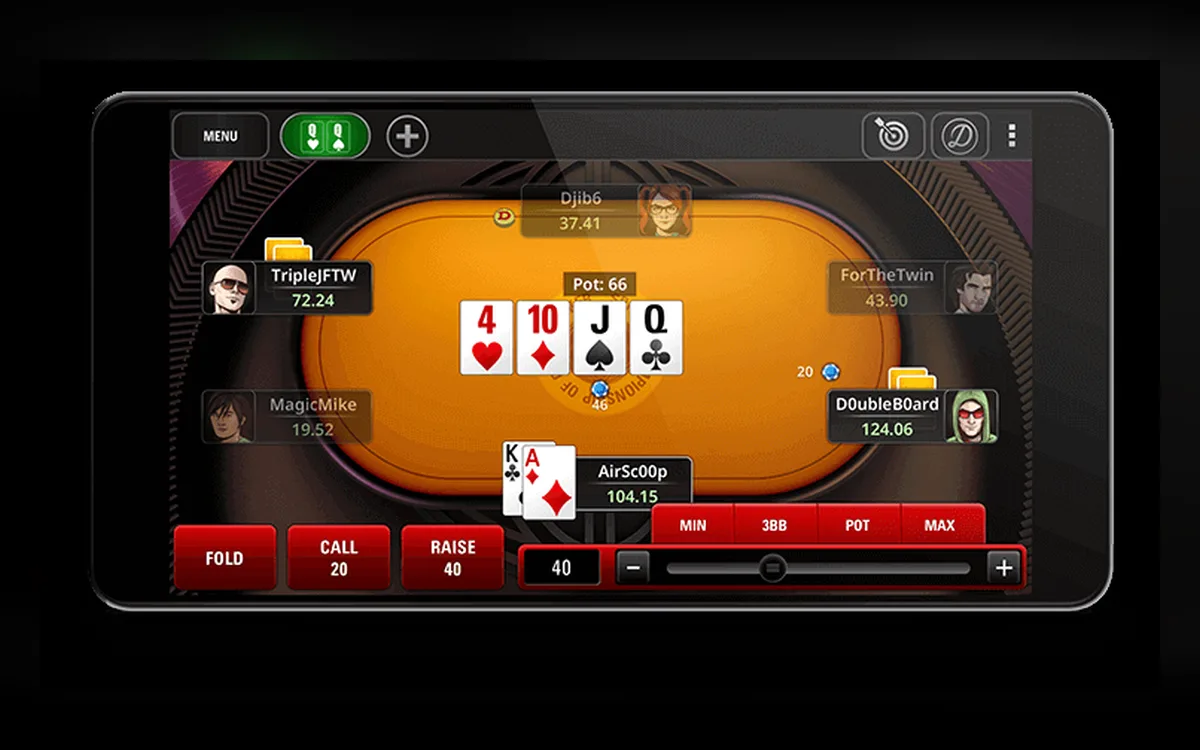 PokerStars Mobile App: iPhone, Android APK and What You Can Play (2026)The PokerStars app puts the same account, balance and most of the game lobby on your phone. How you install it depends on the device: iPhone users go through the App Store, while most Android owners download an APK from the official PokerStars site.Read the guide