WPT Global Verification (KYC): Documents and Upload Tips (2026)
WPT Global doesn’t ask for documents at sign-up, so you can register, deposit and play straight away. Sooner or later, though — usually around a withdrawal or a set threshold — the room will ask you to prove who you are, where you live and that your payment method is really yours.
When the request arrives
According to the help centre, checks start when certain thresholds are reached, or earlier if there is a specific reason. Typical moments are the first cash-out, a large withdrawal, a new payment method or details that don’t match between your profile and your payments. The terms also let the room ask for extra documents at any time.
In rarer cases WPT Global runs enhanced KYC: a live video interview, identity checks with liveness detection, or questions about your playing history and poker knowledge. This is part of its fight against fraud and bots, and declining it usually leaves the account restricted.
Which documents are accepted
Proof of identity means a national ID card, passport or driving licence, with all four corners, the issue and expiry dates, your full name and date of birth visible. Proof of address is a utility bill (electricity, water, internet) or a bank statement that shows your full address and an issue date, is in the account holder’s name and is less than three months old.
Proof of deposit depends on the method. For a card, photograph the signed card front and back with only the first six and last four digits showing and the CVV covered. For an e-wallet such as Skrill, provide a screenshot showing the wallet name, the registered email and the transaction to WPT Global.
How to upload your files
There are two official routes — a secure link by email or the app itself:
- 1Open the secure upload link WPT Global sends to your registered email, or find the verification prompt in the app’s profile or settings section.
- 2Photograph each document in colour on a dark, flat surface with all four edges inside the frame.
- 3Check that dates, numbers and your name are sharp and free of glare from the flash or a lamp.
- 4Save the images as JPG, PNG or PDF without filters, edits or cropping.
- 5Upload each file in its own category and submit the set.
- 6Watch your inbox for a confirmation or a request for a clearer copy.
Why documents get rejected
Black-and-white scans, cropped edges, screenshots of a document instead of a photo of the original, and bills older than three months are the usual culprits. A difference between the name on your profile and on the document also halts the process, which is why the Latin spelling chosen at registration matters so much.
An ID alone is not always enough. If your account still shows as unverified after the photo ID has gone through, the room most likely needs a proof of address as well.
How long verification takes
The FAQ says to allow up to 48 hours, and the verification page speaks of typically up to 72 hours after every required file has arrived. An incomplete set restarts the clock, so send everything at once. Support works around the clock if you are unsure which document is still missing.
Privacy and safety
Uploads go directly to a secure verification platform with no manual handling on the way, and stored files are encrypted and opened only by authorised staff. Never send documents to an address you haven’t found in the official app or help centre, and ignore social-media messages offering to “speed up” your check.
If you move house or country, tell support. The new country has to be outside the excluded list, and a changed address means submitting a fresh proof of address.
FAQ
01Do I have to verify before my first deposit?
No. WPT Global lets you register, deposit and play without documents; verification is requested once thresholds are reached or when there is a reason for it.
02Which proof of address does WPT Global accept?
A utility bill for electricity, water or internet, or a bank statement. It should show your full name and address and be no more than three months old.
03Why does WPT Global need a photo of my card?
It confirms that the card used for deposits belongs to you. Leave only the first six and last four digits visible and cover the CVV.
More WPT Global guides
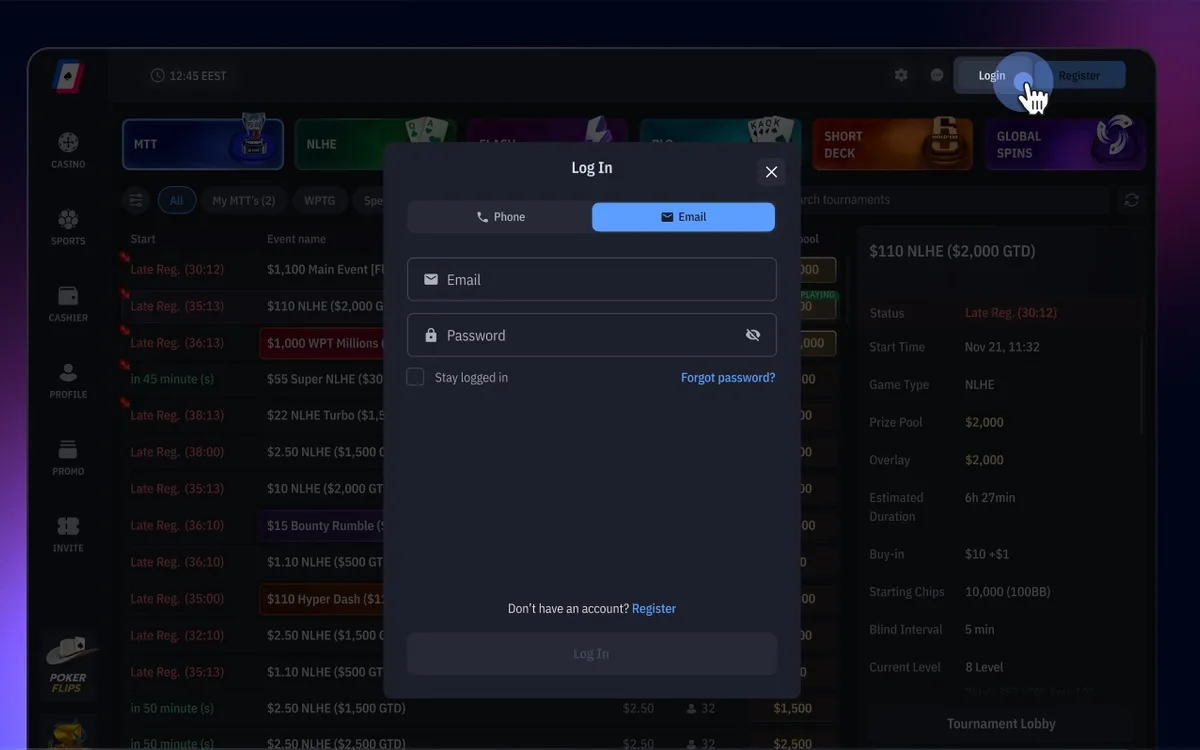 How to Register on WPT Global: Sign-Up Guide (2026)WPT Global, the online room of the World Poker Tour, lets you open an account in a few minutes from its desktop client or mobile app. The sign-up form itself asks for very little, but the profile details you add before your first deposit decide how smoothly your later withdrawals will go.Read the guide
 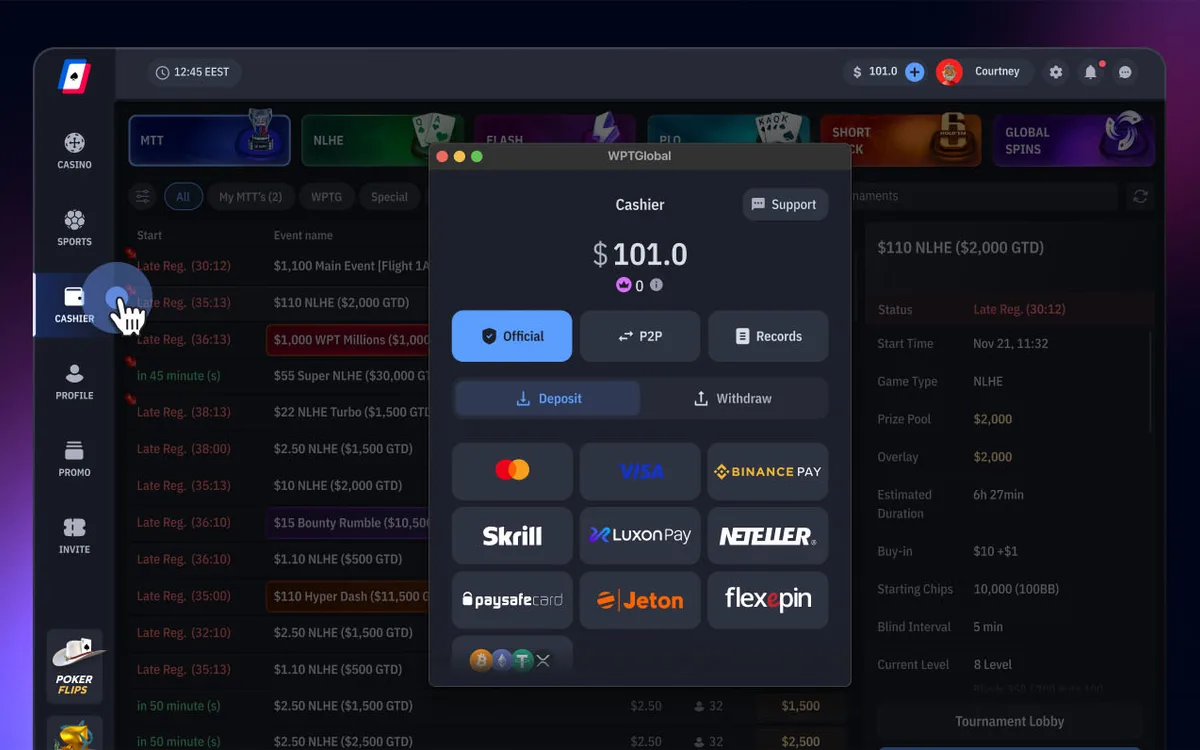 How to Deposit on WPT Global: Methods, $10 Minimum and Bonus (2026)Every deposit on WPT Global goes through the Cashier inside the app, and the room itself charges no deposit fee. The method you choose also shapes your future withdrawals, because payouts follow a closed-loop policy.Read the guide
 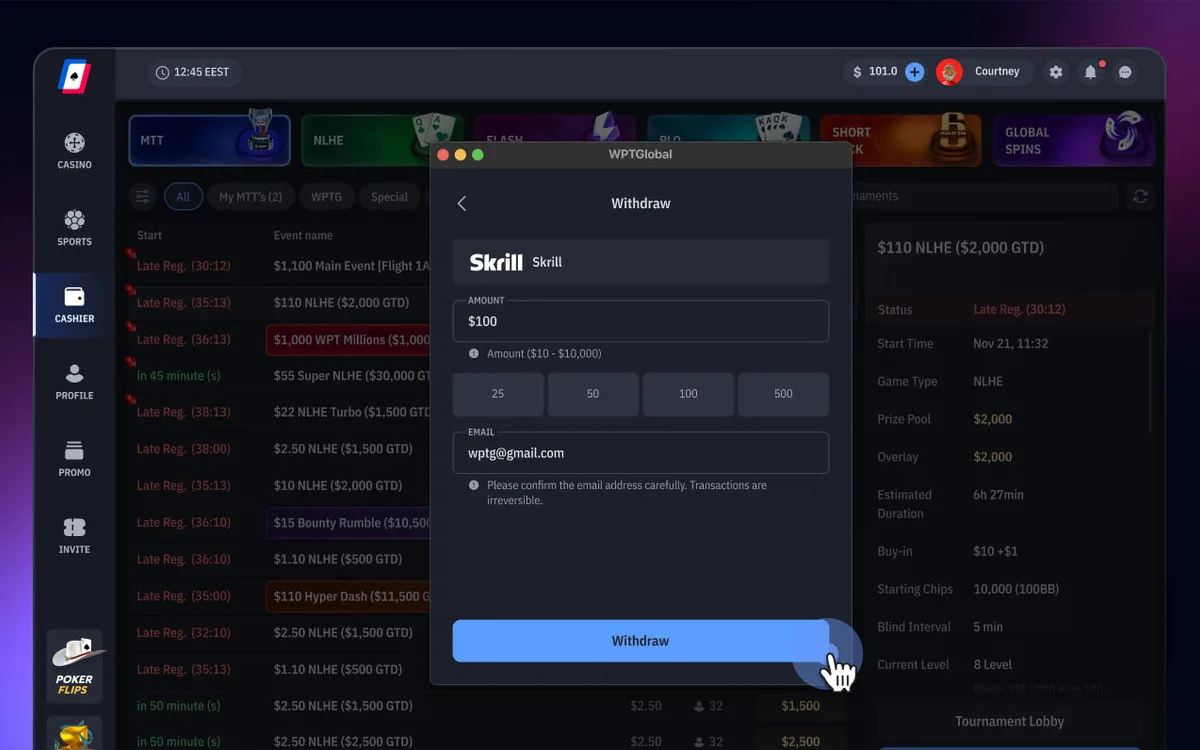 How to Withdraw from WPT Global: Methods, Times and Rules (2026)Cashing out on WPT Global takes a few clicks in the Cashier, and the room charges no withdrawal fee. How fast the money reaches you depends mainly on three things: whether your account is verified, which method you use and whether you respect the closed-loop rule.Read the guide
 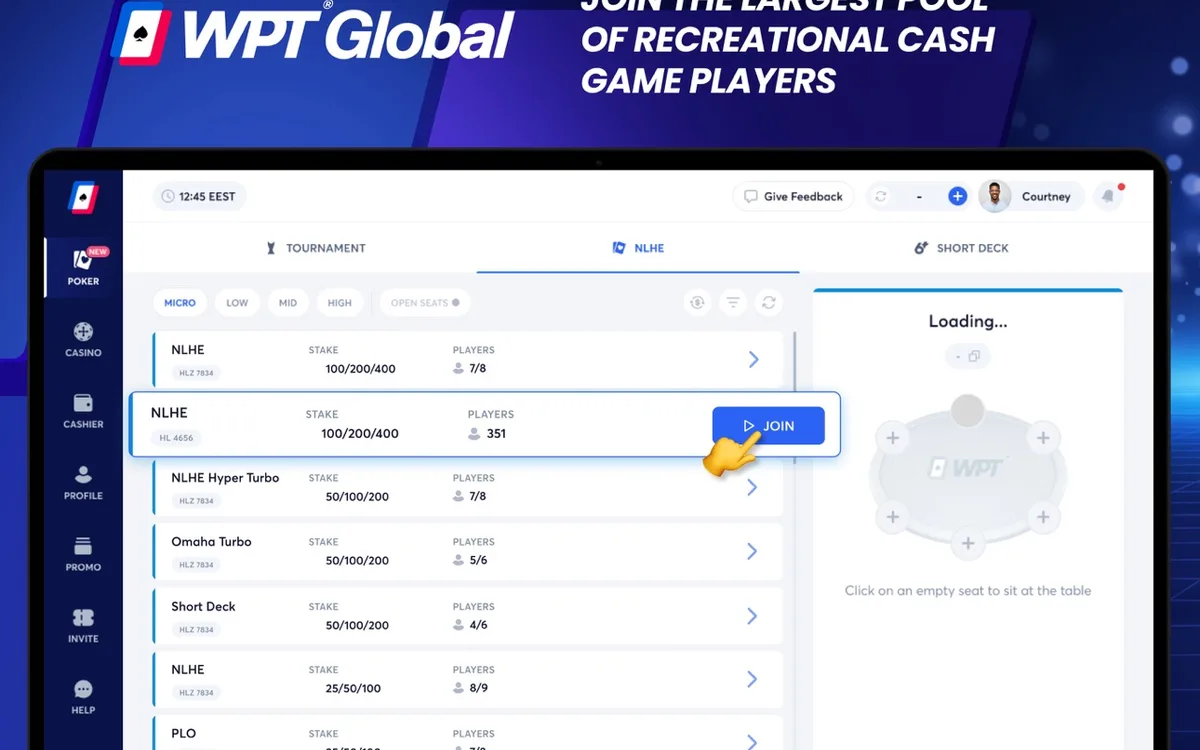 WPT Global Not Working? Fixing Launch, Login and Connection Issues (2026)Most problems with the WPT Global app come down to an outdated build, an over-zealous security program or an unstable connection. Below are the fixes the room’s help centre recommends, plus the setups its terms forbid outright.Read the guide
 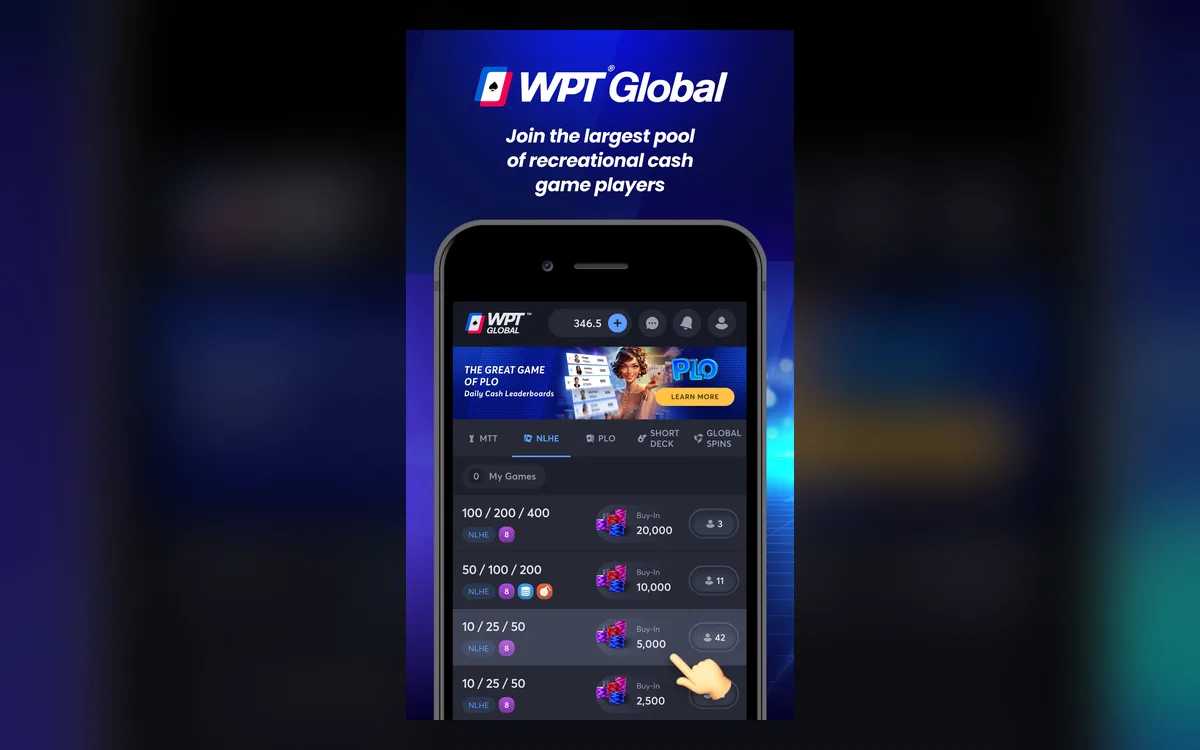 WPT Global Game Formats: Cash, Flash, Global Spins and MTTs (2026)WPT Global’s lobby is smaller than GGPoker’s, but it has a clear identity: low-rake Hold’em, a strong Omaha scene, Short Deck, action formats such as Bomb Pots, and WPT-branded tournaments with a path to live events. Here is what each section offers and how it is raked.Read the guide
 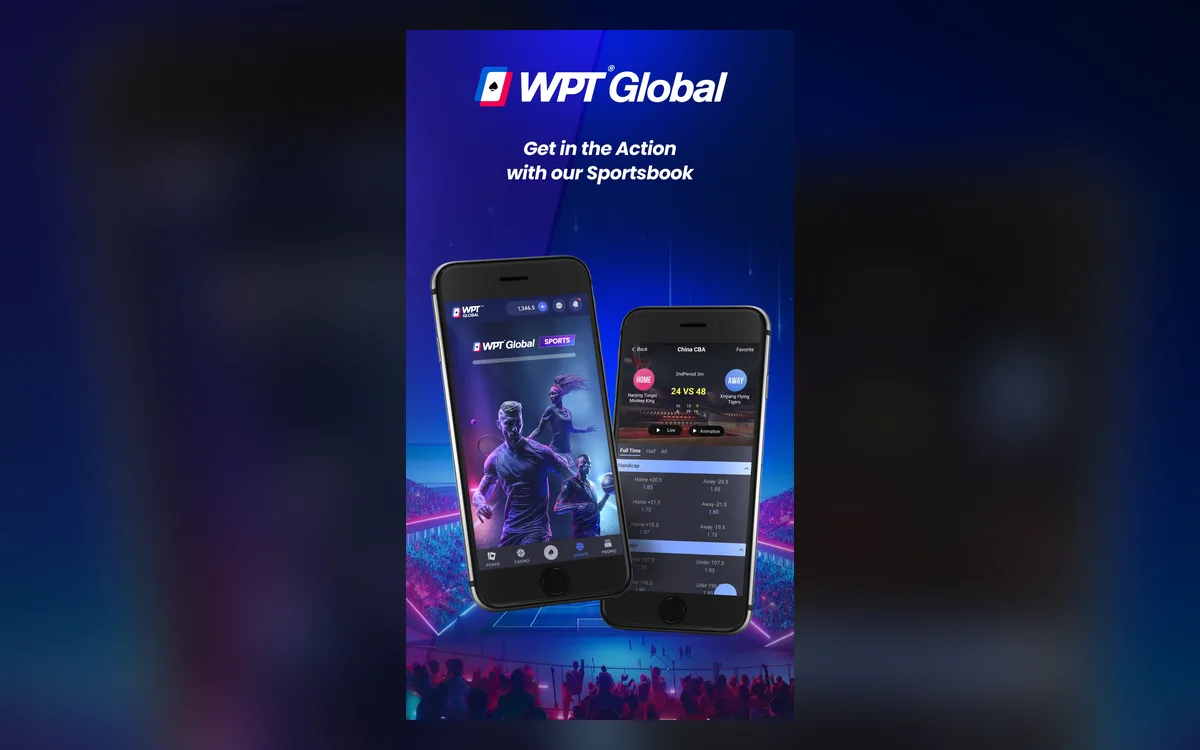 WPT Global App for iPhone and Android: Install and Play (2026)WPT Global was built with phones in mind, and its app gives you the same account, cashier and lobby as the desktop client. iPhone owners install it from the App Store, while on Android the official site provides an APK file.Read the guide