CoinPoker on Mobile: Android APK, iPhone Install and Browser Play (2026)
On Android, CoinPoker is installed as an APK from the official download page, and the iPhone build is distributed from that same page rather than through an app-store listing. There is also a full browser version, so every phone owner has at least one route to the tables.
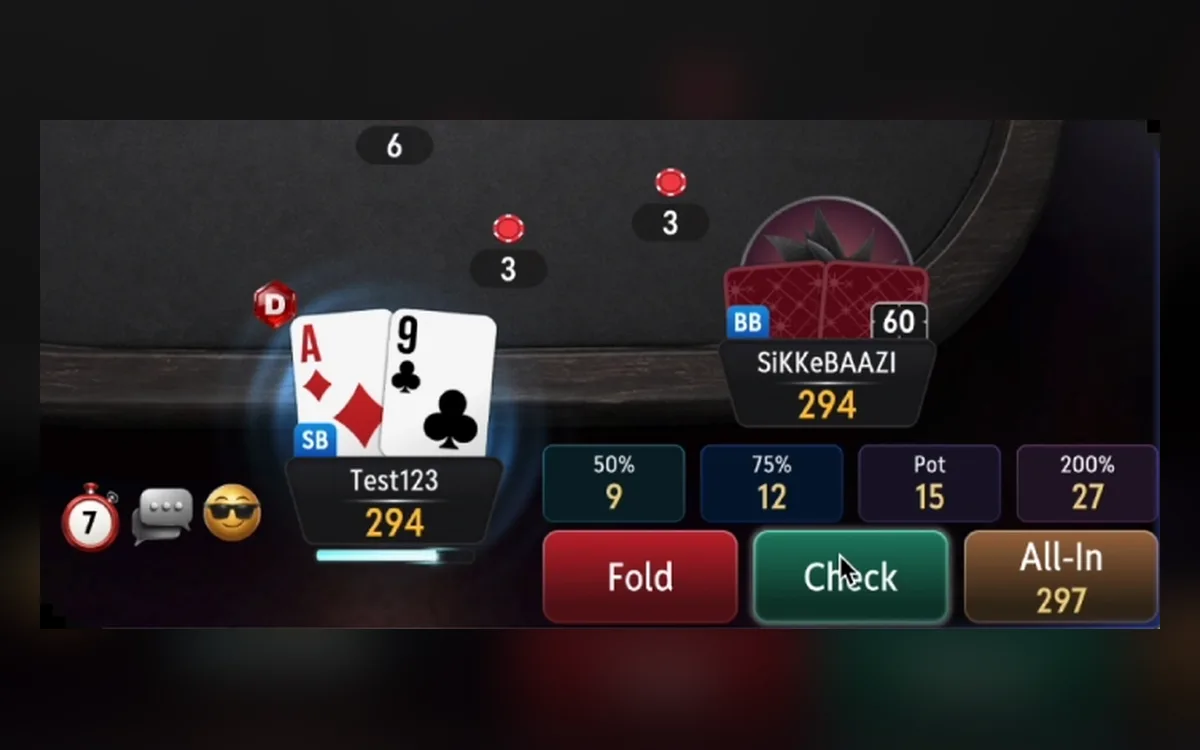
Three ways to play on a phone
Android users install the APK, iPhone and iPad users can install the iOS build from the same page, and anyone can open the browser version, which the help centre describes as giving full access to the platform. All three use the same account and the same USDT balance as the desktop client.
The recommended baseline is Android 10 with 4 GB of RAM or iOS 15 with 2 GB, plus around 500 MB of free storage. Older devices may install the app but struggle at the table.
Installing the Android APK
Open the official download page in Chrome or Samsung Internet on the phone itself and follow these steps:
- 1Tap the Android option; if the browser warns about the file, choose Download anyway.
- 2When the download finishes, tap Open.
- 3If Android asks, allow your browser to install unknown apps (on Samsung under Biometrics and security, on Xiaomi under Privacy Protection > Special permissions).
- 4Tap Install and wait for the setup to complete.
- 5Open CoinPoker, log in or register, and confirm the six-digit code from your email.
Play Protect and other warnings
Google Play Protect or Samsung’s Auto Blocker can stop an APK from installing, and the official guide acknowledges this. Pause such protection only for the file from the official download page, and switch it back on afterwards.
Never install a CoinPoker APK sent in a chat or posted on a forum. Modified builds are a common way to steal crypto balances.
Getting the iOS build onto an iPhone
On the official download page the iOS option starts with a tap on Install. After the download, the instructions send you to Settings > VPN & Device Management to approve the app, and the iPhone may ask to restart before it opens.
Because this build is distributed outside the App Store, Apple can occasionally invalidate it, and the app may then refuse to open until you reinstall it from the same page. If that happens, or you would rather not approve anything in Settings, use the browser version instead.
Browser play and a home-screen shortcut
In Safari or Chrome you can sign up, deposit and play without installing anything; the help centre recommends Safari on iOS and Chrome on Android. Add the site to the home screen through the Share menu or the browser menu, and it will open with one tap like an app.
If the browser version stalls on an iPhone, Screen Time restrictions or a content blocker are the usual culprits. Clearing the browser cache is the next step.
What changes on a small screen
The wallet sits in the top-right corner or in the bottom menu, and the cash leaderboards open when you tap your username in the top-left corner. Cash games, tournaments, Splash Pots and CoinRaces work just as they do on desktop.
Do not run the Android app in an emulator on a PC: emulators are banned under the third-party tools policy. Phones make it easy to play in short bursts, so a timeout or self-exclusion set in Account Settings is especially useful on mobile.
FAQ
01Is CoinPoker in the App Store or Google Play?
The official download page provides the Android APK and the iOS build directly, without pointing to app-store listings. Install only from that page, or use the browser version.
02Why does my iPhone send me to VPN & Device Management?
That is where iOS asks you to approve apps installed outside the App Store. Approve the CoinPoker entry, restart if prompted, and the app will open.
03Can I play CoinPoker on a phone without installing anything?
Yes. The browser version works in Safari or Chrome with the same account, cashier and games, and it can be pinned to the home screen.
More CoinPoker guides
 How to Register on CoinPoker: Account Setup Step by Step (2026)Signing up for CoinPoker is one of the shortest registrations in online poker: an email, a password and a one-time code are enough to reach the lobby. The details you skip at sign-up still matter later, though, so this walkthrough covers the rules worth knowing before your first deposit.Read the guide
 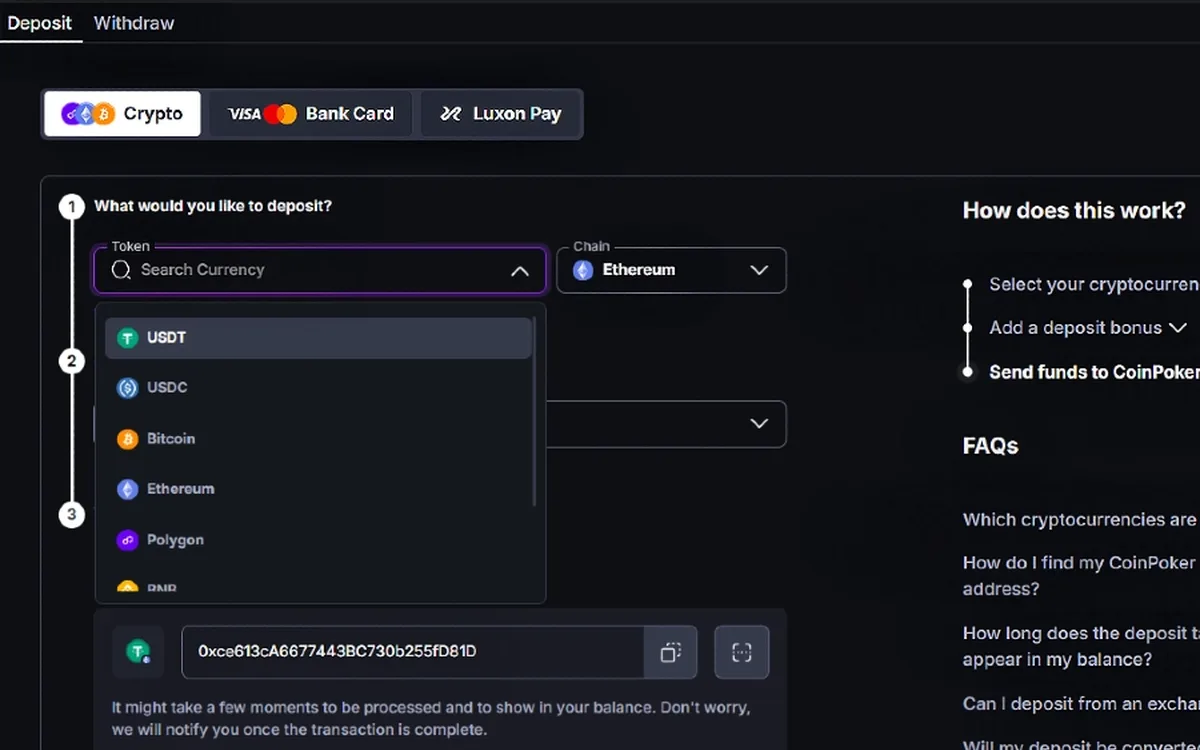 How to Deposit on CoinPoker: Crypto, Cards and the 150% Bonus (2026)CoinPoker’s cashier is built around crypto, yet it also takes cards, Apple Pay, Google Pay, Luxon Pay and regional payment methods. Whatever you send, the balance ends up in USDT, and the first deposit is the only moment to claim the welcome bonus.Read the guide
 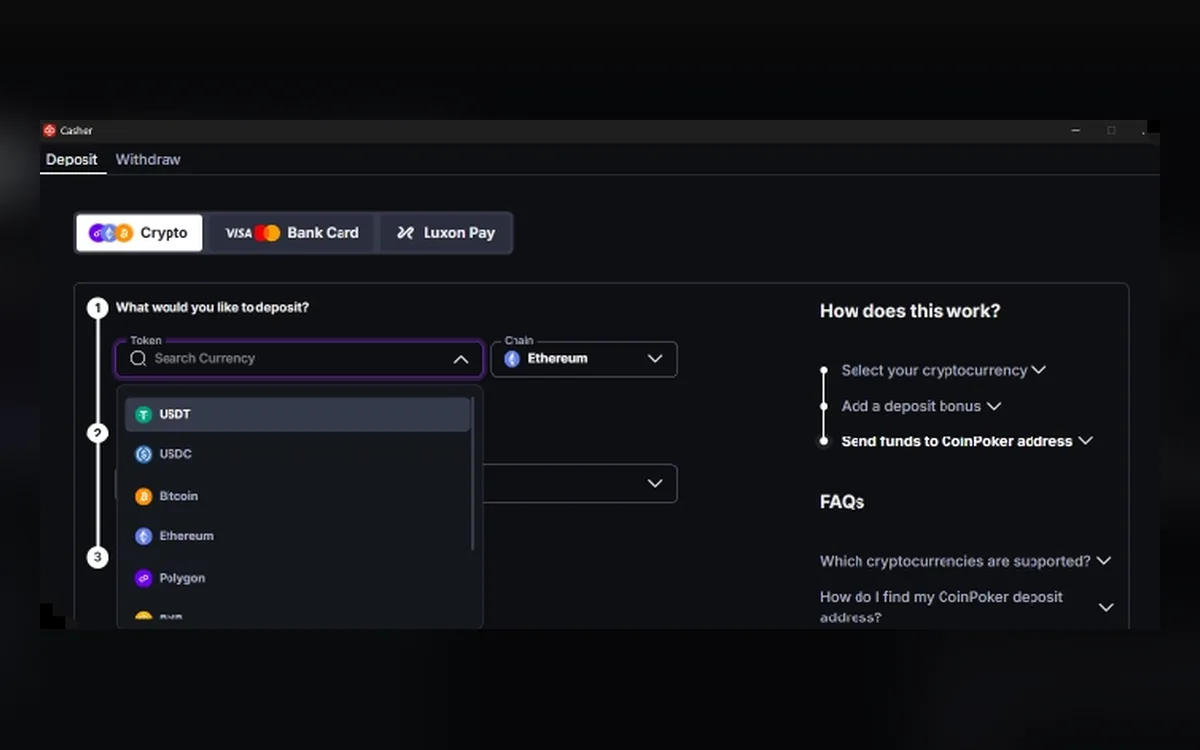 How to Withdraw from CoinPoker: Crypto Payouts, Fees and Limits (2026)Fast cashouts are CoinPoker’s main selling point, and most crypto withdrawals do land within minutes. A few rules about networks, fees and unplayed deposits decide whether yours is one of them.Read the guide
  CoinPoker Verification (KYC): When It Happens and What to Send (2026)CoinPoker advertises play without verification, and most players never upload a document. The Terms and the AML & KYC policy, however, keep the right to check anyone at any time, so it pays to know what may be asked and how to answer quickly.Read the guide
  CoinPoker Not Working? Fixing Launch, Login and Connection Problems (2026)CoinPoker’s new client is heavier than many poker apps, and most problems come from an underpowered machine, blocked permissions or a failed auto-update. The checks below follow the room’s own help centre, in the order that solves issues fastest.Read the guide
  CoinPoker Games: Hold’em, PLO, K-Poker, Bomb Pots, Splash Pots and MTTs (2026)CoinPoker’s lobby goes well beyond classic Hold’em: it mixes several Omaha variants, a fast house format called K-Poker, double-board Bomb Pots and random Splash Pots. Here is how each format works and which tournaments carry the schedule.Read the guide