How to Deposit on CoinPoker: Crypto, Cards and the 150% Bonus (2026)
CoinPoker’s cashier is built around crypto, yet it also takes cards, Apple Pay, Google Pay, Luxon Pay and regional payment methods. Whatever you send, the balance ends up in USDT, and the first deposit is the only moment to claim the welcome bonus.
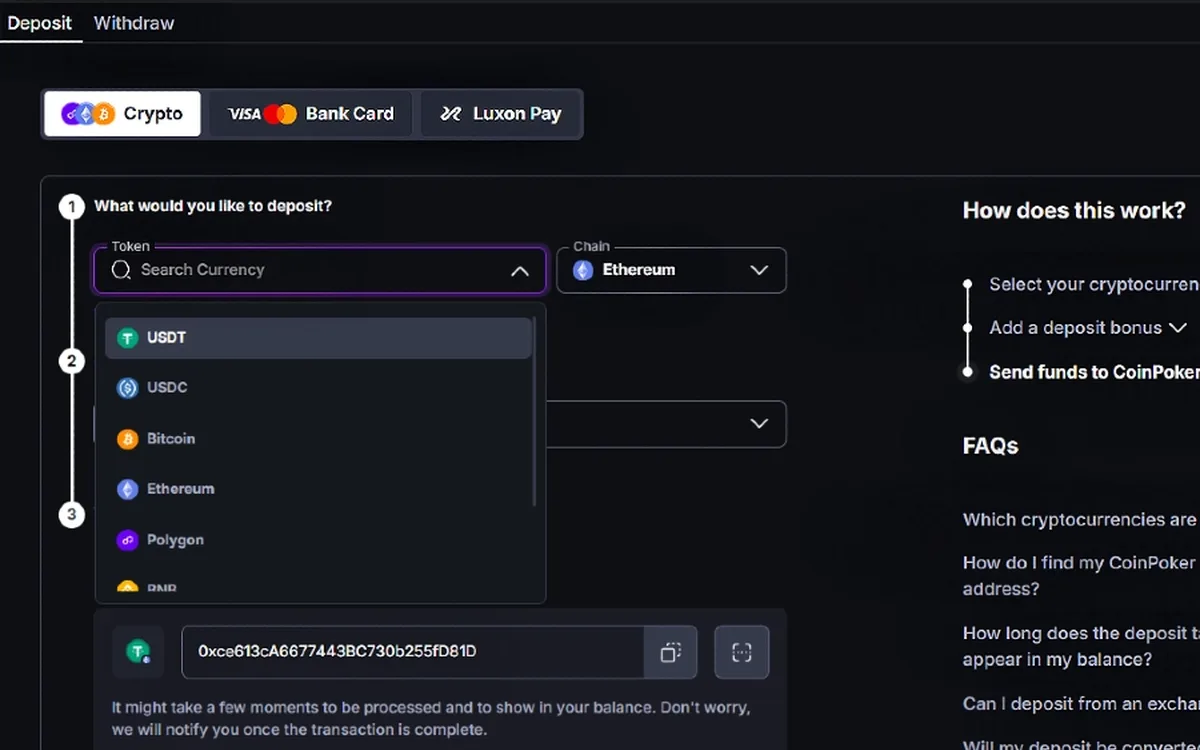
What the cashier accepts
Crypto deposits are accepted in USDT, USDC, BTC, ETH, SOL, BNB, POL and TRX, with no minimum or maximum and no fee charged by CoinPoker. Coins are automatically exchanged into USDT, so your balance shows dollar-pegged value rather than the coin you sent.
For players without crypto, the cashier lists bank cards from $20 up to about $2,200 per payment, Apple Pay and Google Pay from $20, Luxon Pay from $10, and Local Methods such as bank transfers or QR payments in selected regions. Limits differ slightly between official pages, so treat the figures the cashier shows you as final.
Depositing crypto step by step
The flow is identical on desktop and in the apps:
- 1Click the red wallet icon in the top-right corner (on a phone it is also in the bottom menu) and press Deposit.
- 2Pick the coin from the dropdown — USDT, BTC, POL and so on.
- 3On your first deposit only, choose the poker bonus from the “Select available bonus” menu.
- 4Copy the deposit address CoinPoker generates for you, or scan its QR code, and note which network it belongs to.
- 5Send the coins from your personal wallet or exchange on exactly that network.
- 6Wait for blockchain confirmations; the USDT equivalent usually appears in your balance within moments.
Networks and addresses: the costly mistakes
Sending USDT on one network to an address on another, or pasting an address with a typo, can mean the coins never arrive. Compare the first and last characters of the address after pasting, and make sure the network selected in your exchange matches the one shown in the cashier.
Some exchanges restrict transfers to gambling sites or may freeze funds coming back from them, and CoinPoker’s rules put that risk on the player. Read your exchange’s terms, or use a personal wallet whose keys only you hold as a buffer.
Cards, e-wallets and local methods
Choose Bank Card in the cashier, select a bonus if it is your first deposit and press Proceed to Payment. You are passed to a payment processor that depends on your region; it asks for the card number, expiry date, CVV and billing address, and some regions also confirm your phone or email.
Card deposits are usually instant but can occasionally take up to 24 hours because of the bank or processor. They are converted into USDT, and cards are not listed as a withdrawal route, so plan to cash out in crypto, or via Luxon Pay if you deposited with it.
The 150% welcome bonus
A first deposit of at least $10 qualifies for 150% up to $2,000, and any deposit above roughly $1,333 earns the maximum. The bonus is not paid upfront: each time you leave a cash table or a tournament ends, 10% of the fees you generated is released into your balance.
To unlock it in full you must generate fees worth ten times the bonus within 30 days, and whatever is still locked after that is forfeited. Released money is yours to keep, and the cashier shows how much remains below the Deposit and Withdrawal sections.
If a deposit hasn’t shown up
Look up the transaction hash in a block explorer: if it is still waiting for confirmations, the delay is on the blockchain side. When it is confirmed but the balance has not changed, email support with the hash, coin, network, amount and time, and do not resend the same transfer.
Finally, decide on a monthly budget before funding the account. Crypto makes topping up very fast, which is exactly why a fixed limit and the room’s timeout tools are useful.
FAQ
01Is there a minimum deposit on CoinPoker?
Crypto deposits have no minimum, though at least $10 is needed for the welcome bonus. Cards and Apple Pay or Google Pay start at $20, and Luxon Pay at $10.
02Does CoinPoker charge deposit fees?
The room says it charges no fees on any deposit method. Your exchange, wallet or bank may still take its own network or processing fee.
03Can I add the welcome bonus after my first deposit?
No. The bonus has to be selected from the menu during the first deposit and cannot be activated afterwards.
More CoinPoker guides
 How to Register on CoinPoker: Account Setup Step by Step (2026)Signing up for CoinPoker is one of the shortest registrations in online poker: an email, a password and a one-time code are enough to reach the lobby. The details you skip at sign-up still matter later, though, so this walkthrough covers the rules worth knowing before your first deposit.Read the guide
 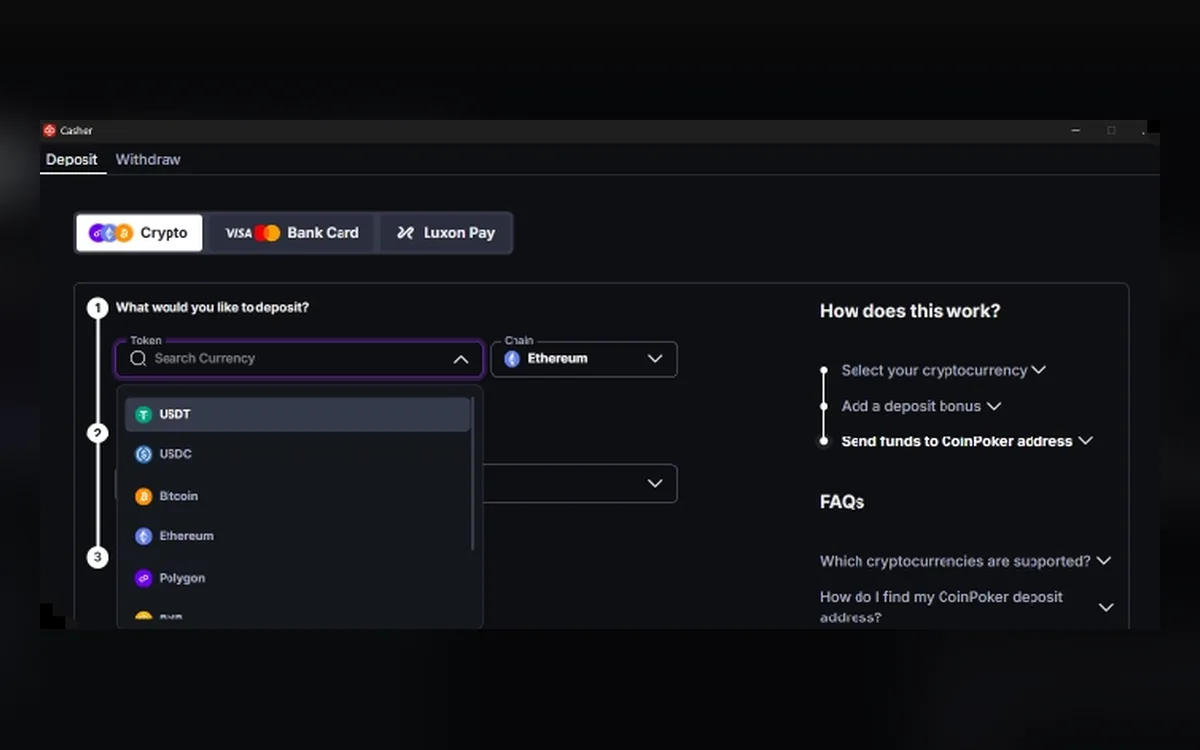 How to Withdraw from CoinPoker: Crypto Payouts, Fees and Limits (2026)Fast cashouts are CoinPoker’s main selling point, and most crypto withdrawals do land within minutes. A few rules about networks, fees and unplayed deposits decide whether yours is one of them.Read the guide
  CoinPoker Verification (KYC): When It Happens and What to Send (2026)CoinPoker advertises play without verification, and most players never upload a document. The Terms and the AML & KYC policy, however, keep the right to check anyone at any time, so it pays to know what may be asked and how to answer quickly.Read the guide
 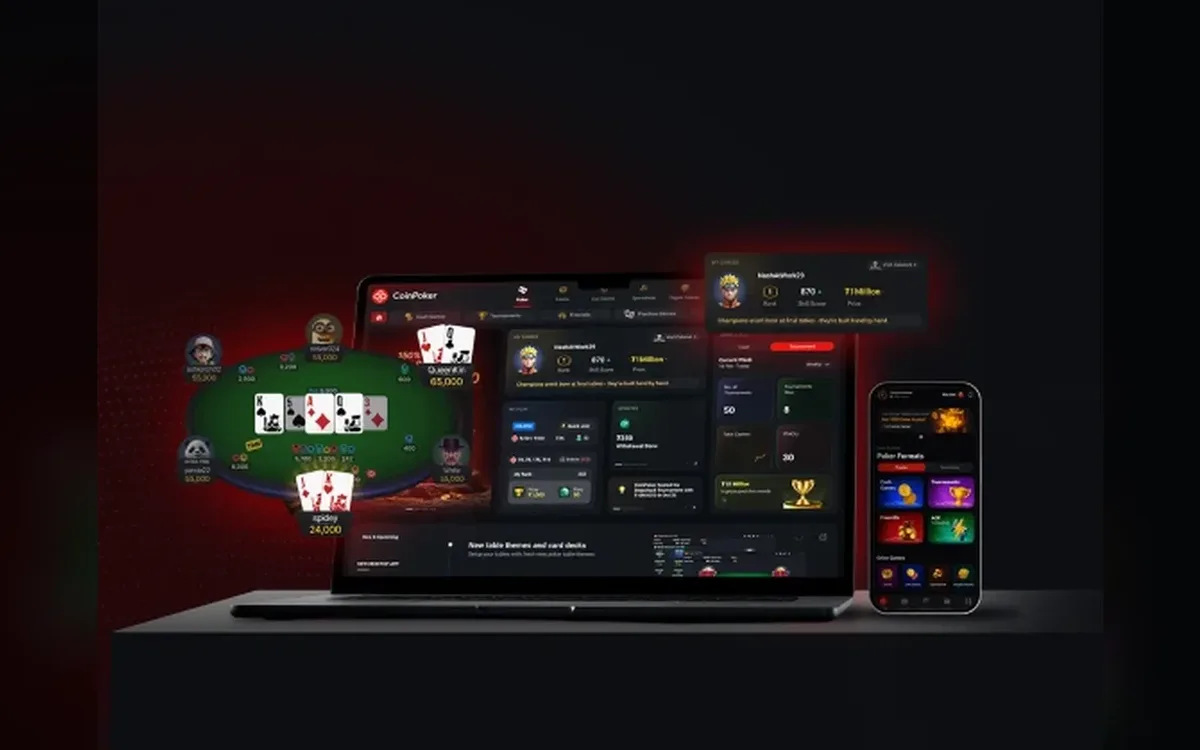 CoinPoker Not Working? Fixing Launch, Login and Connection Problems (2026)CoinPoker’s new client is heavier than many poker apps, and most problems come from an underpowered machine, blocked permissions or a failed auto-update. The checks below follow the room’s own help centre, in the order that solves issues fastest.Read the guide
  CoinPoker Games: Hold’em, PLO, K-Poker, Bomb Pots, Splash Pots and MTTs (2026)CoinPoker’s lobby goes well beyond classic Hold’em: it mixes several Omaha variants, a fast house format called K-Poker, double-board Bomb Pots and random Splash Pots. Here is how each format works and which tournaments carry the schedule.Read the guide
  CoinPoker on Mobile: Android APK, iPhone Install and Browser Play (2026)On Android, CoinPoker is installed as an APK from the official download page, and the iPhone build is distributed from that same page rather than through an app-store listing. There is also a full browser version, so every phone owner has at least one route to the tables.Read the guide