888poker Not Working? Fixes for Launch, Login and Connection Problems (2026)
When 888poker refuses to open or keeps dropping you from the tables, the cause is almost always local: an outdated system, a blocked connection, a damaged install or a client meant for a different version of the site. Work through the checks below before contacting support.
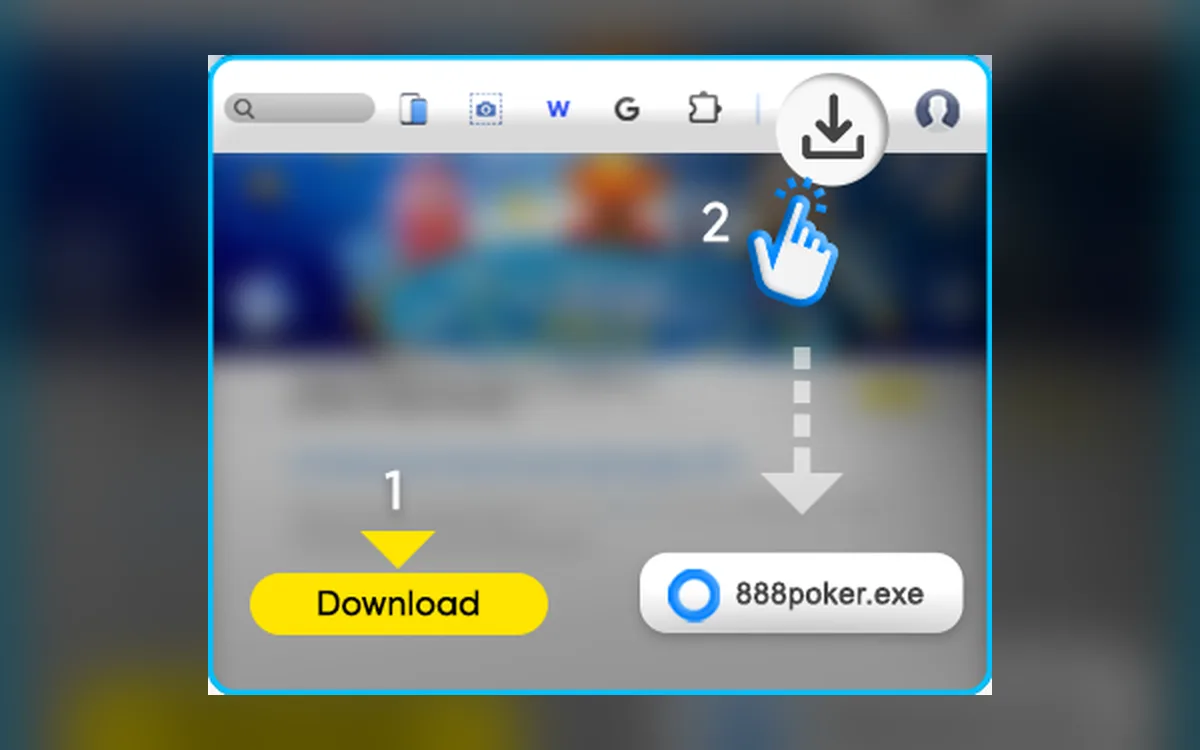
Is your device up to date?
888poker does not publish a detailed hardware spec for its desktop client, so the safe baseline is a supported, fully updated Windows 10 or 11, or a recent macOS release. The iPhone and iPad app requires iOS or iPadOS 15 or later, and the Android download page warns that older Android versions may not run the app properly.
Keep the client current as well. It normally updates itself on launch; if an update stalls halfway, closing the program and starting it again usually lets it finish.
The client won’t install or open
Most launch problems are solved by going through this list in order:
- 1Download the installer again from the official site; the same link serves a Windows .exe or a macOS zip archive, so check that the right one arrived.
- 2On a Mac, unzip the archive, drag 888poker into Applications and, if macOS blocks it, allow it under Privacy & Security.
- 3On Windows, run the installer and the client with administrator rights if the window flashes and disappears.
- 4Close screen recorders, overlays and other poker software that hooks into table windows, then try again.
- 5If it still fails, open the browser version with the same login to confirm that the account itself is fine.
Disconnections and lag at the tables
A dropped connection in a SNAP pool or a BLAST game hurts more than at a slow table, because the timer keeps running. Prefer a cable over Wi-Fi, pause large downloads and streaming on the same network, and close tables you are not actively playing.
If the problem appears only at certain hours or on one network, your provider is a likelier culprit than 888poker. Mobile players should also watch for battery-saving modes that cut background data when the screen dims.
Firewall, antivirus and VPN
Security software sometimes quarantines a freshly updated client or blocks its traffic. Add 888poker to the exceptions of your antivirus and Windows Defender Firewall or the macOS firewall instead of switching protection off for long.
Disconnect any VPN while you play, since a changing IP address can interrupt the session or trigger a security check. Playing through a VPN from a country where 888poker is not available is prohibited: the account will be closed, and under the operator’s terms the balance may be withheld.
Clean reinstall
If updates fail repeatedly, remove 888poker through Settings > Apps on Windows or by dragging it to the Trash on a Mac, then delete leftover 888poker folders in AppData or Library/Application Support. Download a fresh copy from the official site and log in again; your balance and history live on the server, not on your computer.
Login problems
Use Forgot Password on the login screen if you are unsure of your password, and remember that several failed attempts may lock the account temporarily. Check that the client belongs to your site: an account opened on the UK site generally will not log in through the international client, and the same goes for the separate New Jersey and Ontario platforms.
If 888poker asks for a code sent to your email or phone, check spam and make sure the number in your profile is current. Planned maintenance is announced in the client, so look there before reinstalling anything.
FAQ
01Why does 888poker say my account doesn’t exist?
Most often you are logging in to a different version of the site than the one you registered on, such as the international client with a UK account. Download the client from your own site.
02Can I play 888poker without downloading anything?
Yes. The browser version uses the same account and is a handy fallback while you repair a broken desktop install.
03Is it safe to switch off my antivirus for 888poker?
Only briefly, to test whether it is the cause. The proper fix is to add the client to the exceptions and turn protection back on.
More 888poker guides
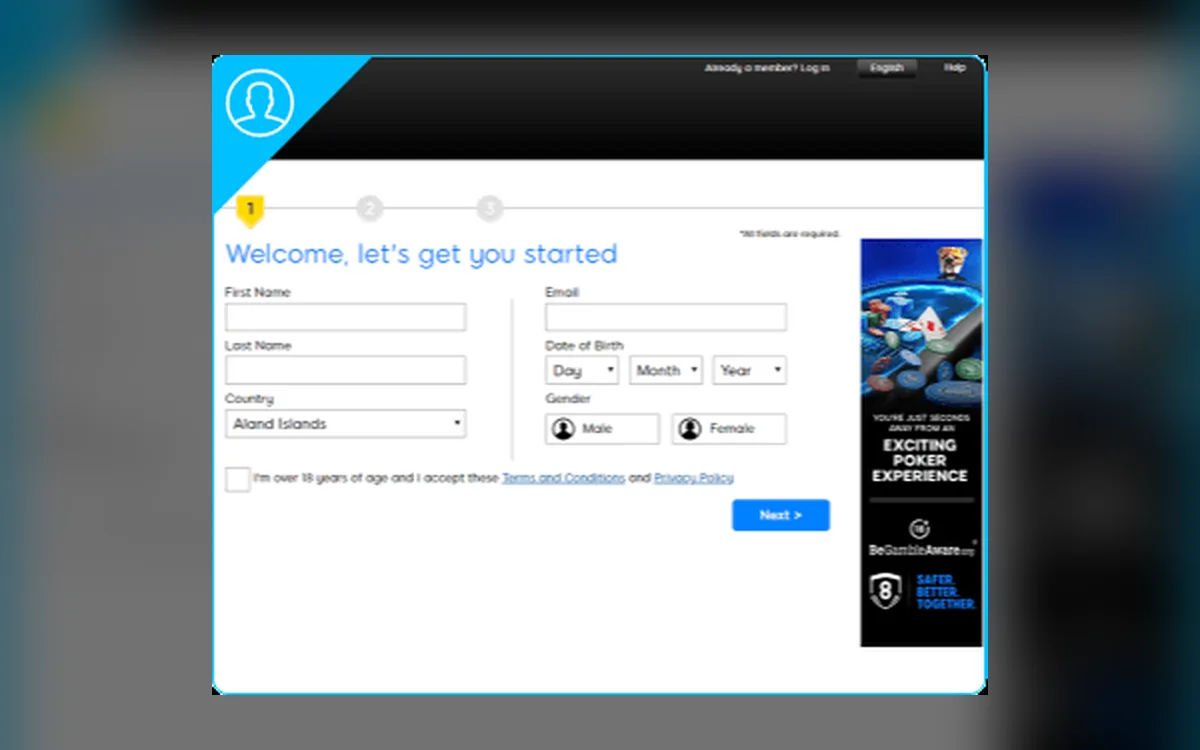 How to Register on 888poker: Sign-Up and the $8 Free Bonus (2026)Signing up on 888poker takes a few minutes, and a confirmed email or phone number immediately unlocks $8 in free tournament tickets. First, make sure you are on the right version of the site for your country.Read the guide
  How to Deposit on 888poker: Methods, $10 Minimum and Bonus (2026)888poker has one of the lowest entry points among licensed rooms: the first deposit starts at $10, €10 or £10. The cashier is simple, but the method you pick also decides how you can withdraw, and there is no cryptocurrency option at all.Read the guide
  888poker Withdrawals: Methods, Timing and the Pending Period (2026)Cashing out from 888poker happens in the same cashier you deposit with, but payouts are not instant. Knowing which methods accept withdrawals, what can hold a request and how long each stage usually takes saves a lot of anxious refreshing.Read the guide
 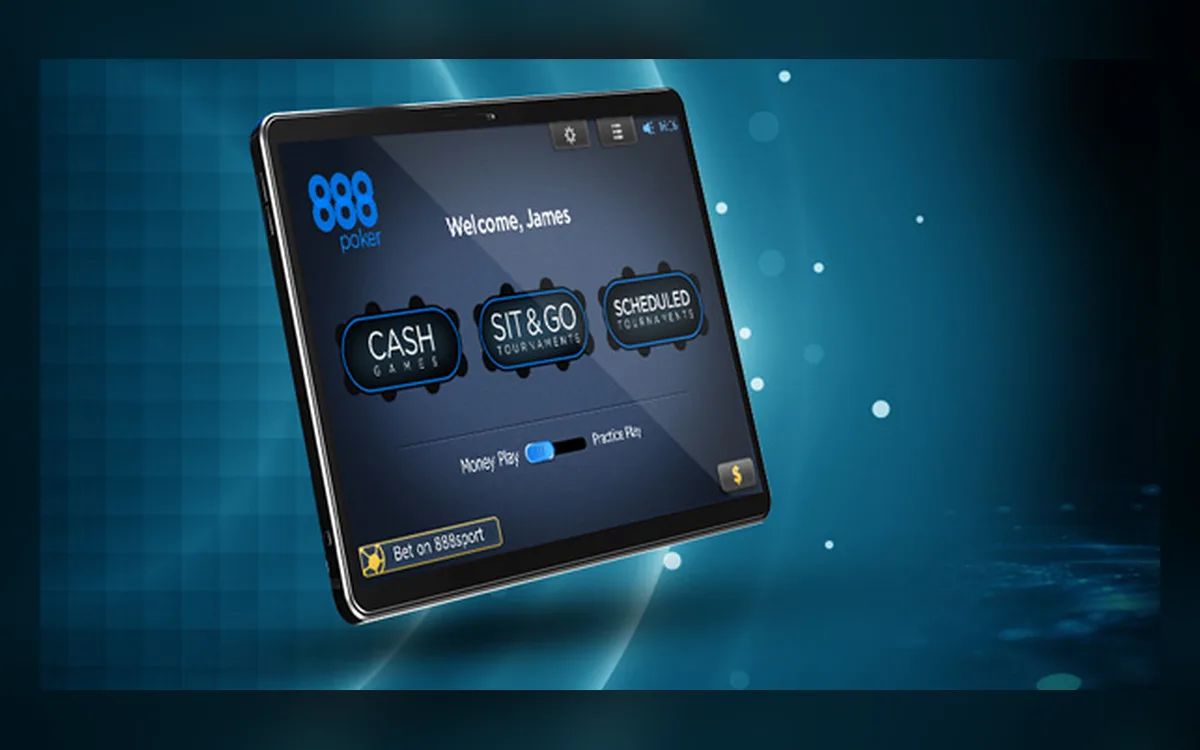 888poker Verification (KYC): Documents, Upload and Tips (2026)888poker is a Gibraltar-licensed operator, so sooner or later it will want to confirm who you are. The check is usually quick when your files are sharp and match your profile, and slow when it turns into a back-and-forth about blurry photos.Read the guide
 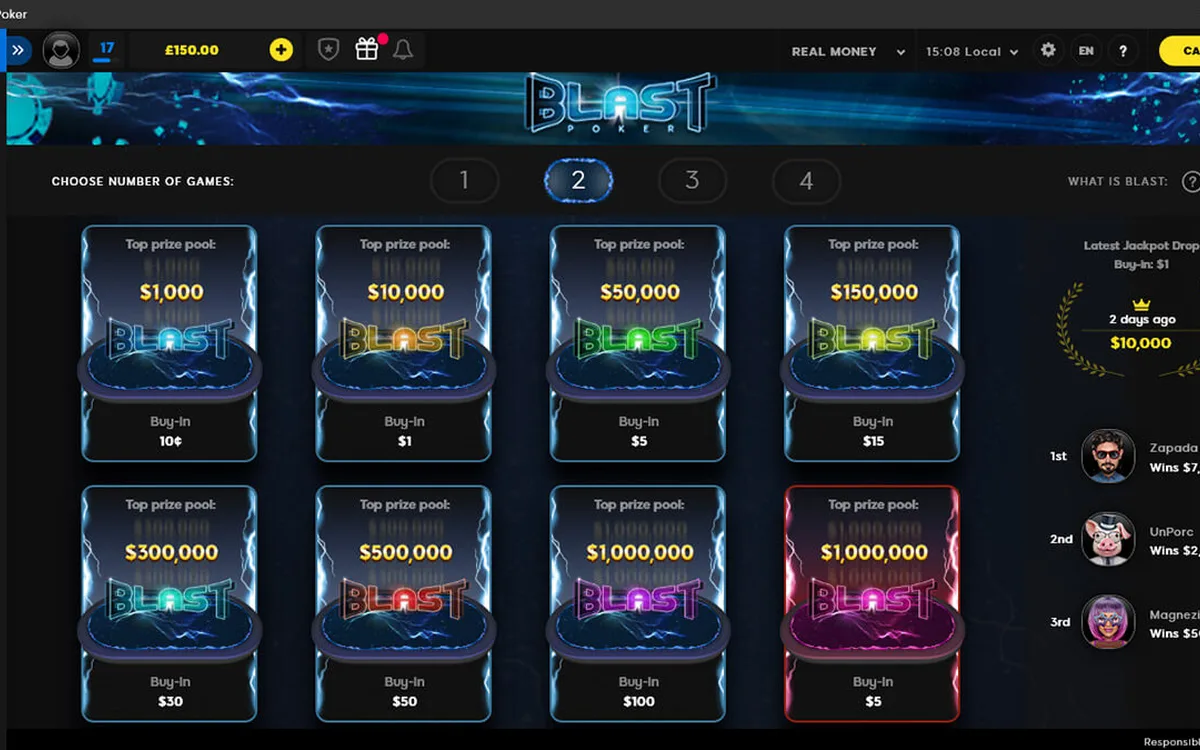 888poker Game Formats: SNAP, BLAST, Cash Games and XL Series (2026)888poker does not try to match GGPoker’s endless menu, but it has a handful of formats of its own and a busy tournament calendar. Here is what you will find in the lobby and who each format suits.Read the guide
 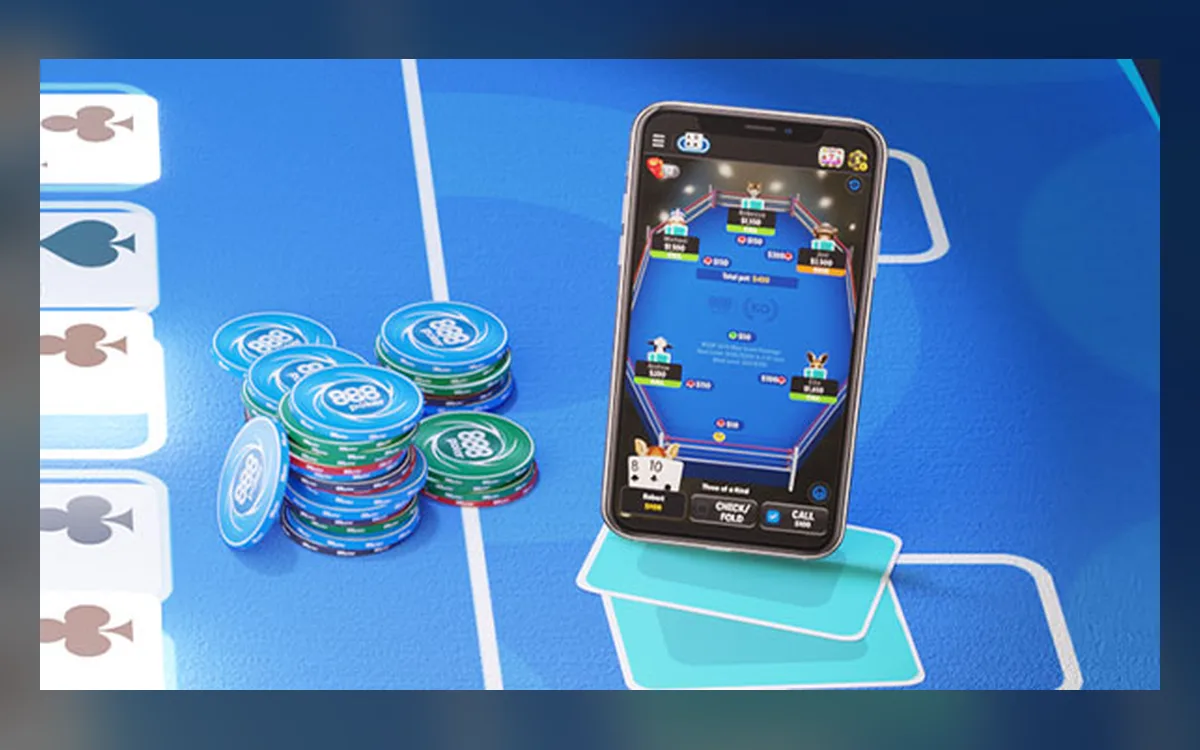 888poker Mobile App: iOS, Android APK and Features (2026)888poker runs on phones and tablets with the same account and balance as on desktop. The iPhone version comes from the App Store, while on Android the international site usually hands out an installation file instead of a store listing.Read the guide